85
Information
Show information about receiver settings, input signals, etc.
Items Setting details
Status
Show information about
current settings.
n MAIN ZONE
This item shows information about settings for MAIN ZONE.
The information displayed differs according to the input source.
Select Source / Name / Surround Mode / Input Mode /
Decode Mode / Assign / Video Select / Video Mode /
Content Type etc.
n ZONE2
This item shows information about settings for ZONE2.
Power / Select Source / Volume Level
“Volume Level” for ZONE2 is displayed when “Amp Assign” is set to
“ZONE2”.
Audio Signal
Show information about
audio input signals.
Surround Mode : The currently set surround mode.
Signal : The input signal type.
fs : The input signal’s sampling frequency.
Format : The number of channels in the input signal (front, surround, LFE).
Offset : The dialogue normalization correction value.
Flag : This is displayed when inputting signals including a surround back
channel. “MATRIX” is displayed with Dolby Digital EX and DTS-ES Matrix
signals, “DISCRETE” with DTS-ES Discrete signals.
Dialogue normalization function
This function is automatically activated when playing Dolby Digital
sources.
It automatically corrects the standard signal level for individual program
sources.
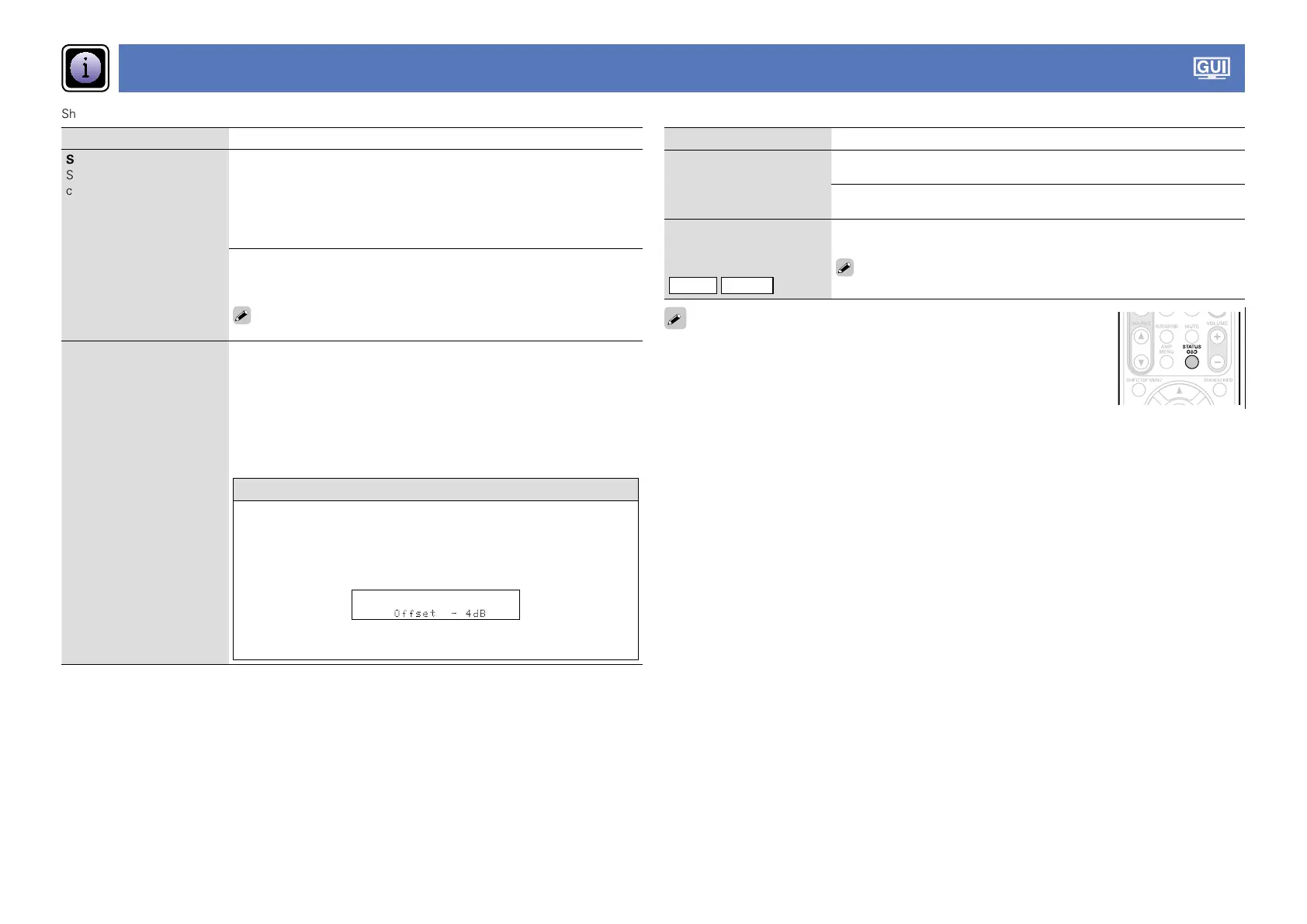
The correction value can be checked using the
STATUS on the main unit.
The figure is the corrected value.
This cannot be changed.
Items Setting details
HDMI Information
Show information about
HDMI input/output signals
and monitor.
Signal Info.
•Resolution / Color Space / Pixel Depth
Monitor Info.
•Interface / Support Resol.
Preset Channel
Show information about
preset channels.
TUNER
NET/USB
Preset 1 – 3
A1 – G8
“Preset 1 – 3” is displayed when the input source is “NET/USB”.
Even if STATUS OSD is pressed, the Information screen (Status, Audio Signal,
HDMI Information) can be displayed.















 To Next Page