35
Playing a network audio
Listening to internet radio
1
Prepare for playback.
q Check the network environment, then turn on this unit’s
power (vpage14 “Connecting to a home network
(LAN)”).
w If settings are required, make the “Network Connect.”
(vpage92).
2
Press NET/USB twice to switch
the input source to “NET/USB”.
3
Press ui to select “Internet
Radio”, then press ENTER or p.
•Selecting “Internet Radio” in the “Source
Select” menu, lets you directly select
“Internet Radio”.
4
Press ui to select the item you
want to play, then press ENTER
or p.
5
Repeat step 4 until the station list is displayed.
The station list is displayed.
6
Press ui to select the station, then press ENTER or
p.
Playback starts once buffering reaches “100%”.
•There are many Internet radio stations on the Internet, and the
quality of the programs they broadcast as well as the bit rate of the
tracks varies widely.
Generally, the higher the bit rate, the higher the sound quality, but
depending on the communication lines and server traffic, the music
or audio signals being streamed may be interrupted. Inversely, lower
bit rates mean a lower sound quality but less tendency for the sound
to be interrupted.
•“Server Full” or “Connection Down” is displayed if the station is
busy or not broadcasting.
•On this unit, folder and file names can be displayed as titles. Any
characters that cannot be displayed are replaced with “.” (period).
•To play back compressed audio with extended bass or treble
reproduction, we recommend playback in M-DAX mode
(vpage84). The default setting is “OFF”.
•You can specify the duration of the on-screen display to be displayed
(default: 30 sec) at menu “NET/USB” (vpage 97). Press uio
p to return to the original screen.
•When STATUS on the main unit is pressed, the display can be
switched between the title name and radio station name.
nPlaying the last played Internet radio station
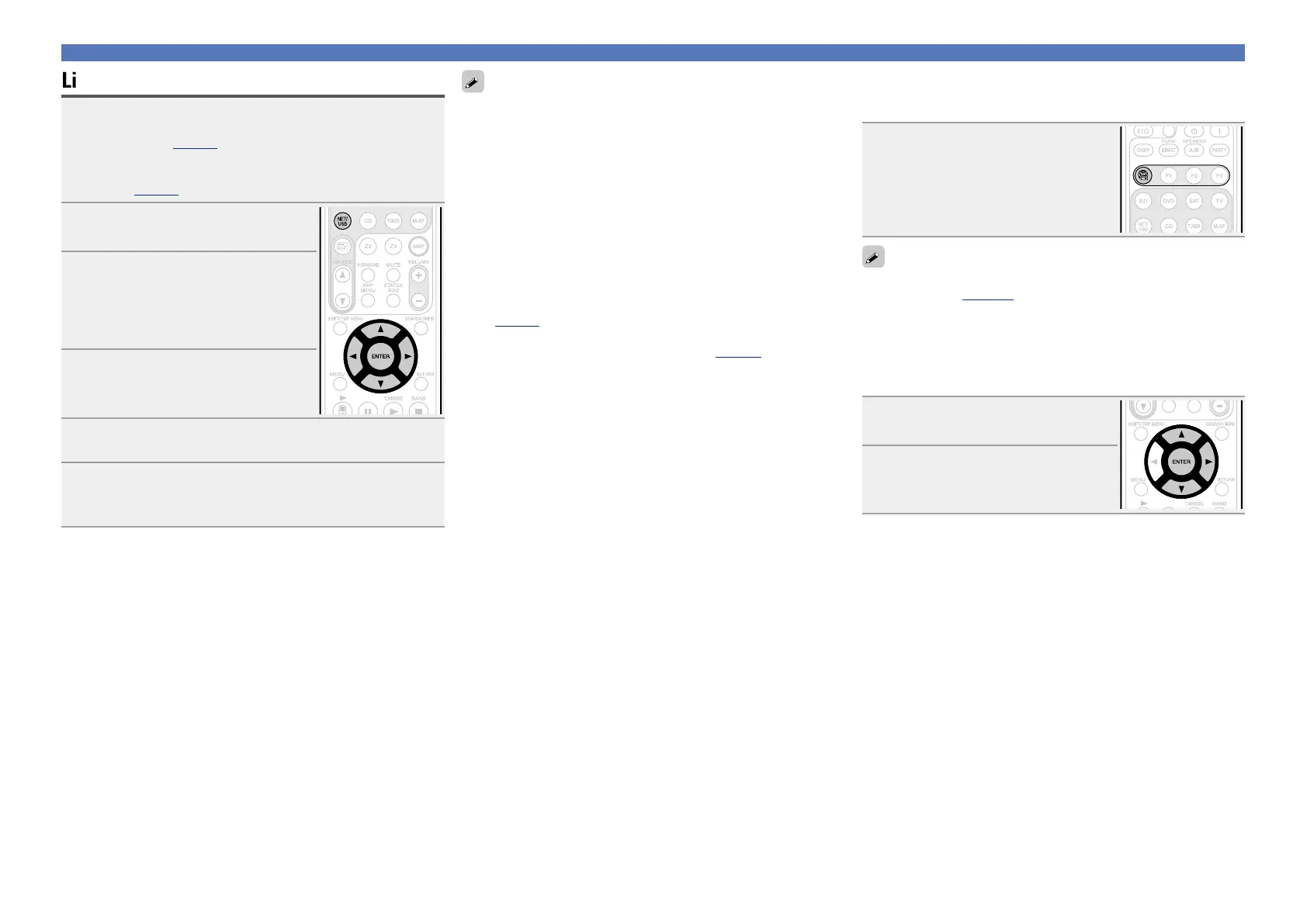
Simply press V to switch the input source to “Internet Radio”
and play the last played radio station.
Press V.
The source switches to “Internet Radio” and
the last played radio station plays.
When V is pressed, the NET/USB-operation mode starts
automatically (vpage106).
nRecently played internet radio stations
Recently played internet radio stations can be selected from
“Recently Played”.
Up to 20 stations stored in “Recently Played”.
1
Press ui to select “Recently
Played”, then press ENTER or p.
2
Press ui to select the item you
want to play, then press ENTER
or p.















 To Next Page