26
niPod operation
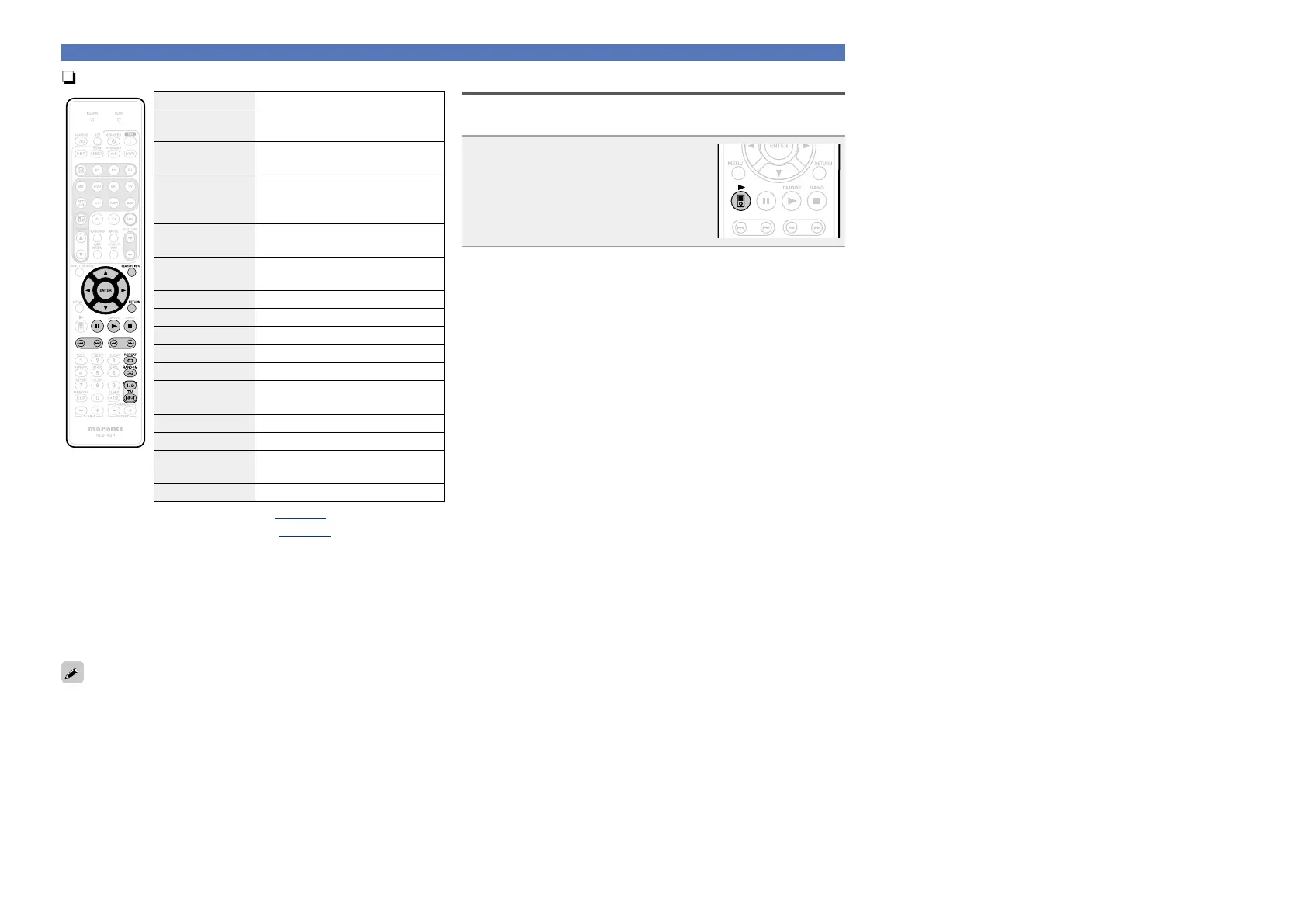
Operation buttons Function
SEARCH/INFO
(Press and release)
Page search
z1
/ Character sort
z2
SEARCH/INFO
(Press and hold)
Remote / Direct mode switching
uio p
Cursor operation /
Auto search (cue, ui) /
Manual search (Press and hold, ui)
ENTER
(Press and release)
Enter / Pause
ENTER
(Press and hold)
Stop
RETURN Return
3
Pause
1
Playback / Pause
2
Stop
8 9
Auto search (cue)
6 7
(Press and hold)
Manual search
(fast-reverse/fast-forward)
REPEAT 0
Repeat playback
RANDOM 1
Random playback
TV Z / X
TV power on/standby
(Default : marantz)
TV INPUT Switch TV input (Default : marantz)
•Repeat playback (vpage104 “Repeat”)
•Random playback (vpage104 “Random”)
z
1
When the menu screen is displayed, press SEARCH/INFO, then
press o (previous page) or p (next page).
To cancel, press ui or SEARCH/INFO twice.
z2 When the menu screen is displayed, press SEARCH/INFO twice,
then press o p to select the first letter you want to search mode.
•If it is not possible to search the list, “unsorted list.” is displayed.
To cancel, press ui or SEARCH/INFO.
If the list is not in alphabetical order, you may not be able to perform
a character sort.
Playing an iPod
iPod play function
If 21 is pressed when an iPod (USB) is connected, the iPod starts
playback.
Press 21.
•This unit’s input source switches to
“NET/USB”.
•iPod playback starts.















 To Next Page