74
Sleep timer function
This is useful when you want to sleep while listening in ZONE2.
1
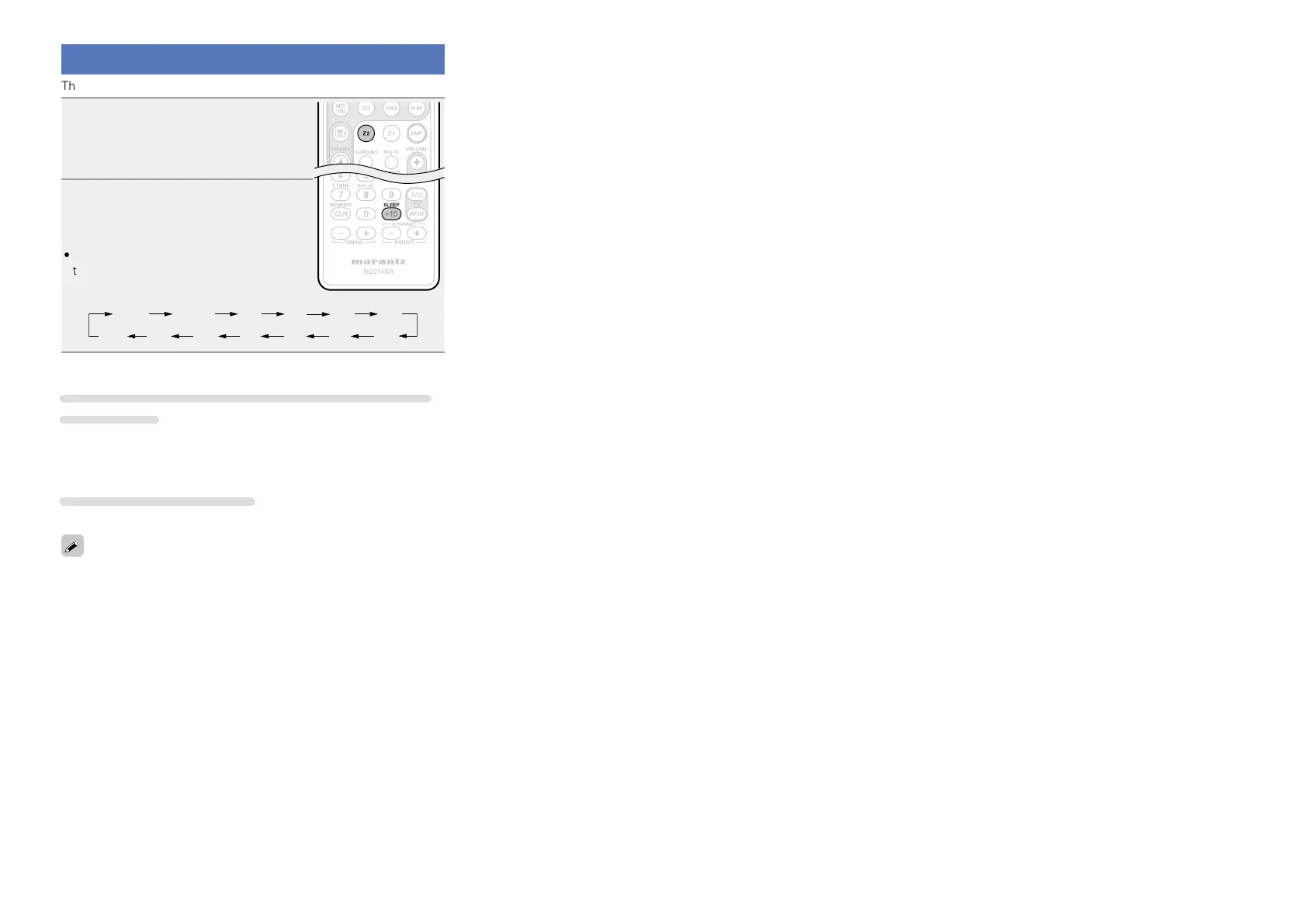
Press Z2 to set the remote con-
trol unit to
ZONE2-operation mode.
2
Press SLEEP and display the
time you want to set.
•The time switches as shown below each
time SLEEP is pressed.
6080 7090100
110
120
To confirm the countdown time before putting the
unit to sleep
Press SLEEP.
“Z2 Sleep : zmin” appears on the display.
z Countdown time
To cancel the sleep timer
Press SLEEP to set “OFF”.
The sleep timer is also canceled when the ZONE2 power is turned off.















 To Next Page