23
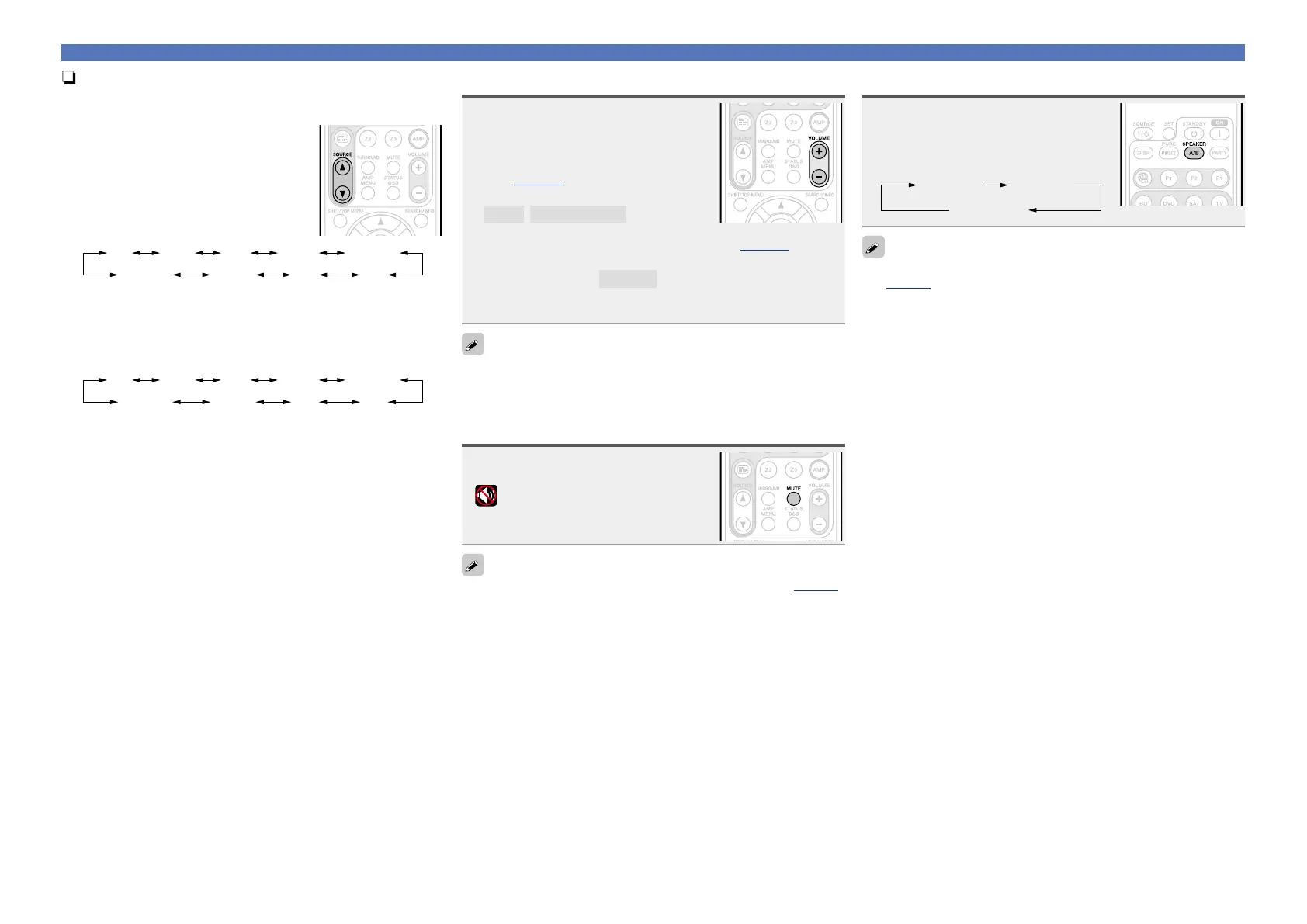
nUsing the SOURCE
d f button on the remote
control unit
Press SOURCE d or SOURCE f.
•Every time you press
SOURCE d or
SOURCE f, the input source switches in
the following order.
DVD SATBD
TUNERM-XPort
GAME
CD
NET/USB
TV
nUsing the knob on the main unit
Turn INPUT SELECTOR.
•Every time you turn
INPUT SELECTOR, the input source switches
in the following order.
DVD SATBD
TUNERM-XPort
GAME
CD
NET/USB
TV
Adjusting the master volume
Use VOLUME +, – to adjust the
volume.
n When the “Volume Display” setting
(vpage96) is “Relative”
GAdjustable rangeH
– – –
–80.5dB – 18.0dB
n When the “Volume Display” setting (vpage96) is
“Absolute”
GAdjustable rangeH
0.0 – 99.0
•The variable range differs according to the input signal and channel
level setting.
You can also operate via the main unit. In this case, perform the
following operations.
Turn VOLUME to adjust the volume.
Turning off the sound temporarily
Press MUTE.
•“MUTE” indicator on the display lights.
•
appears on a TV screen.
•The sound is reduced to the level set at “Mute Level” (vpage96).
•To cancel, press MUTE again. Muting can also be canceled by
adjusting the master volume.
Set the front speakers to be used
Press SPEAKER A/B.
•Each time you press SPEAKER A/B,
the front speaker setting will change as
follows.
Front Sp A
Front Sp A+B
Front Sp B
If you use front speakers A and B, set “Amp Assign” to “Front B”
(vpage87) in advance.
Important information















 To Next Page