46
Selecting a listening mode (Surround mode)
This unit can play input audio signals in multi-channel surround mode or in stereo mode.
Select a listening mode suitable for the playback contents (movie, music, etc.) or according to your liking.
Selecting a listening mode
1
Play the selected device
(vpage 24 – 27).
2
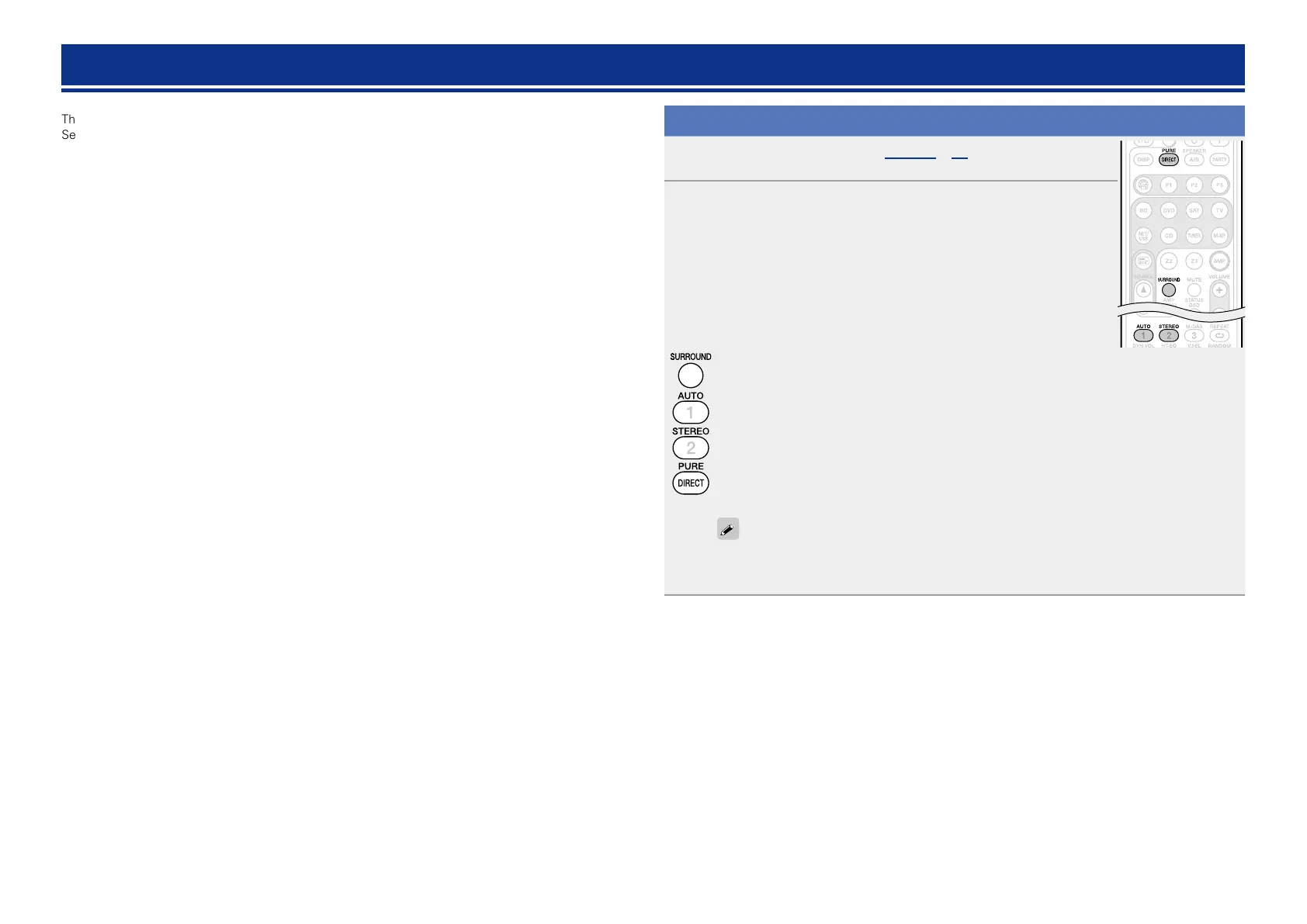
Press SURROUND, AUTO, STEREO or PURE DIRECT to select a
listening mode.
•Each time SURROUND, AUTO, STEREO or PURE DIRECT is pressed, the listening
mode is switched.
Various types of surround sound can be selected to match the source being played back. Press
SURROUND until the desired surround mode is reached.
This mode detects the type of input digital signal, and automatically selects the corresponding
mode for playback.
Switches the listening mode to Stereo mode.
Switches the listening mode to Direct or Pure Direct mode. In DIRECT mode, the audio is played
back exactly how it was recorded.
When PURE DIRECT mode is selected, the PURE DIRECT indicator on the unit lights.
The listening mode can also be selected in the same way for the SURROUND MODE on the
main unit.
AUTO and STEREO are effective only when the remote control unit is in AMP-operation mode.















 To Next Page