38
nInternet radio operation
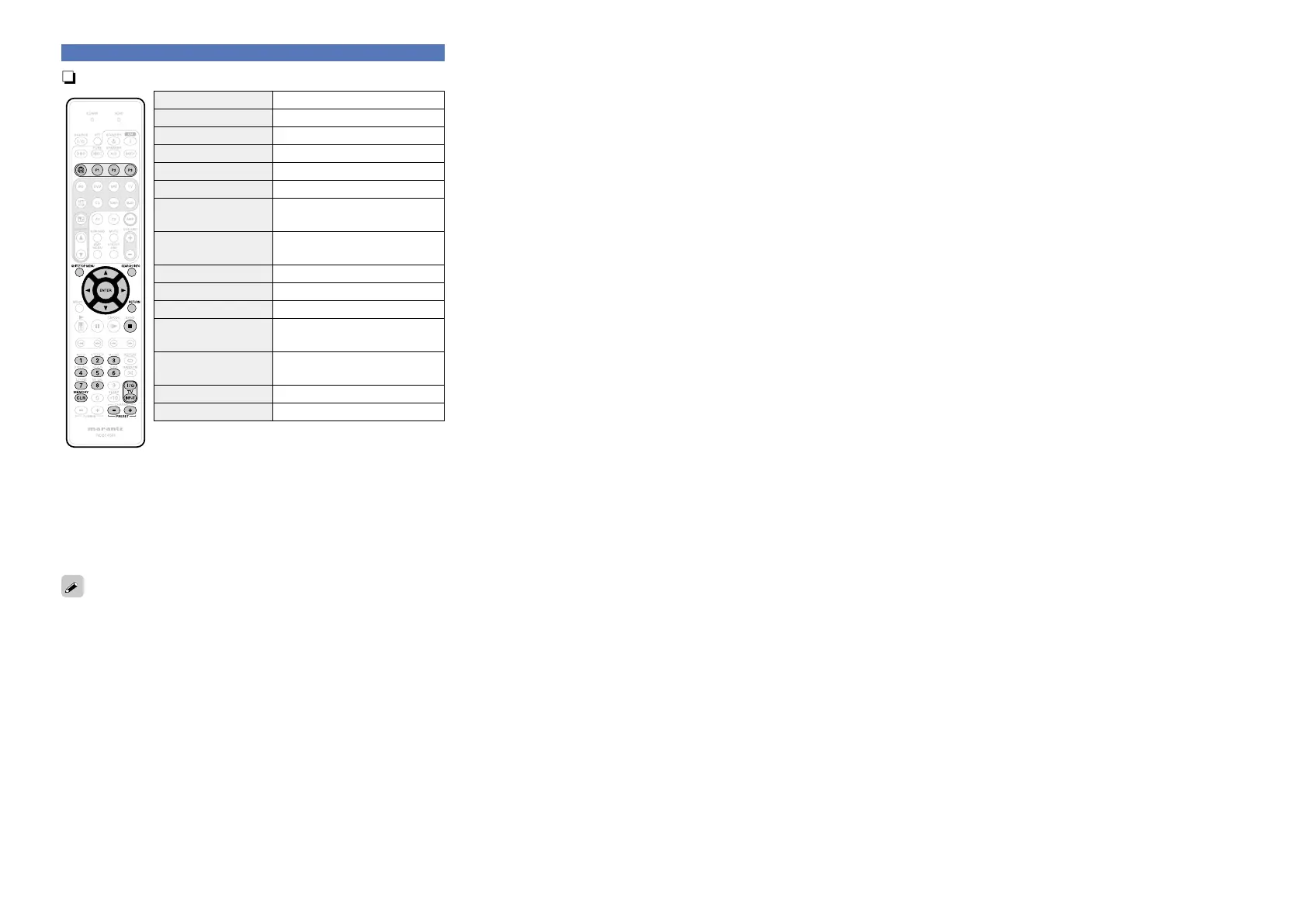
Operation buttons Function
V
Last played internet radio station
P1 – P3 Preset channel (1 – 3) selection
SHIFT/TOP MENU Preset channel block selection
SEARCH/INFO Page search
z1
/ Character sort
z2
uio p
Cursor operation
ENTER
(Press and release)
Enter
ENTER
(Press and hold)
Stop
RETURN Return
2
Stop
1 – 8 Preset channel selection
MEMORY
Favorites / Preset memory
registration
TV Z / X
TV power on/standby
(Default : marantz)
TV INPUT Switch TV input (Default : marantz)
PRESET +, – Preset channel (A1 – G8) selection
z
1
When the menu screen is displayed, press SEARCH/INFO, then
press o (previous page) or p (next page).
To cancel, press ui or SEARCH/INFO twice.
z2 When the menu screen is displayed, press SEARCH/INFO twice,
then press o p to select the first letter you want to search mode.
•If it is not possible to search the list, “unsorted list.” is displayed.
To cancel, press ui or SEARCH/INFO.
If the list is not in alphabetical order, you may not be able to perform
a character sort.
Playing a network audio















 To Next Page