81
Surr.Parameter
Default settings are underlined.
Adjust surround sound parameters. It may not be possible to set this item depending on the input signal
(vpage120 “Surround modes and surround parameters”).
NOTE
•You cannot set the surround parameters in the PURE DIRECT mode.
•During playback in PURE DIRECT mode, the surround parameters are the same as in DIRECT mode.
Setting items Setting details
HT-EQ
Soften the treble range
of movie soundtracks for
better understanding.
ON : “HT-EQ” is used.
OFF : “HT-EQ” is not used.
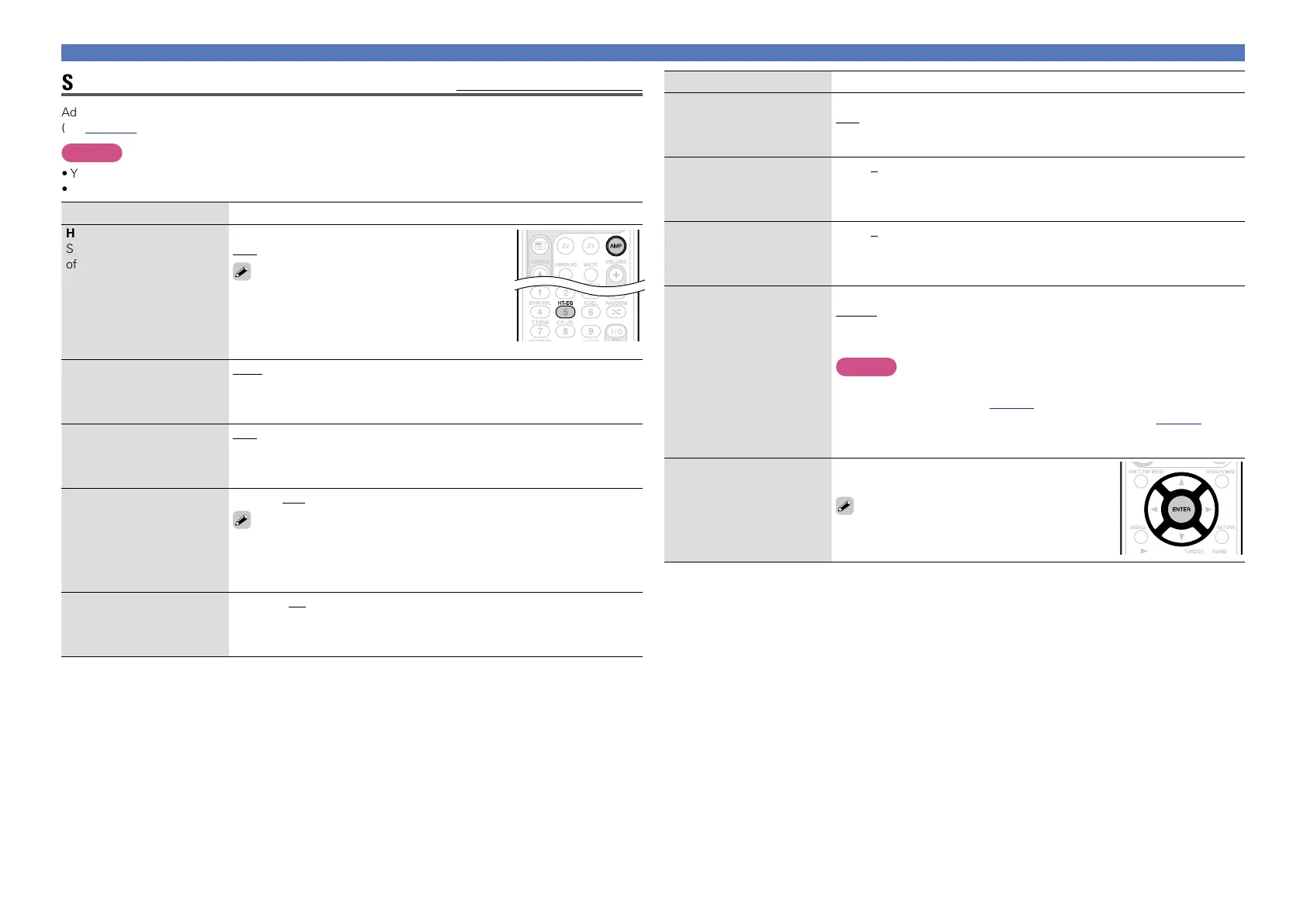
Buttons on the remote control unit can be used
for operations.
q Press AMP to set the remote control unit to
AMP-operation mode.
w Press HT-EQ.
DRC
Compress dynamic range
(difference between loud
and soft sounds).
Auto : Automatic dynamic range compression on/off control according to
source. This can be set in the Dolby TrueHD mode.
Low / Middle / High : These set the compression level.
OFF : Dynamic range compression always off.
D.Comp
Compress dynamic range
(difference between loud
and soft sounds).
OFF : Turn dynamic range compression off.
Low / Middle / High : These set the compression level.
LFE
Adjust the low-frequency
effects level (LFE).
–10dB – 0dB
For proper playback of the different sources, we recommend setting
to the values below.
•Dolby Digital sources : “0dB”
•DTS movie sources : “0dB”
•DTS music sources : “–10dB”
C.Image
Assign center channel
signal to front left and right
channels for wider sound.
0.0 – 1.0 (0.3)
Audio Adjust
Setting items Setting details
Panorama
Assign front L/R signal also
to surround channels for
wider sound.
ON : Set.
OFF : Do not set.
Dimension
Shift sound image center
to front or rear to adjust
playback balance.
0 – 6 (3)
C.Width
Assign center channel
signal to front left and right
channels for wider sound.
0 – 7 (3)
Height Gain
Control the front height
channel volume.
Low : Reduce the front height channel volume.
Middle : Front height channel sound is output with standard sound
volume.
High : Increase the front height channel volume.
NOTE
“Height Gain” is displayed for the following settings.
•When “Amp Assign” (vpage87) is set to “F.HEIGHT”.
•When the “Speaker Config.” – “F.Height” setting (vpage 88) is set
other than to “None”.
•When surround mode is “PLgz” or the PLgz decoder is used.
Default
The “Surr.Parameter”
settings are returned to the
default settings.
Yes : Reset to the defaults.
No : Do not reset to the defaults.
When you select “Default” and press ENTER,
the “Return settings to the default?” prompt
is displayed. Select either “Yes” or “No”, and
press
ENTER.















 To Next Page