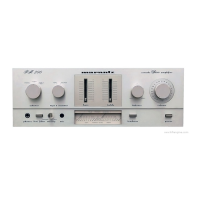
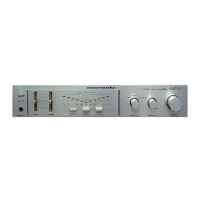
1. SERVICE MODE
Microprocessor (U1001) version check
(1) Connect the mains cord into the unit.
(2) Press the POWER button with pressing the SOURCE DIRECT button on the Unit.
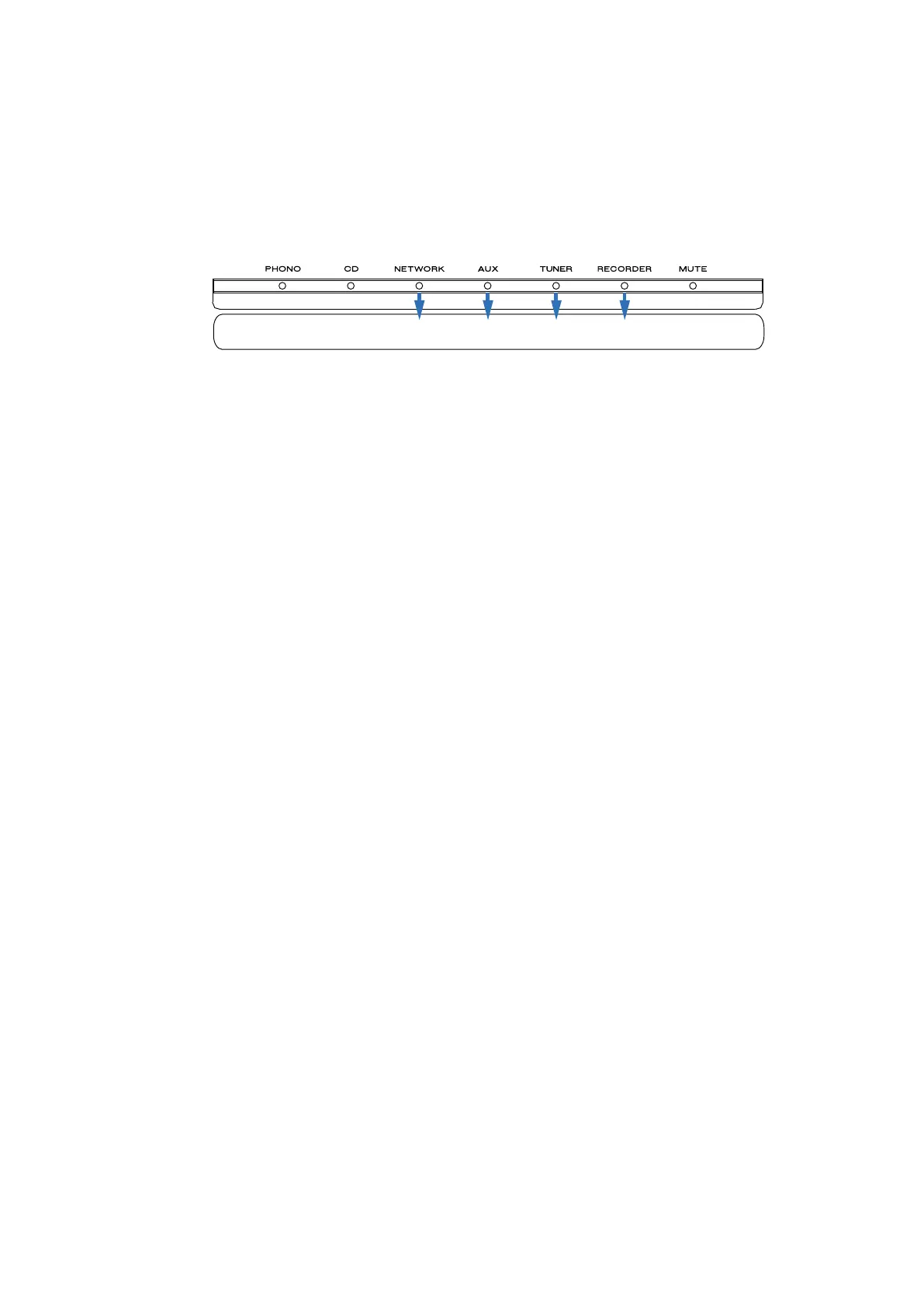
(3) The rmware version is displayed on the front LED. (Display time is only for 3 seconds.)
The rmware version is displayed in the lighting position of LED.
Ex. :
Light up RECORDER- [1 ], Version : 1
Light up RECORDER- [1 ] and AUX [4 ], Version : 5
Light up RECORDER- [1 ] and NETWORK [8 ], Version : 9
(4) Each LED light up then all LED light up.
(5) Turn off the power to quit Service Mode. (The unit to the default status)
(6) This completes the procedure for N region. For all other regions, complete steps (7) and (8).
s
(7) Press the power button to turn on the power.
s
(8) Hold down buttons SOURCE DIRECT for at least 5 seconds while the power is on.
s
The power display ashes once and the auto standby mode is OFF.
124Version: 8
SPECIAL MODE
15



 To Next Page