MR 150M–1050M SINGLE – MXIII CONTROLLER
OPERATION
36
DIAGNOSTIC PROGRAMMING GUIDE
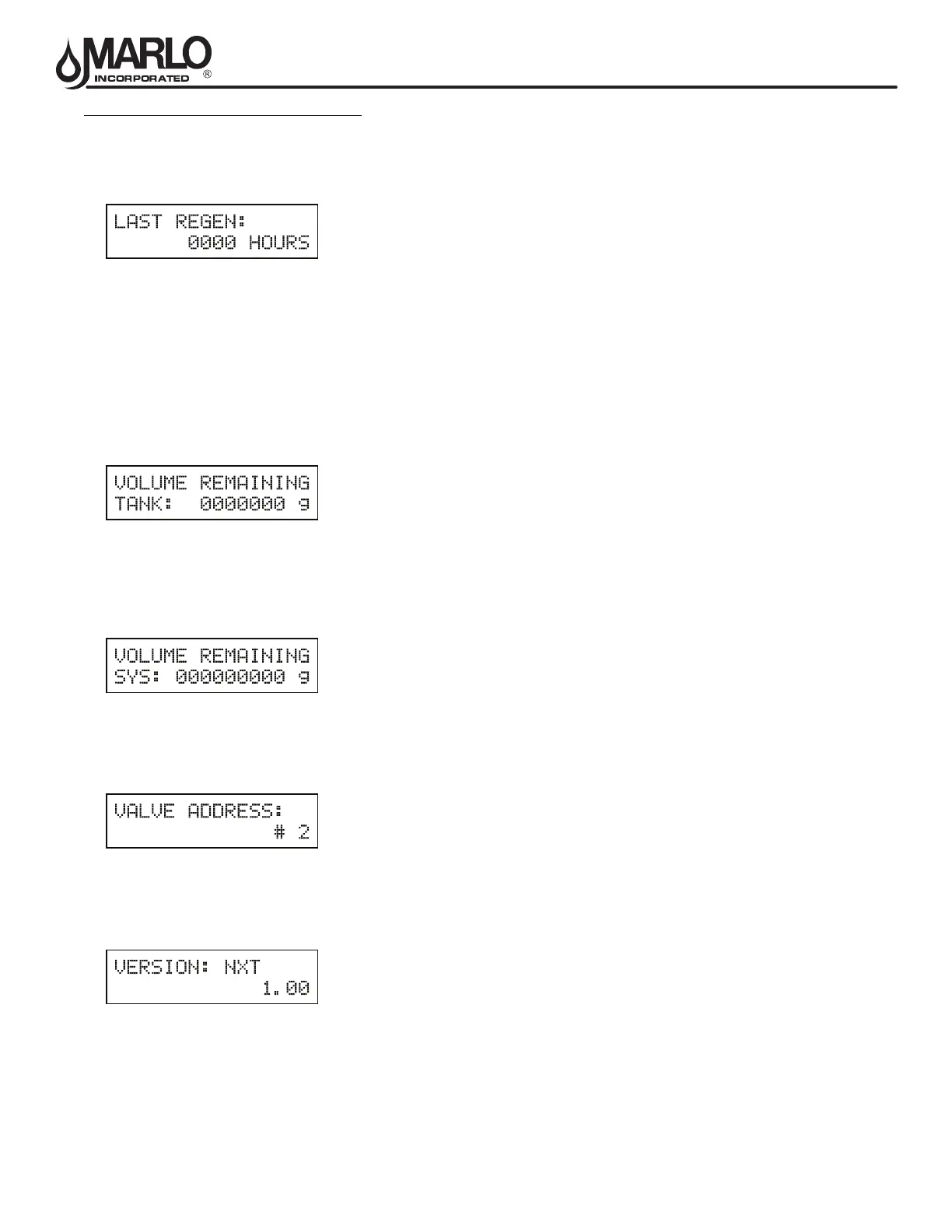
Hours Since Last Regeneration
The hours since the last regeneration will be saved and displayed.
1. Depress the Extra Cycle button.
Volume Remaining (This Tank Only)
Volume remaining in the current tank will be adjustable when displayed in this mode. Regeneration will occur if set
to zero.
NOTE: Volume Remaining will not display for System Type 6.
The maximum ranges are the same as the maximum volume calculated on the main screen.
1. Press the Shift button to select the digit you want to modify.
2. Use Up or Down buttons is used to adjust this value.
3. Depress the Extra Cycle button
Volume Remaining (System)
Volume remaining in the system cannot be edited when displayed in this mode, except for the Lead unit. It can only be
viewed on the Lag unit.
1. Depress the Extra Cycle button
Valve Address
This diagnostic display is for 2 control valves or more in a system (a single valve will not display).
1. Depress the Extra Cycle button.
Software Version
The electronic timer’s software program version number will be displayed.
1. Depress the Extra Cycle button to exit.
NOTE: Diagnostic Mode programming will stop if the system goes into regeneration.



 To Next Page