38 / - Instruction Manual
4.5.1 Positioning the Dongle in the operating area
Wrong position Correct position
Do not place the Dongle near
other wireless devices such as
Wi-Fi
®
routers or similar.
Do not place the Dongle near
metal objects perpendicular to the
USB port accommodating the
Dongle itself.
Do not insert the Dongle into a
USB port that is obstructed by
other objects.
Place the Dongle near the operating
area using the clearest USB ports,
(e.g. those of the monitors).
If the placement of the Dongle in the
USB port is obstructed, place the
Dongle on a flat surface with a
surrounding free space of about 50
cm. In this case it is advisable to use
an adapter for panel mounting (see
paragraph 4.5.1.1).
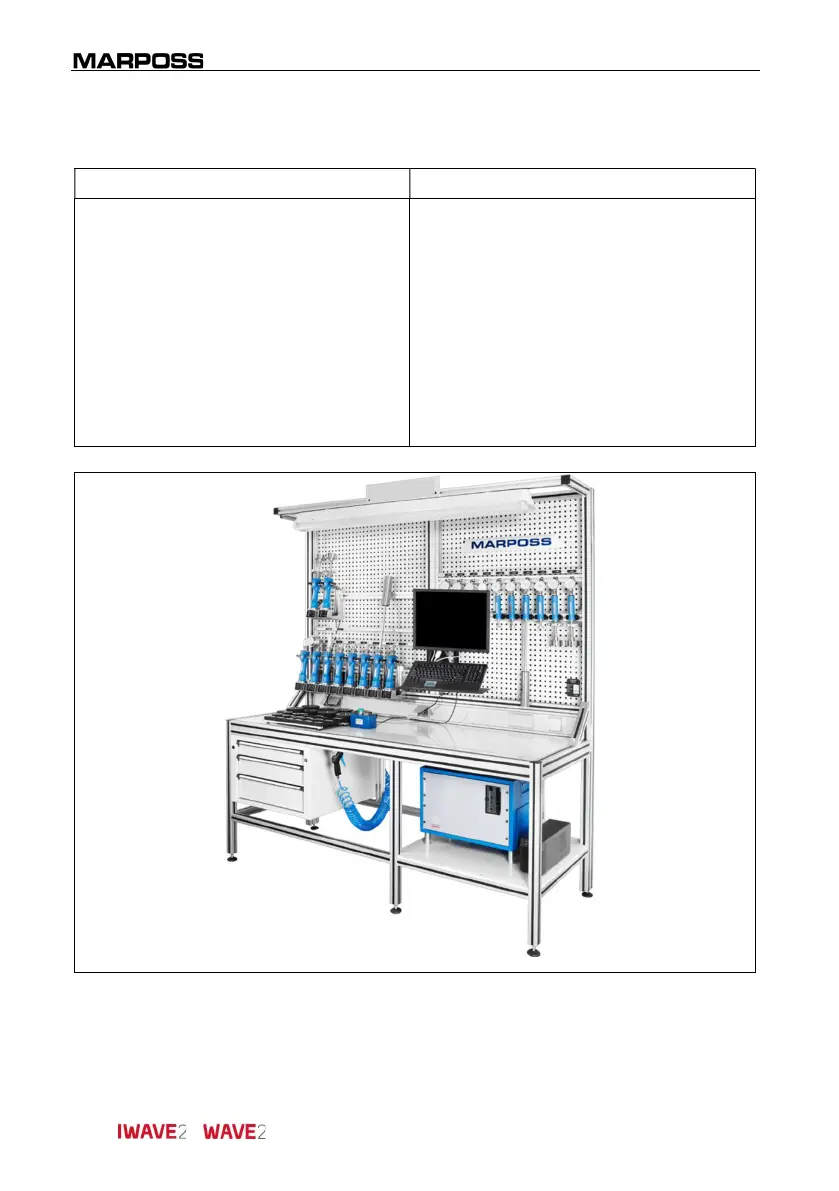
Figure 4-12. Example of work bench for
I-Wave2
plugs.



 To Next Page