2-2
Rad-57 Signal Extraction Pulse CO-Oximeter Operator’s Manual
2
System Description
rainbow
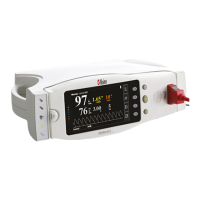
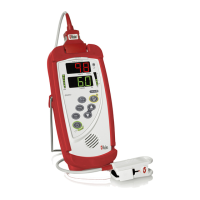
Rad-57
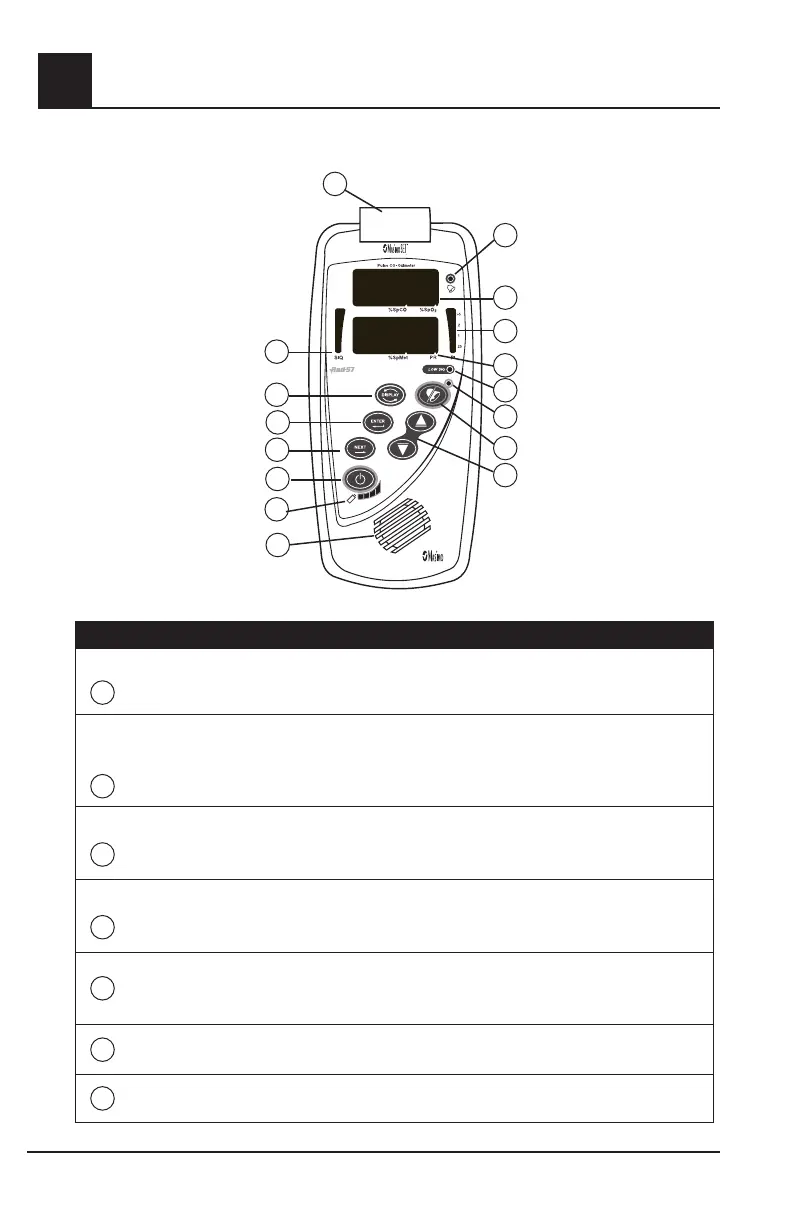
Rad-57 Front Panel Controls
CONTROL / INDICATOR
DESCRIPTION
1
Patient Cable
Connector
Connects to an appropriate Masimo Sensor or Patient Cable. Refer to
Section 8 for details.
2
SIQ Bar
The Signal IQ provides an indication of the quality of the acquired
signal as well as the timing of the pulse. A green vertical LED bar
rises and falls with the pulse, where the height of the bar indicates the
quality of the signal.
3
Display Button
Press to display the parameters/measurements selected in the Setup
Menu screens. Refer to Chapter 4, Setup Menu Level 5 for the options.
4
Enter Button
Used to enter the setup menus and to select/activate certain entries
within the menu/setup system.
5
Next Button
Used within the menu/setup system to move through setup options. Not
active when default screen displays.
6
Power On / Off
Press to turn the Instrument on.
Press-and-hold for 2 seconds to turn the Instrument off.
7
Battery Level
Indicator
. Four LED’s indicate the status of the battery. When the final indicator
begins flashing, replace the batteries
1
2
11
3
4
5
6
7
8
9
12
13
14
15
16
10


 To Next Page