4-14
Rad-57 Signal Extraction Pulse CO-Oximeter Operator’s Manual
4
Operation
Setup Menu Level 4 - Trend Settings
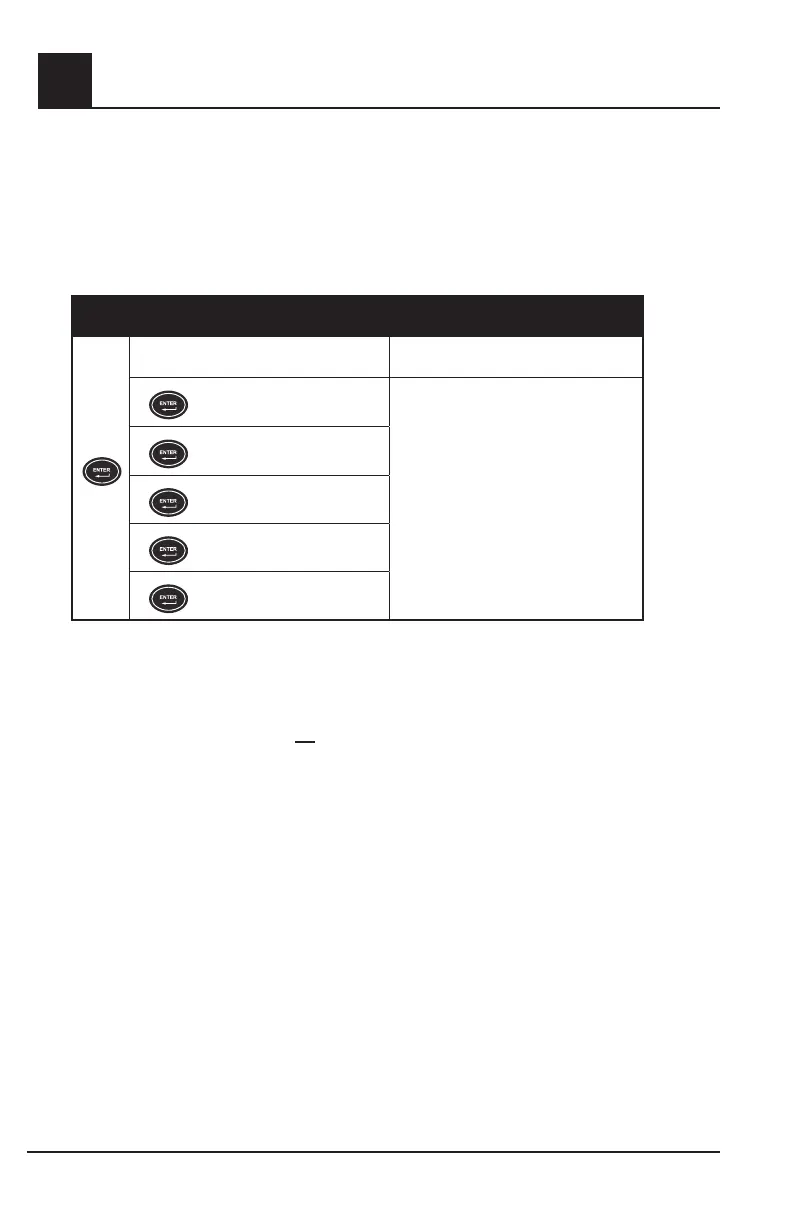
Push the Enter button again to enter menu level 4.
To enable trending of patient data, the trend feature must be enabled (set to ON), and the current date
and time must be set. See Section 4, Trend setup and use.
The current date and time can only be set if the Trend is set to “ON”. The date and time menu
selections are not available if Trend is set to “OFF”.
SETTING
DISPLAY
DISPLAY
GR-14946
IC: 7362A-RAD87IC: 7362A-RAD87
FCC ID: VKF-RAD87FCC ID: VKF-RAD87
4X
Trend ON / OFF
Use Up key to turn trend ON. Use Down
key to turn trend OFF
DISPLAY
DISPLAY
GR-14946
IC: 7362A-RAD87IC: 7362A-RAD87
FCC ID: VKF-RAD87FCC ID: VKF-RAD87
Set Year
Use Up or Down Arrow Keys to adjust
parameter/measurement to desired
setting.
DISPLAY
DISPLAY
GR-14946
IC: 7362A-RAD87IC: 7362A-RAD87
FCC ID: VKF-RAD87FCC ID: VKF-RAD87
Set Month
DISPLAY
DISPLAY
GR-14946
IC: 7362A-RAD87IC: 7362A-RAD87
FCC ID: VKF-RAD87FCC ID: VKF-RAD87
Set Day
DISPLAY
DISPLAY
GR-14946
IC: 7362A-RAD87IC: 7362A-RAD87
FCC ID: VKF-RAD87FCC ID: VKF-RAD87
Set Hour
DISPLAY
DISPLAY
GR-14946
IC: 7362A-RAD87IC: 7362A-RAD87
FCC ID: VKF-RAD87FCC ID: VKF-RAD87
Set Minute
A valid date must be entered. If an invalid date is entered (i.e. February 31), the trend will not turn on
and “tnd off” will be displayed.
NOTE: The date and time must be set before trending will be enabled. The Rad-57 will automatically
‘time out’ of the setup menu after 10 seconds with no key presses. If the Rad-57 should time-out of the
Trend Settings menu, the trend will not be enabled.
NOTE: Enabling trend (setting Trend to “ON”) will erase all trend information in the Rad-57.


 To Next Page