O3 Regional Oximeter Chapter 4: Operation
www.masimo.com 26 Masimo
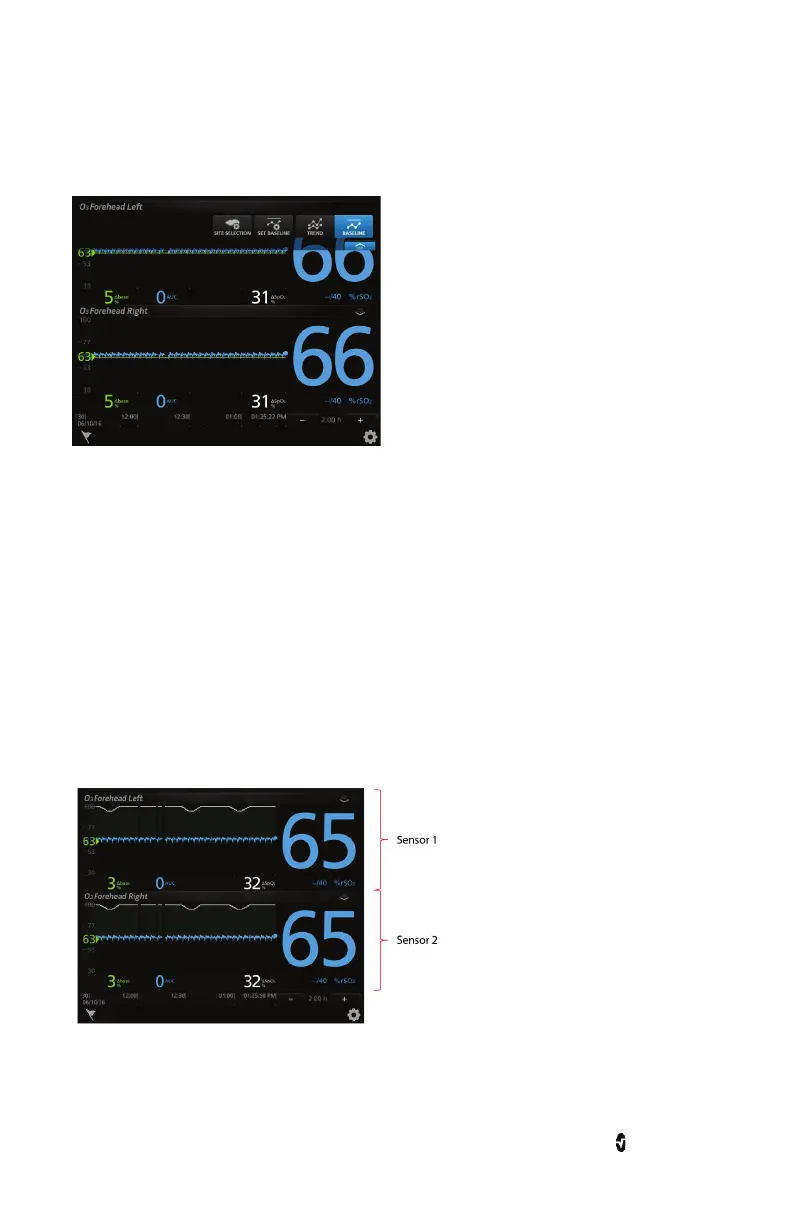
At the top-right corner of each O3 Module window, there is a drop-down menu which allows
you to display options and access the site selection and set baseline menus for each O3
Sensor.
Display Options
There are two display options available:
1. Trend View
2. Baseline View
Trend View
Trend View is the default viewing option for an O3 window. The trend view displays rSO
2
trends. This view offers two sensor displays for the two O3 Sensors that can connect to the
module, as illustrated in the image below. Note that each sensor display is distinguished by
the Sensor Label on the top left corner of each window.
To enable/disable Trend View, tap the drop-down menu on the top right corner of the O3
Module window. Press the Trend button to enable or disable Trend View.













 To Next Page