Radical-7 Chapter 4: Operation
www.masimo.com 132 Masimo
Manipulating View of Trend Data
On the
Full Trend
screen, with a pinch gesture, using two fingers, the user
can zoom in and out of the trend time scale.
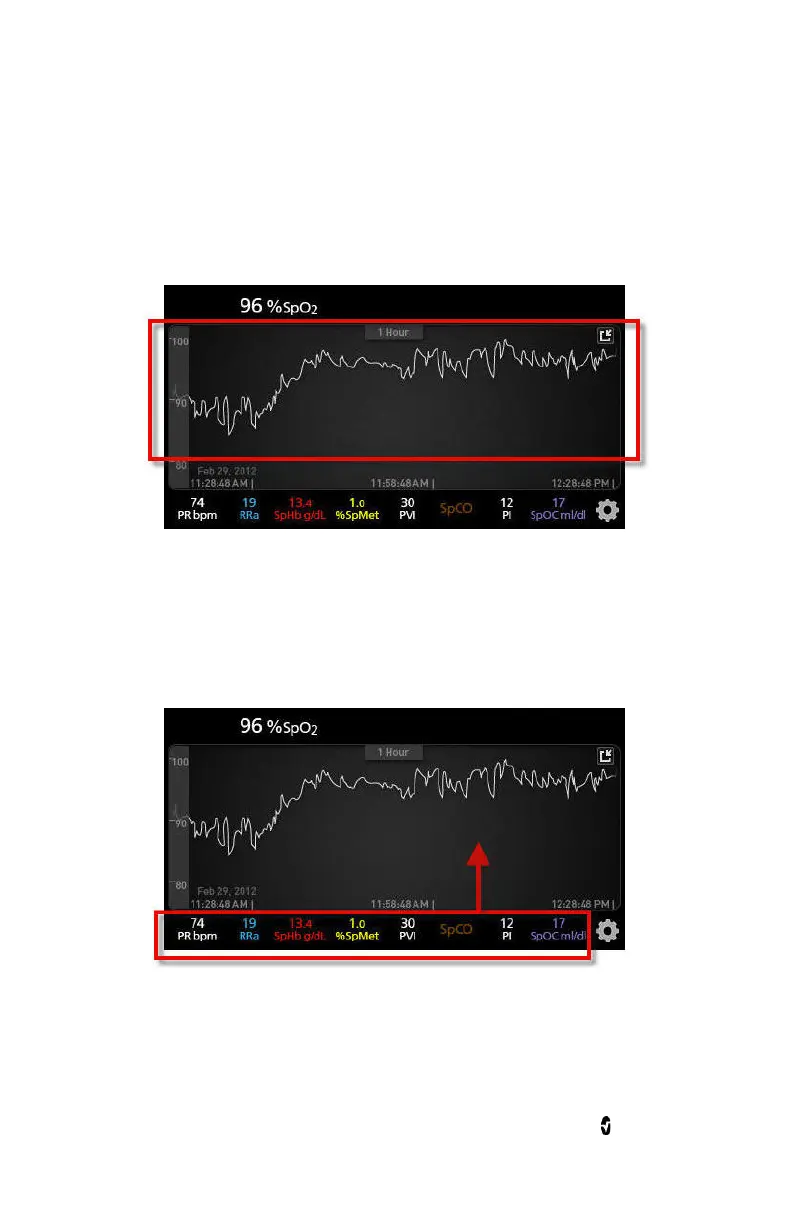
The user can add parameters to the
Trend
view by dragging and
dropping parameters from the
Small Parameter
view. To add a parameter
to the
Trend
view, press and hold any of the parameters inside the
Small
Parameter
view, as shown below. When the parameter dims, shakes, and
grows in size, drag and drop the parameter into the
Trend
view.



 To Next Page