Radical-7 Chapter 4: Operation
www.masimo.com 133 Masimo
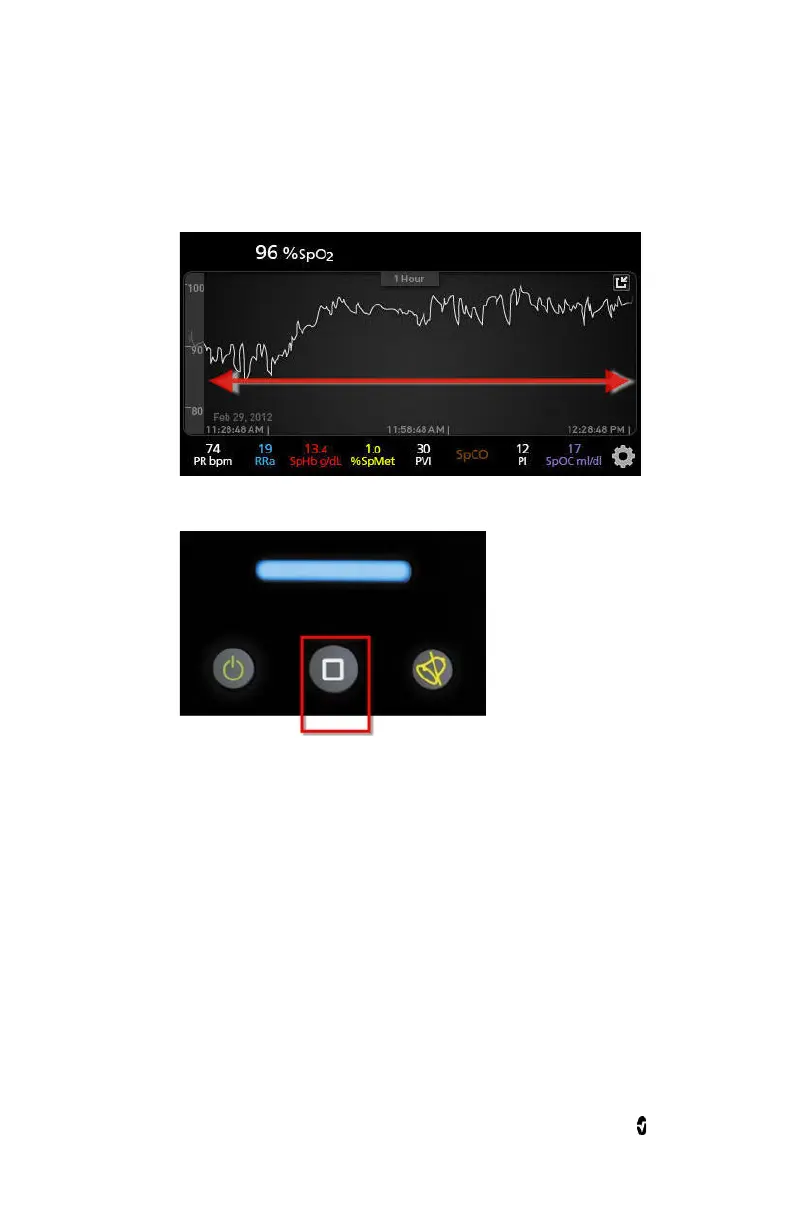
To view past patient trend data, swipe the trend display to the left or to
the right.
To exit a
Trend
view, press the Home button.
Changing the Time Interval of Trend Data
Users can change the time interval of trend data. The time options that
can be selected are 10 minutes, 30 minutes, 1 hour, 2 hours, 4 hours, 8
hours, 12 hours, or 24 hours.
To change the time interval of trend data



 To Next Page