Radical-7 Chapter 4: Operation
www.masimo.com 135 Masimo
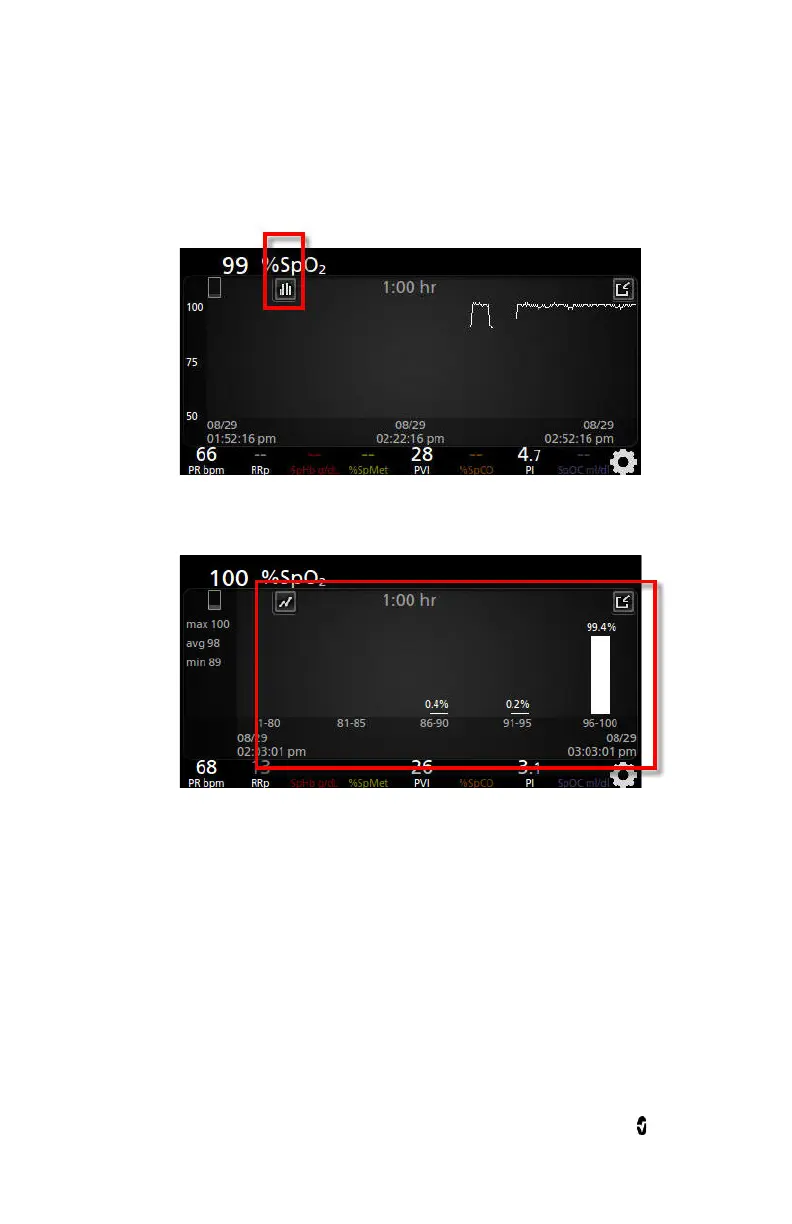
2. The Histogram icon appears along the top of the
Trend Field
, as
shown in the following example for SpO
2
.
3. Touch the
Histogram
icon.
4. Trend data displays as a histogram.
To turn off the Histogram feature



 To Next Page