Radical-7 Chapter 4: Operation
www.masimo.com 136 Masimo
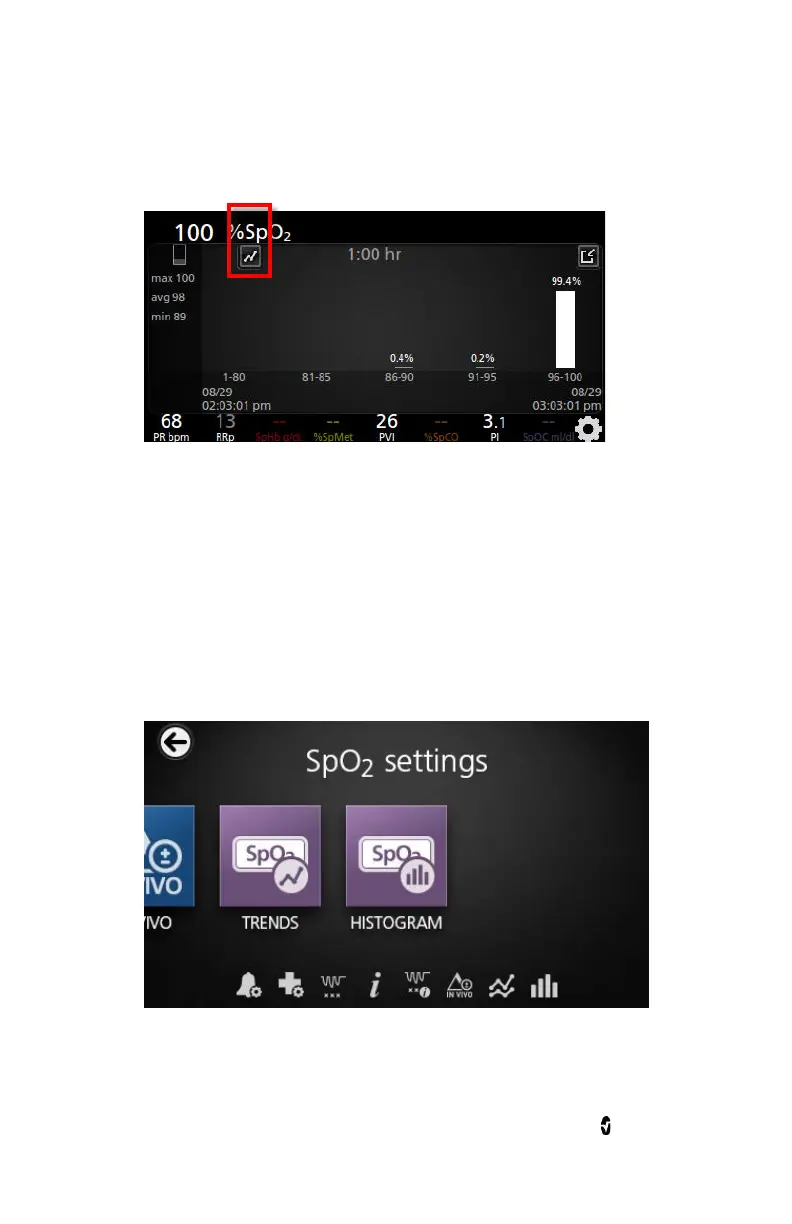
• Touch the
Trends
icon, as shown.
Changing Histogram Settings
Users can change the ranges of bins in the histogram view for each
individual parameter displayed.
To access the histogram settings for any of the available parameters:
1. From the
Main Menu
screen, touch the
Parameter Settings
icon.
2. From any
Parameter Settings
screen, touch the
Histogram
icon.
To change the histogram settings for any of the available parameters:



 To Next Page