Radical-7 Chapter 4: Operation
www.masimo.com 137 Masimo
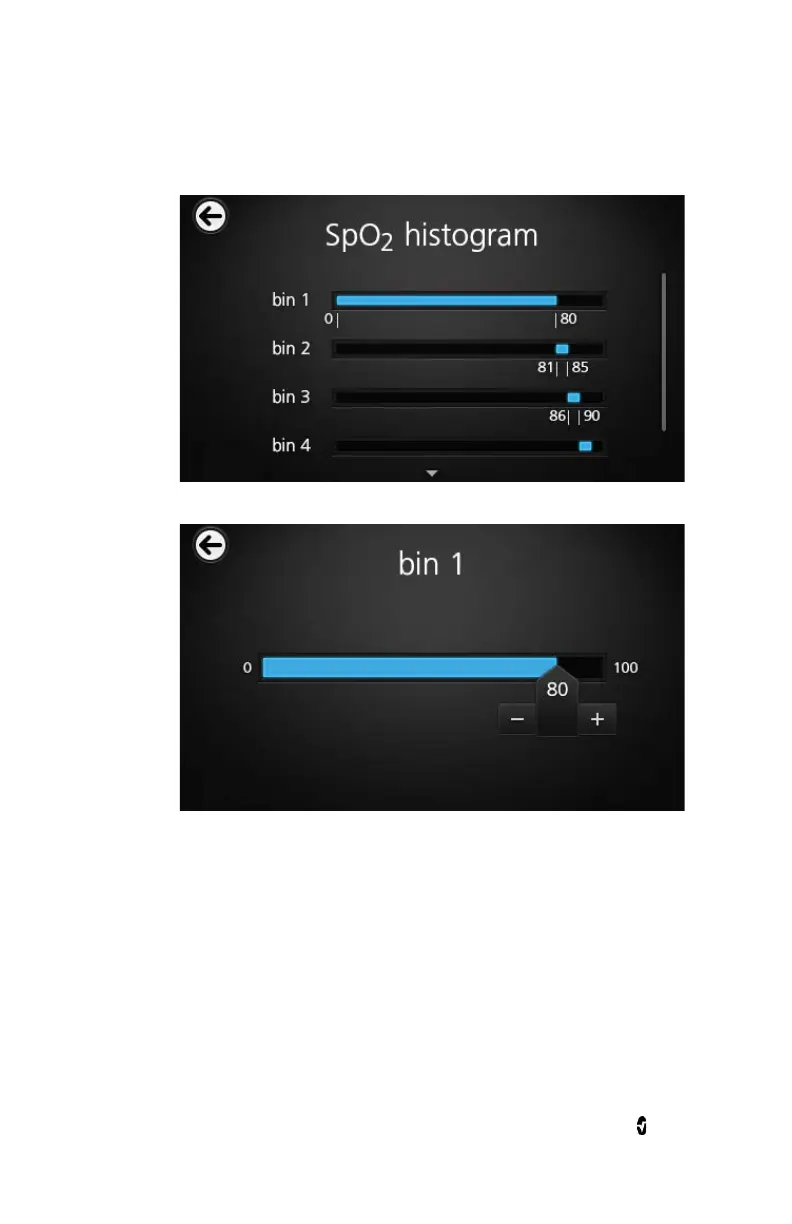
1. Touch any
bin
to change the range values.
2. Touch and drag the markers to adjust the range values.
3. When finished, touch the back arrow and select OK.
Changing Trend Settings
There are several ways to access and then change the maximum value
and the minimum value of the Y axis for any of the available parameters.
To access the trend settings for any of the available parameters
1. From the
Main Menu
screen, touch the
Trends
icon.



 To Next Page