Radical-7 Chapter 4: Operation
www.masimo.com 139 Masimo
When viewing trends for an additional parameter, the Y axis
range appears on the right side of the screen.
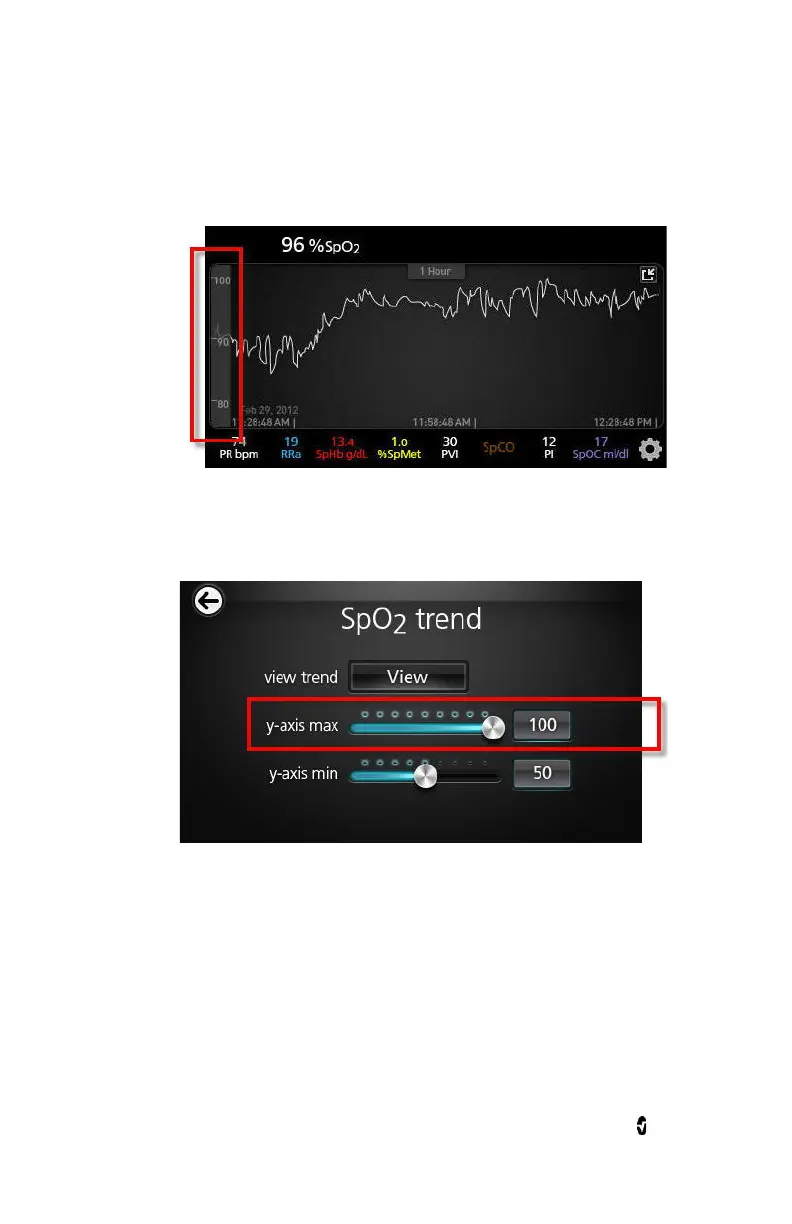
To change the trend settings for any of the available parameters
1. Touch the slider for the Y-axis maximum or the Y-axis minimum.
The following is an example of the
SpO
2
Trend
screen.



 To Next Page