Radical-7 Chapter 4: Operation
www.masimo.com 140 Masimo
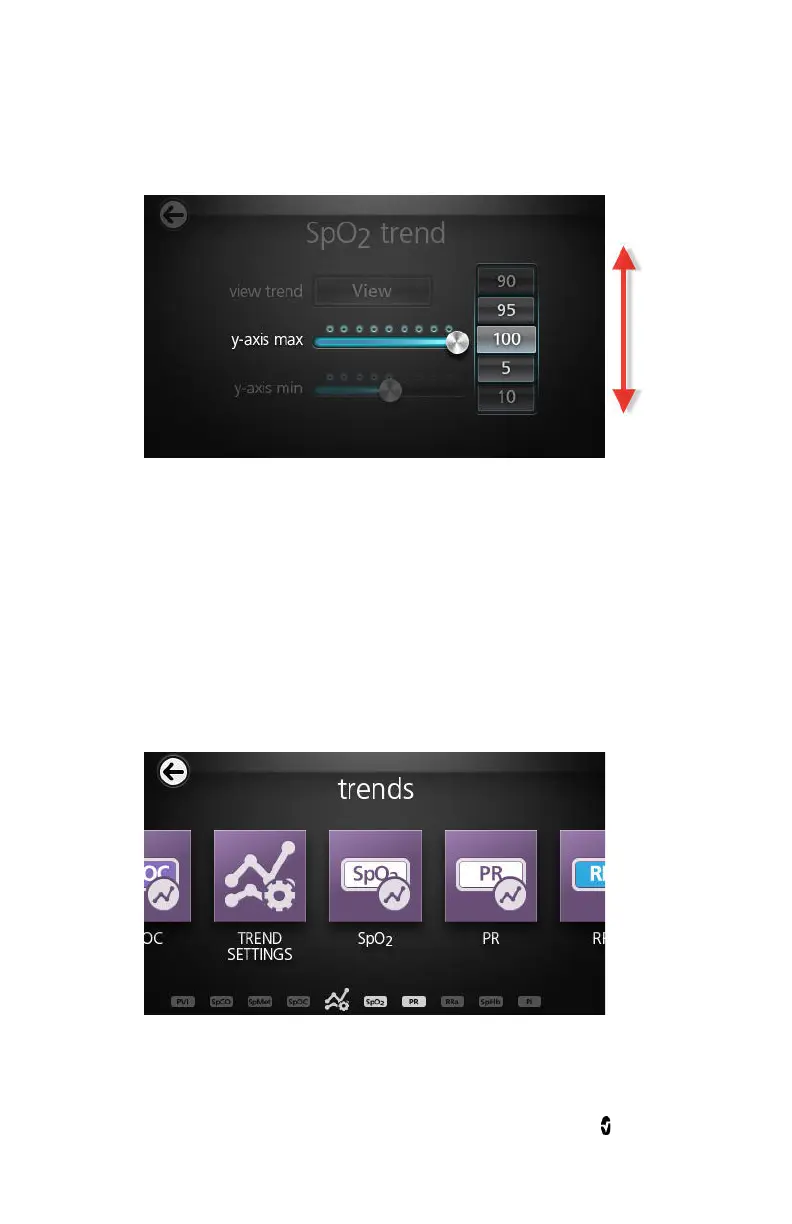
2. Select the desired setting by scrolling up or down.
3. When finished, select OK.
Deleting Trend Data
The user can delete patient trend data that has been stored on the
Radical-7.
To delete patient trend data
1. From the
Trends
screen, touch the
Trend Settings
icon.



 To Next Page