Radical-7 Chapter 4: Operation
www.masimo.com 141 Masimo
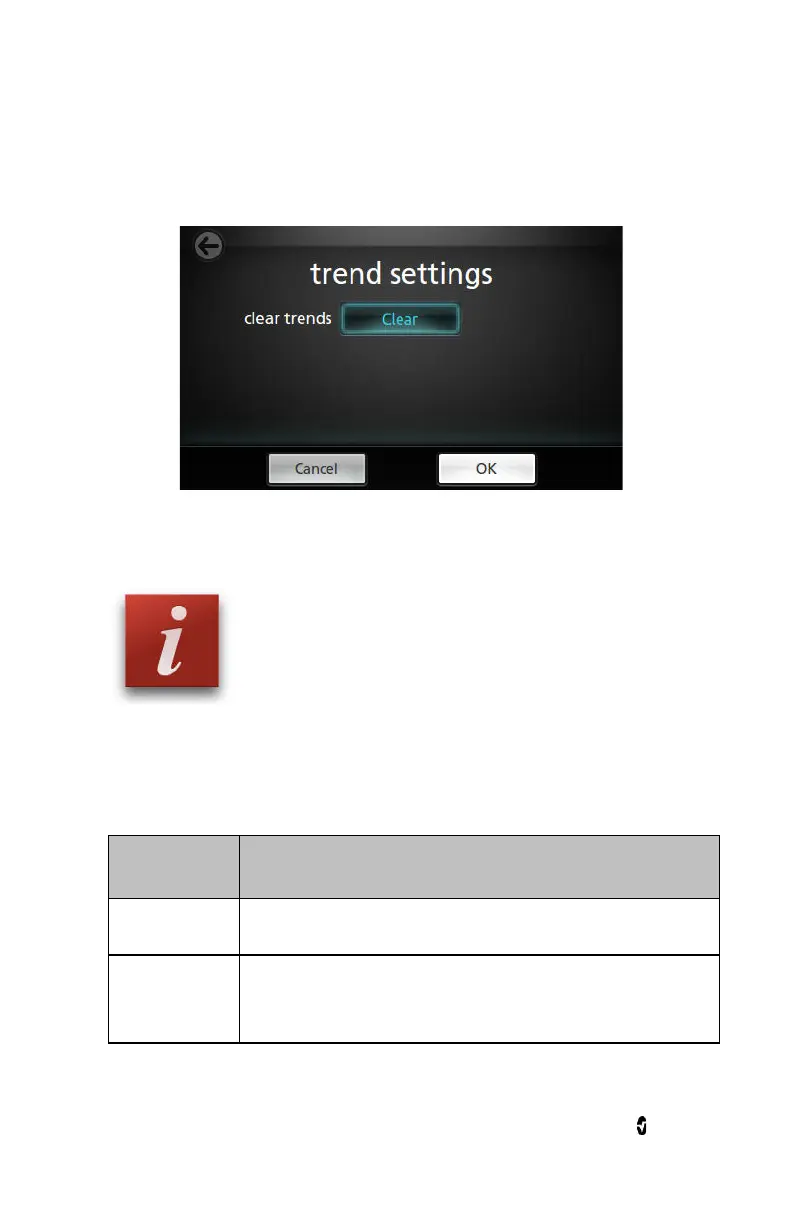
2. From the
Trend Settings
screen, touch Clear, and then touch OK.
This deletes all stored trend data.
About
For information about parameters, see
About Parameter Information
on
page 88.
From the
About
screen, view any of the following options:
Options Description
Serial Number
Displays the serial number of the Handheld.
MCU
Displays the version number of the device board
software.



 To Next Page