Radical-7 Chapter 4: Operation
www.masimo.com 78 Masimo
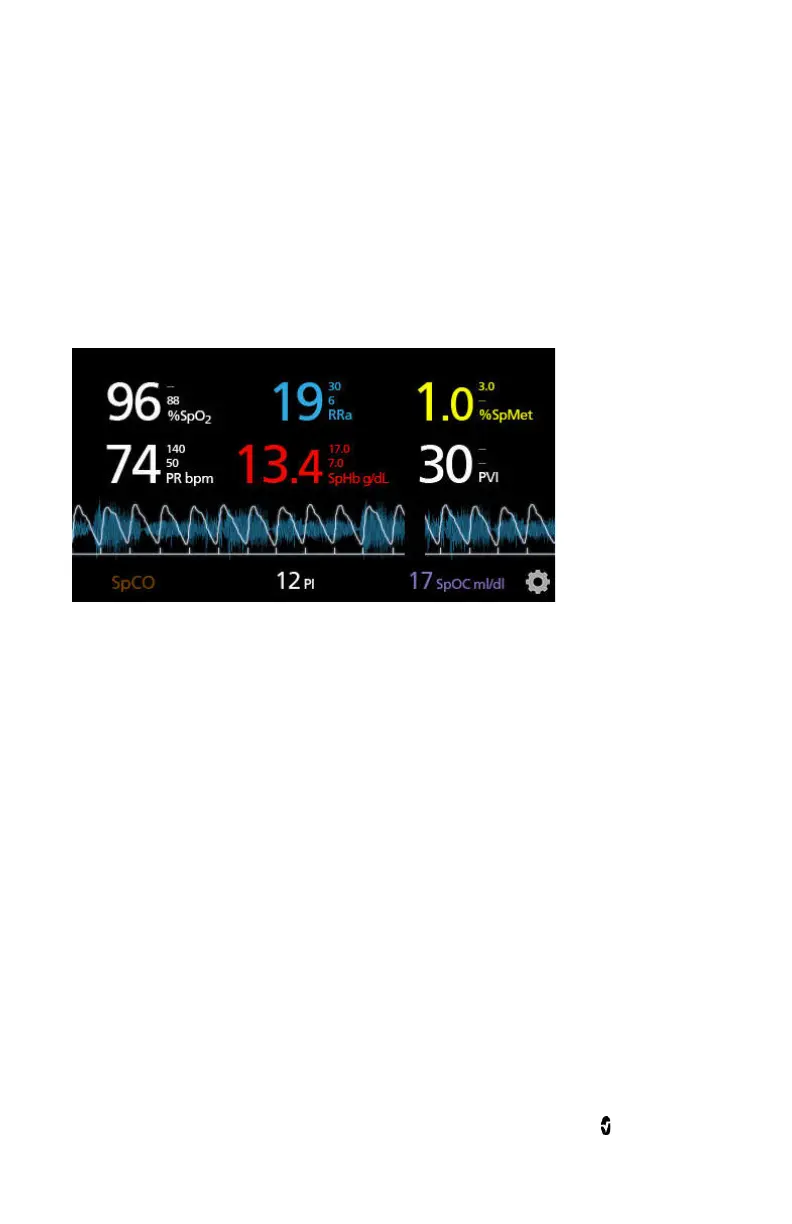
Pleth + Sig IQ + Acoustic View
Shows the parameter values on the top of the screen. The waveform is
located below the parameter values. The
Small Parameter
view is located
along the bottom of the screen. This view contains the Pleth waveform,
signal quality indications, and acoustic waveform.
Parameter Quick Trend View
This view displays the quick trend of the selected parameter over an
adjustable period of time. The default is 1 hour. Enlarge the quick trend
to the full trend view by touching the expand icon of the waveform
display.



 To Next Page