Radical-7 Chapter 4: Operation
www.masimo.com 79 Masimo
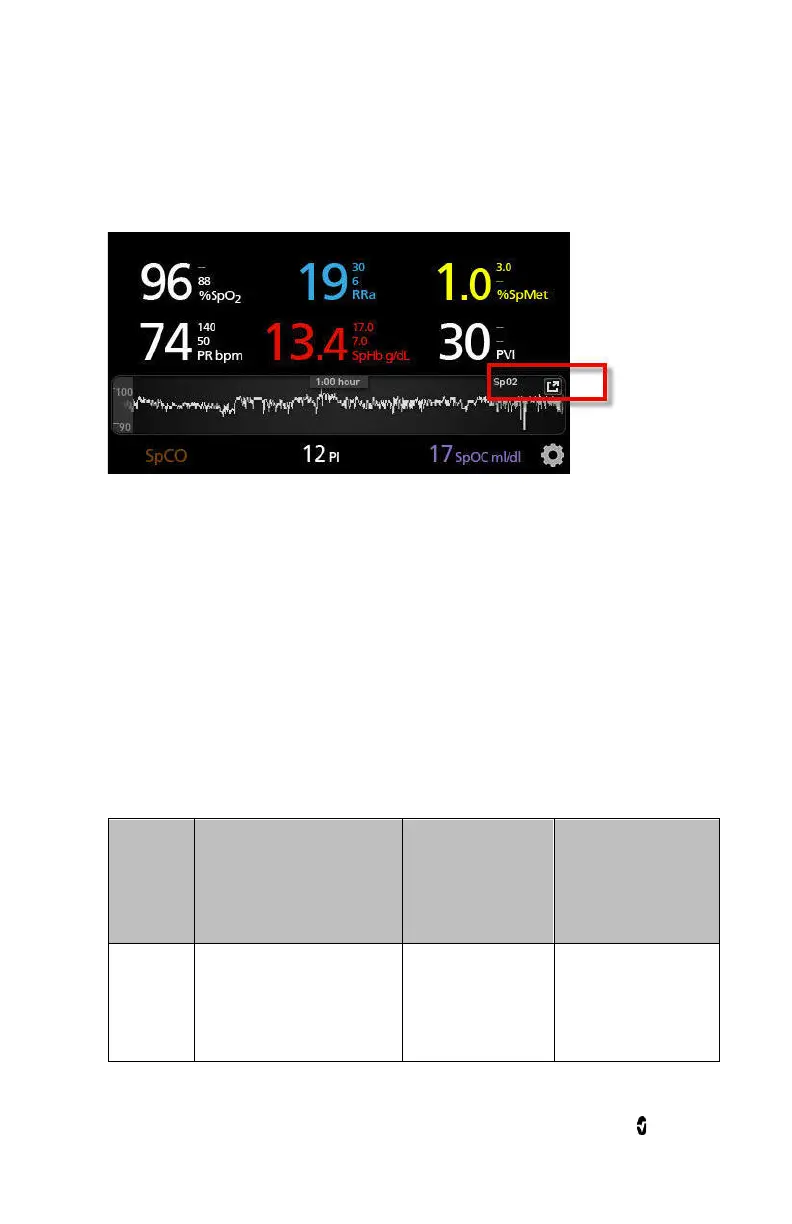
With a pinch gesture, using two fingers, the user can zoom in and out of
the quick trend data within the
Trend Field
.
About Events Feature
The Events feature provides graphical display of parameter or
measurement alarms and non-clinical exception messages. This feature is
only viewable in the Full Trend screen; however, it is available at all times
for all parameters and measurements. For more information about these
alarms and exceptions, see Chapter 6: Alarms and Messages.
Events appear as color-coded circles along the trend of a parameter or
measurement.
Color of
Event
Circle
Visibility Description
Example
Messages
Red
Parameter or
measurement
alarm.
•
SpO
2
low
•
SpCO high
•
PR low



 To Next Page