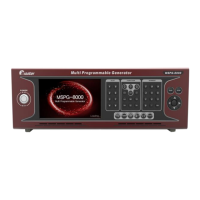
Slot Type Multi Video Signal Generator MSPG-8000
www.Ltdmaster.com 95
6.Color 1 (0~15): Change color 1 0 to 15
7.Color 2 (0~15): Change color 1 0 to 15
8.Color 3 (0~15): Change color 1 0 to 15
9.Color 4 (0~15): Change color 1 0 to 15
10~44 Common option
1.On Size (0~100): H/V line on size setting 1 to 100
2.Off Size (0~100): H/V line of size setting 1 to 100
3.Color/Character select (0=color, 1=Char): Color or Character select
4.H/V Line, Dot Select (0=H, 1=V, 2=Dot)
▶0: Horizontal line type
▶1: Vertical line type
▶2: Dot type
5~7 Color On R,G,B Level (0~255): Color On R,G,B Level setting 0 to 255
8~10 Color Off R,G,B Level (0~255): Color Off R,G,B Level setting 0 to 255
11~45 Common option
22,43,44,46,5
2,53,73,74,81
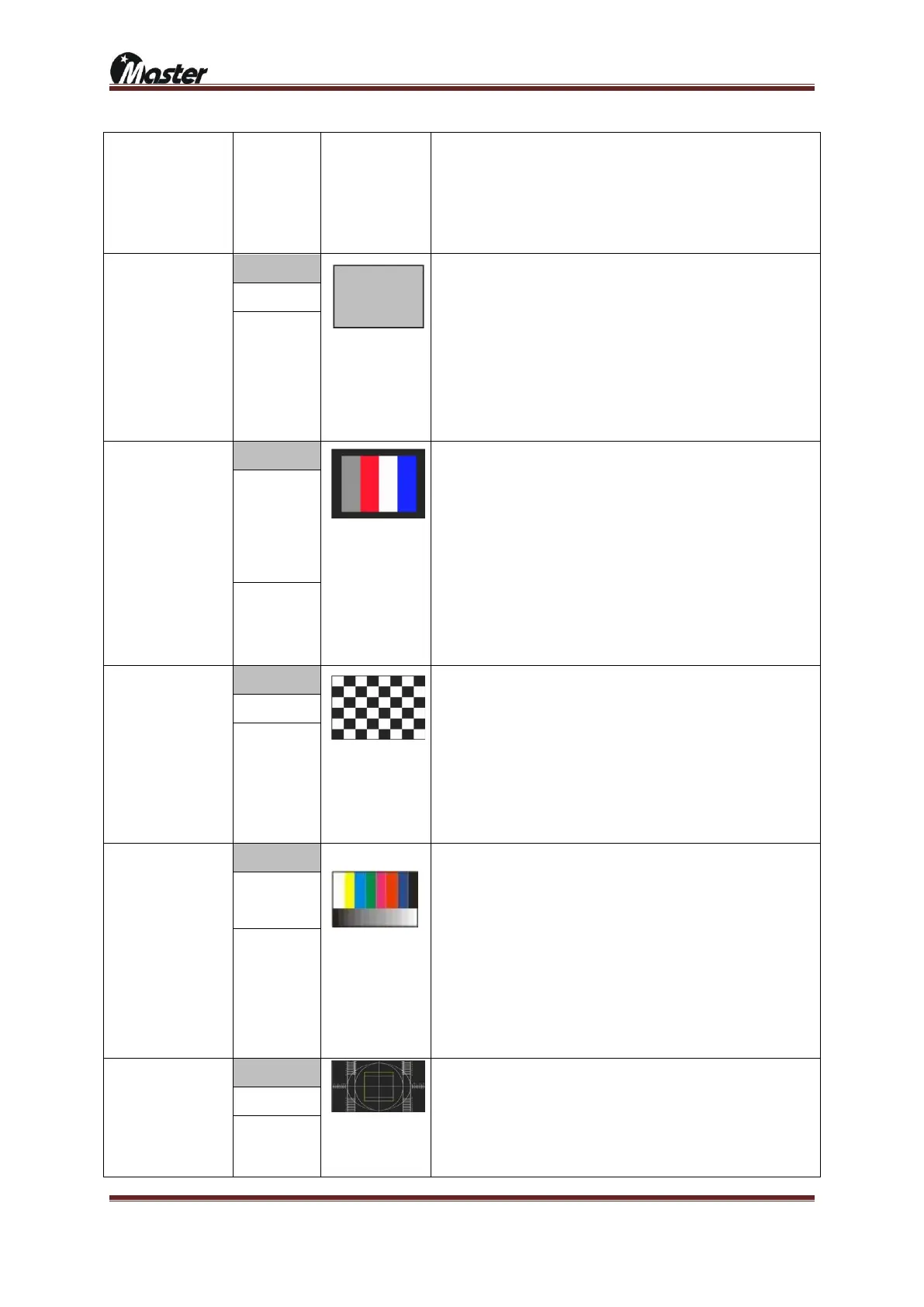
Purity check pattern
Color matrix check
pattern
1.Color Window H Start (0~100%): Color window horizontal setting 0 to 100%
2.Color Window V Start (0~100%): Color window vertical setting 0 to 100%
3.Color Window H Size (0~100%): Color window horizontal size setting 0 to
100%
4.Color Window V Size (0~100%): Color window vertical size setting 0 to
100%
5.Color window divide (0~14): Color window divide 0 to 14
6.Color window H/V select (0~1): Color window select horizontal or vertical
7.Color 1 R level (0~255): Color 1 Red level setting 0 to 255
….
48.Color 14 B level (0~255): Color 14 Blue level setting 0 to 255
49~83 Common option
11,18,19,20,2
1,31,42,43,44,
54,55,58,63,6
4,66,68,80
4,29,37,67,68,
79,96,103,330
Auto color gain
adjustment check
pattern
1.H Divide (0~255): Horizontal divide 0 to 255
2.V Divide (0~255): Vertical divide 0 to 255
3.Divide / Pixel Select (0=Divide, 1=Pixel)
▶0: Divide by H and V
▶1: Pixel: Divide unit is pixel
4.Color On R Level (0~255): Color on Red level setting 0 to 255
….
9.Color On B Level (0~255): Color off Blue level setting 0 to 255
10~44 Common option
Color matrix check
pattern
1.Color Bar H/V Divide (1~8): Color Bar H or V divide 1 to 8
2.H / V select (0=H, 1=V): Horizontal or Vertical select
3.Gray Size (0~90%): Gray step size select 0 to 90%
4.Gray Step by one color (0~16): Gray step select 0 to 16 depend on Color
bar
5.Gray 1 Level: Reserved
6.Reserved
7.Color 1 R level (0~255); Color 1 Red level setting 0 to 255
…
30. Color 8 B level (0~255); Color 8 Blue level setting 0 to 255
31~65 Common option
Geometry check pattern
Aspect ratio format check
pattern
Over scan check pattern





 To Next Page