ChargeMaster Plus 12/35-3, 12/50-3, 24/20-3, 24/30-3 – User and Installation Manual
5.7 Storage
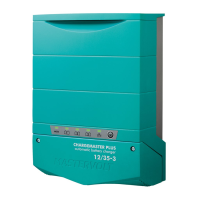
If it is necessary to put the ChargeMaster Plus
out of operation, execute the following steps:
1 Turn AC power off.
2 Switch off the ChargeMaster Plus (see
section 5.2).
3 Remove the DC fuse(s) and disconnect the
batteries.
4 Switch the RCD/Breaker of the AC input to
the OFF position and, if required, disconnect
the AC mains.
5 Open the connection compartment of the
ChargeMaster Plus.
6 Check with a suitable voltage meter whether
the inputs and the outputs of the
ChargeMaster Plus are voltage free.
7 Disconnect all the wiring.
Now the ChargeMaster Plus can be demounted
in a safe way. When not installed, store the
ChargeMaster Plus in a dry and dust free
environment. To return to normal operation, after
re-installation, switch on the AC.



 To Next Page