15
C. PROGRAMMING AND OPERATION
Programming the IMPACT and IMPACT
2
is fast and easy. Pipetting
steps and volume are entered in the sequence that they will be
performed, then the program is saved to memory. This program
will stay in memory (even if the pipettor is turned off, or the battery
runs low) until you change it. Up to 40 programming steps can be
entered and stored in the IMPACT pipettor. Five programs, each
capable of holding 40 steps, can be entered and stored in the
IMPACT
2
.
C.1 Programming the IMPACT
To enter a pipetting program:
1. Turn on pipettor. Press the green [On/Off] key to turn on
the pipettor. The pipettor will beep once and flash "ZERO" on
the display while resetting the pistons to zero position. The
first step of the current program is displayed.
Note: If the pipettor is being programmed for the first time,
the first step will be the fill operation, with the default fill
volume displayed (see the following table).
Handle
Volume
Fill
Volume
Dispense
Volume
Mix
Volume
Volume Increment
(slow –> fast)
12.50 10.00 10.00 5.00 0.05 0.10 0.50
125.0 100.0 100.0 50.0 0.1 0.5 5.0
250.0 250.0 50.0 50.0 0.5 5.0 25.0
850 850 100 100 1 5 50
1250 1250 100 100 1 5 50
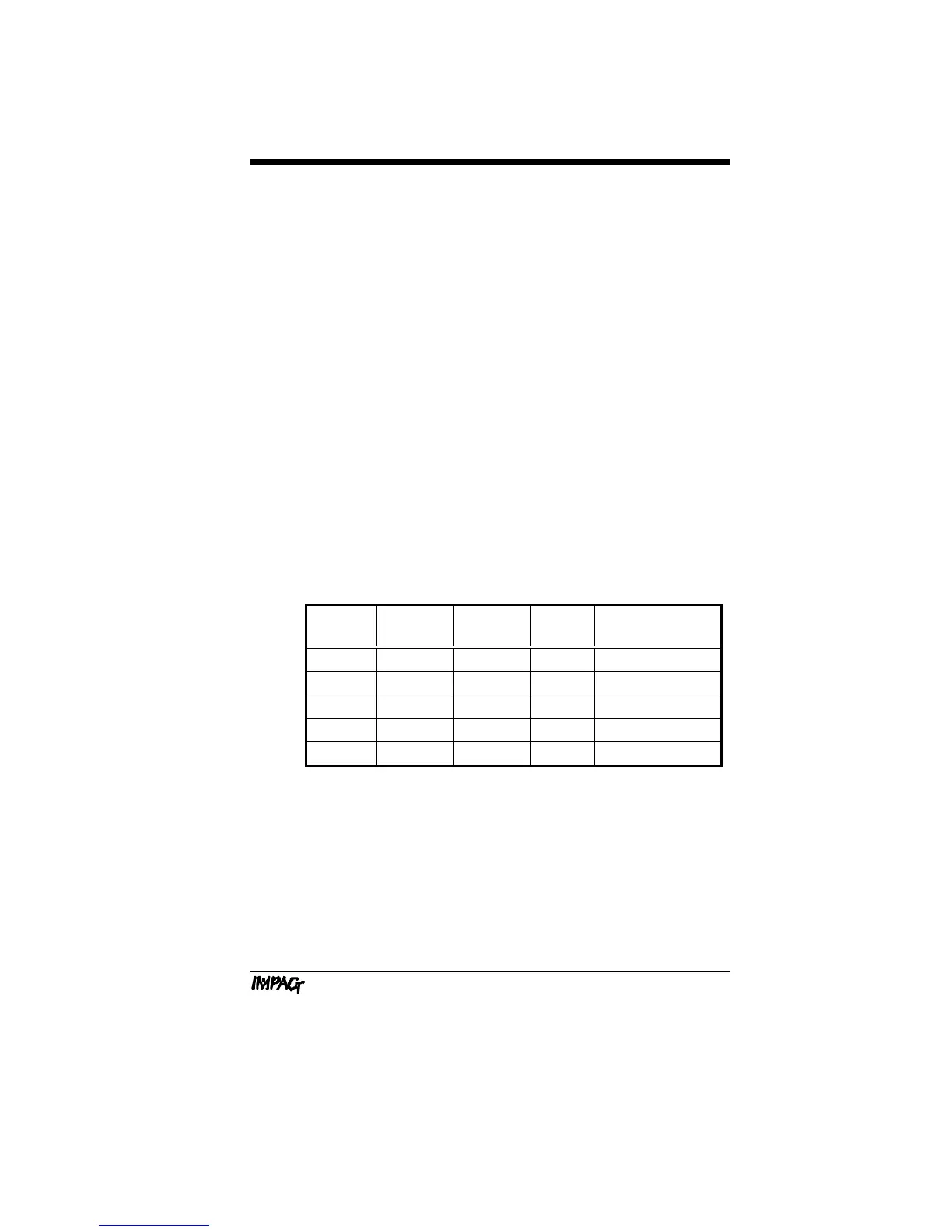
Table C.1: Default Programming Volumes*
*All volumes shown are in microliters (µl).



 To Next Page