PROGRAMMING AND OPERATION
16
2. Select pipetting operation. Enter the programming mode
by pressing the [Fill] or [Mix] key.
For example, to begin programming with a filling operation,
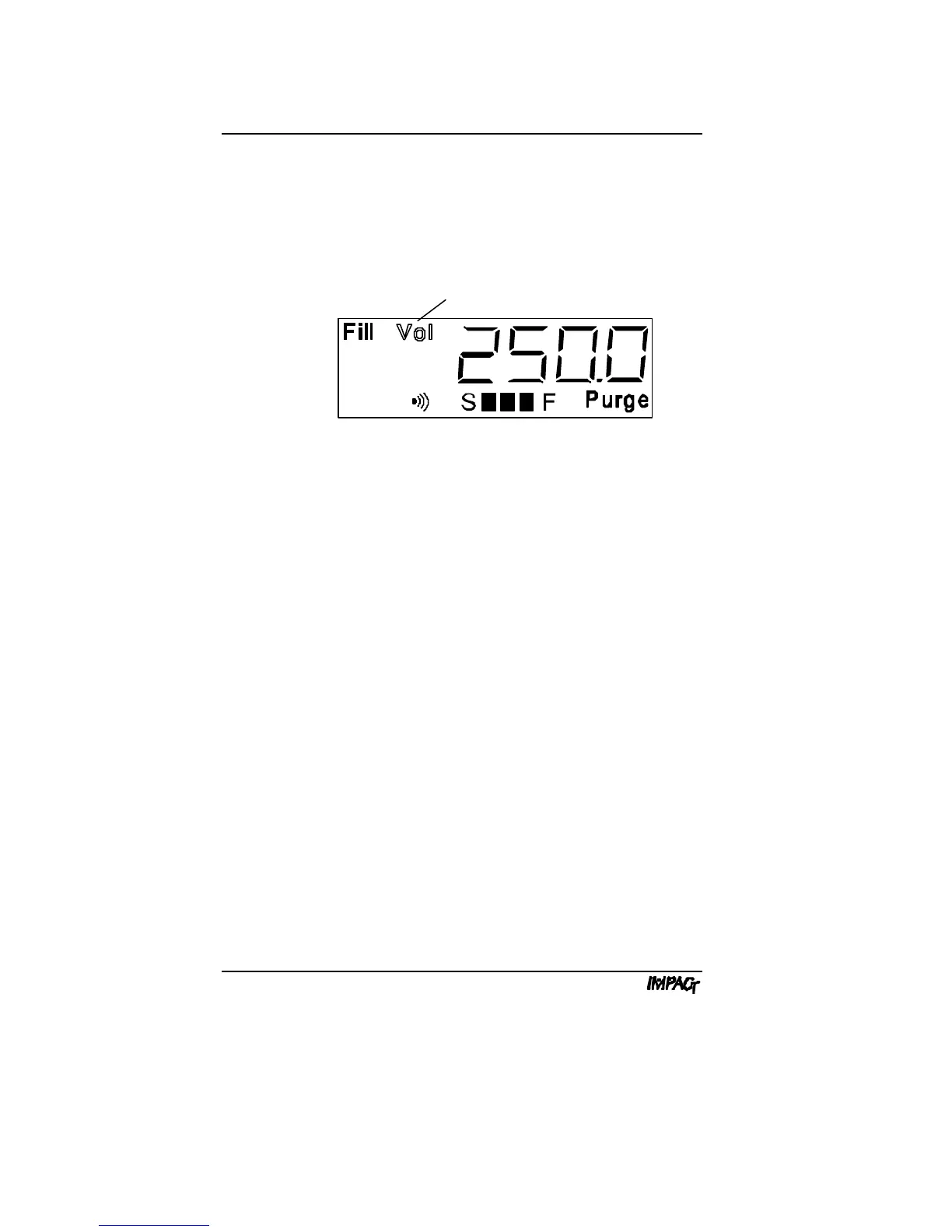
press the [Fill] key. The display shows "Fill" with a flashing
"Vol" prompt:
Note: The displayed volume defaults to the last volume
programmed for the selected operation, or to the default
volume for the pipettor, if it is being programmed for the first
time.
Fill. The [Fill] key programs the pipettor to aspirate a volume
of liquid. A single fill step can be programmed for fluid
transfers, or a combination of fill steps can be programmed for
dilutions or supernatant collection.
Dispense. The [Disp] key programs the pipettor to dispense
a volume of liquid. The dispense volume can be the entire fill
volume, or a smaller increment for repeat pipetting. You only
have to program the dispense volume once for repeat
pipetting. The pipettor will dispense the volume each time the
trigger is pressed (or repeatedly during a paced dispense) until
the fill volume is reached, or until insufficient volume remains.
Mix. The [Mix] key programs the pipettor to perform a
combination of fills and dispenses. You can program a mix
volume or mix cycle (single fill and dispense). You can press
[Mix] once to program a mix volume, or twice to program a
mix cycle. Mix cycles from 1 to 9 are available on the
IMPACT; mix cycles from 2 to 9 are available on the IMPACT
2
.
The default setting is three mix cycles.
Flashing Display



 To Next Page