PROGRAMMING AND OPERATION
18
4. Confirm programming step. Press [Enter] to confirm the
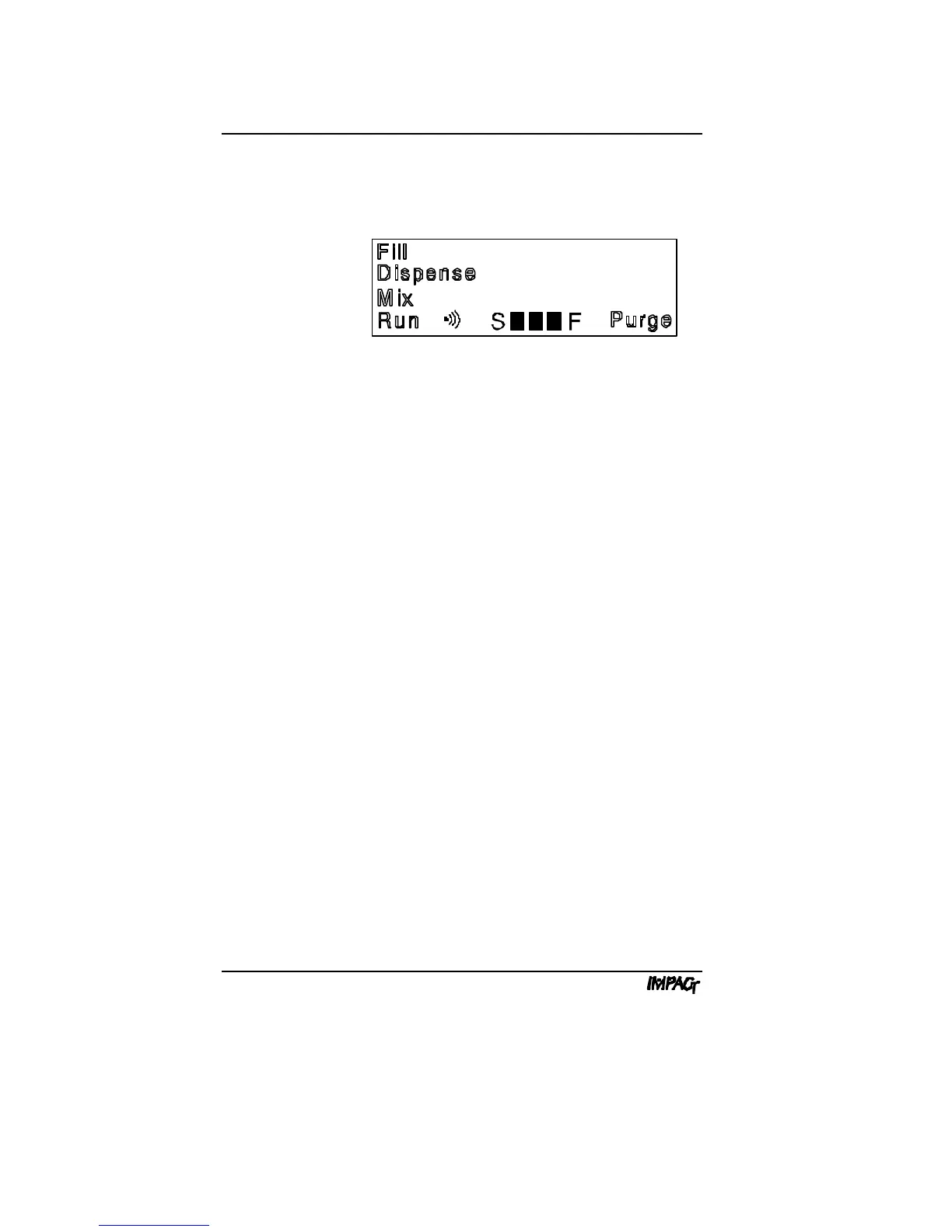
programming step. The display flashes all of the operation
keys to prompt you for the next programming step:
5. Select next pipetting operation. Repeat steps 2 to 4 until
all programming steps have been entered.
6. Save program and exit. When the display flashes all
operation keys, press [Enter] to save the program and exit
the programming mode. The pipettor emits a triple beep tone
to signal the end of the programming sequence. The first step
in the program is displayed. "Run" is displayed in the lower
left corner to indicate that the new program is ready to be run.
Go to Section C.3 for Reviewing the Program, or Section C.5
for Operating Procedures.
{



 To Next Page