TROUBLESHOOTING AND MAINTENANCE
36
E.3 Installing/Replacing Batteries
Your IMPACT pipettor is shipped with batteries packaged
separately. Before using the pipettor, install the batteries and
recharge them for 12 – 14 hours. Use the following procedure to
install the batteries, then continue to Section E.4, Recharging
Batteries.
Under normal use, the batteries can be recharged approximately
400 times. When they can no longer hold their charge, the
batteries must be replaced. Replacement batteries can be
purchased through Matrix Technologies.
The following procedure describes installation, or replacement, of
the batteries:
Note: If you are replacing batteries, ensure that the pipettor is
turned off before removing the battery case.
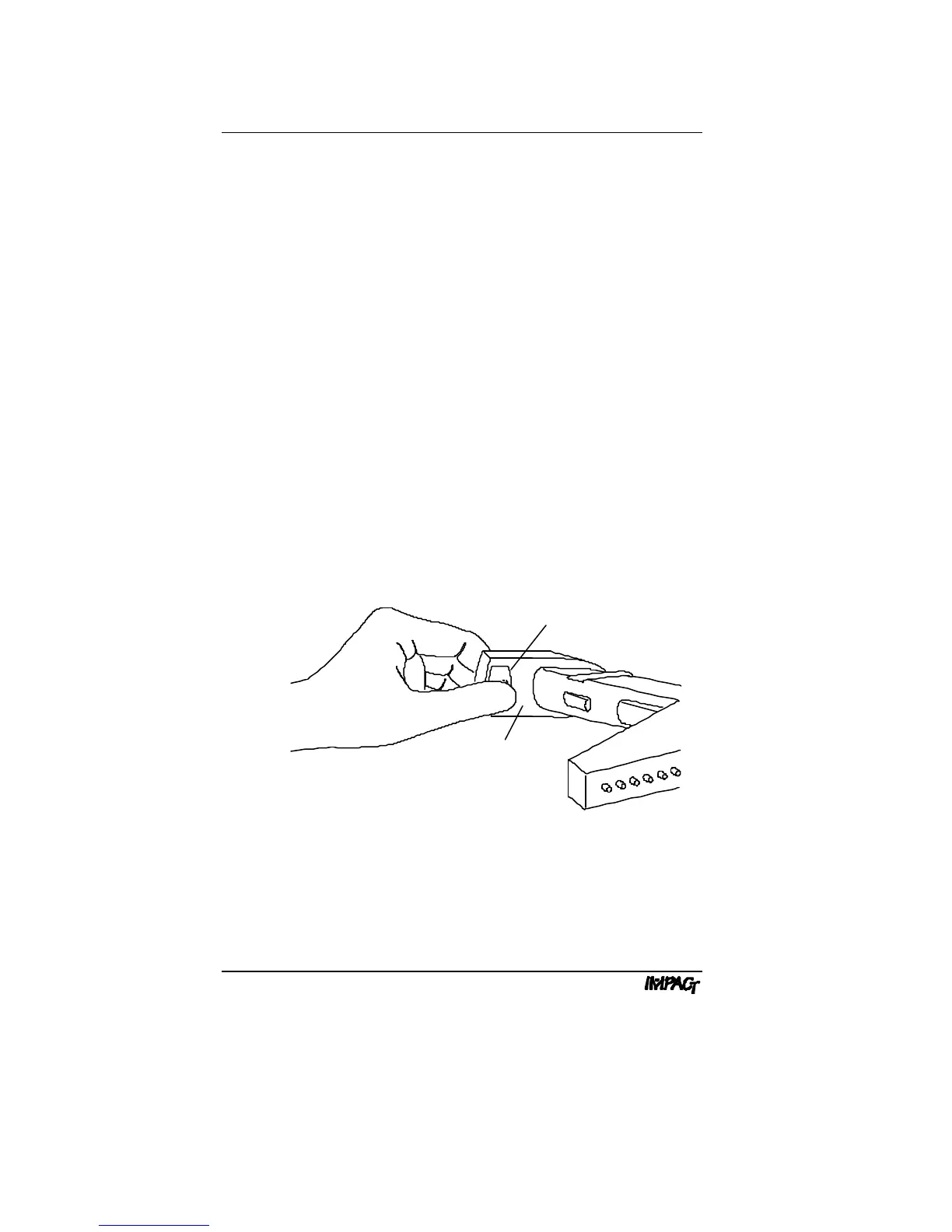
1. Remove battery case. Position your thumb over the thumb
grips (see Figure E.3a) and brace your fingers against the front
of the keypad. Apply firm pressure to the panel with the thumb
grips to release the latch. Carefully slide the battery case out of
the pipettor, allowing sufficient slack for the attached wires.
Bottom of Keypad
Thumb Grips
Figure E.3a: Removing Battery Case



 To Next Page