TROUBLESHOOTING AND MAINTENANCE
37
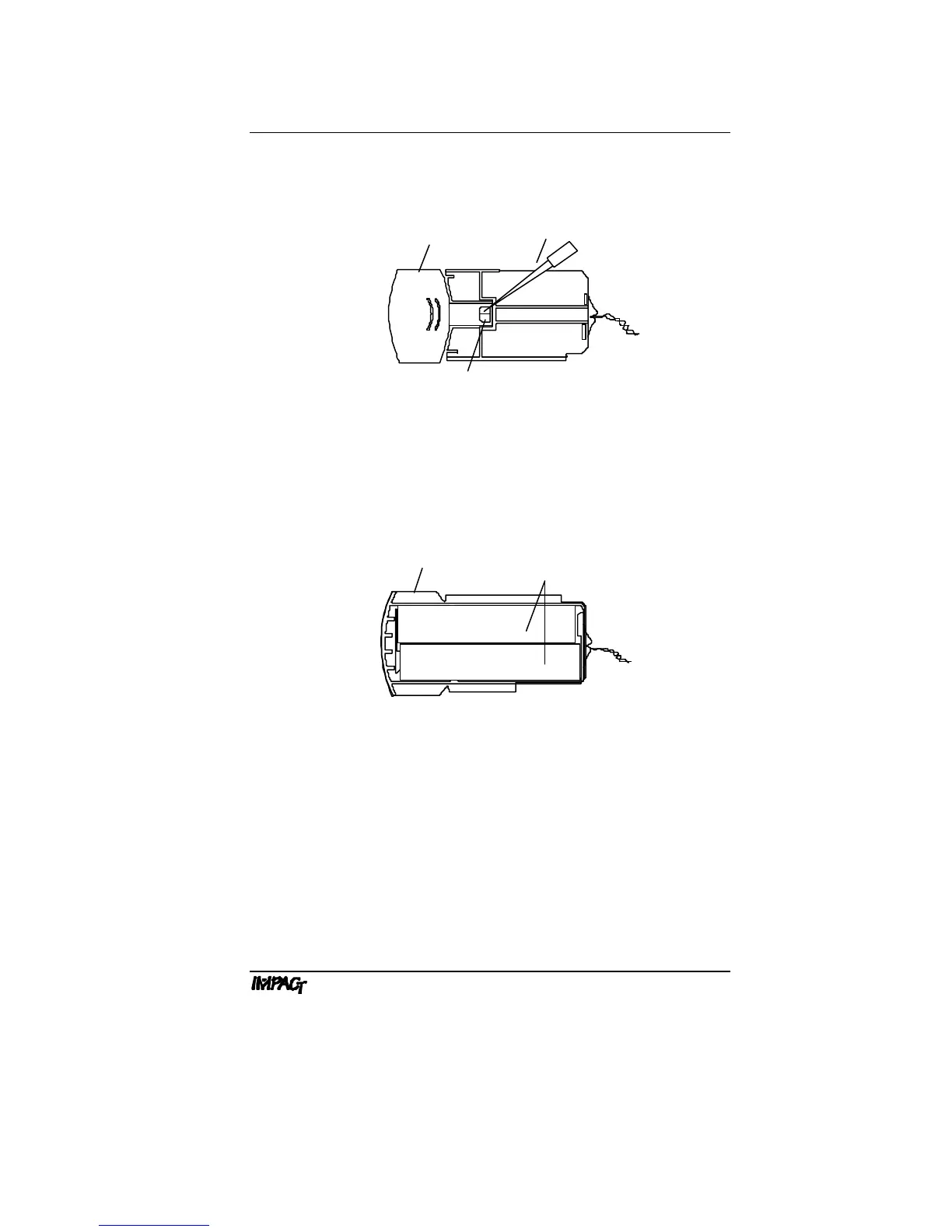
2. Remove batteries. Press a pipet tip against either battery
through the slot in the bottom of the battery case to remove the
batteries.
Figure E.3b: Removing Batteries
3. Install new batteries. Insert new batteries by placing the
positive end into the battery case first, then the negative end.
Ensure that the batteries are in the correct orientation (see
Figure E.3c, or diagram in the battery case).
+
+
Figure E.3c: Installing Batteries
4. Return battery case to pipettor. Carefully insert the battery
case into the pipettor. The case will click when the latch is
securely attached to the handle.
Note: If the case does not close easily, ensure that the wires
are not obstructing the opening.
5. Recharge batteries. Recharge the new batteries before using
the pipettor (see Section E.4, Recharging Batteries).



 To Next Page