Installation – Installing an Encoder
T50/T100 PTM – User Guide – Version 2 Issue 1
20
Installing an Encoder
An encoder is used to monitor the speed of the approaching print target. Typically the encoder
is mounted so that its wheel is rotated by the production line, as shown in Figure 6 on page
10.
The encoder sends a signal to the print head and ensures that the speed of printing is matched
to that of the approaching print target.
An encoder must be used in installations where the speed of the production line is
unpredictable or uneven. If an encoder is not used printouts will be affected by uneven
movements in the production line. Matthews Marking recommends that an encoder is always
used.
The encoder must be connected to the DSUB connection labelled ENCODER on the back of
the print head. If more than one print head is used to produce a mark (stacked print head
installations) the encoder is best connected to the first print head that the print target will pass
in front of — although It can be connected to any of the print heads.
The PCM will list the print head that has the encoder connected to it when configuring a print
head installation. Further information regarding configuration of a print installation and the
encoder can be found in the PCM’s Technical Manual.
Connecting to a PCM
Use only Matthew’s print head cables and switches when connecting print heads to a
PCM. The quality of printouts can be affected, or print problems can occur, if other
cables/switches are used.
Print heads must be connected to a Viacode PCM in order to operate them. The PCM’s User
Interface (UI) is used to manage print heads as well as create the messages they will print.
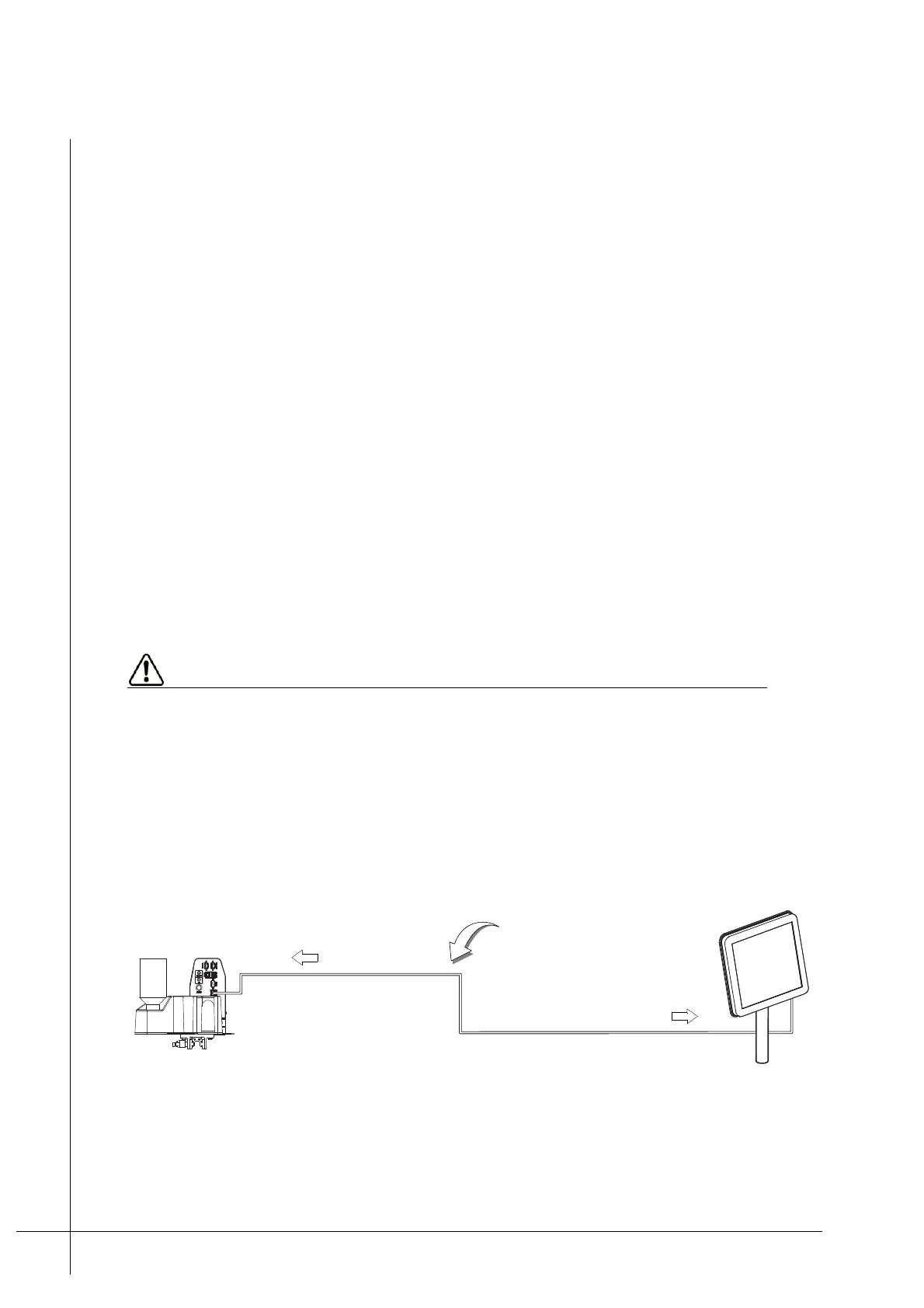
Connection to a PCM is done using Matthews Ethernet cable. A single print head can be
connected either directly or via a Matthews Ethernet switch.
Figure 18 - Connecting a head to a PCM
• Single T50/T100
Distance between the print
head and the PCM ≤ 100 m
P
C
M
"Printer Network"
"Ethernet"



 To Next Page