Maintenance – Cleaning/Priming the Nozzles
T50/T100 PTM – User Guide – Version 2 Issue 1
26
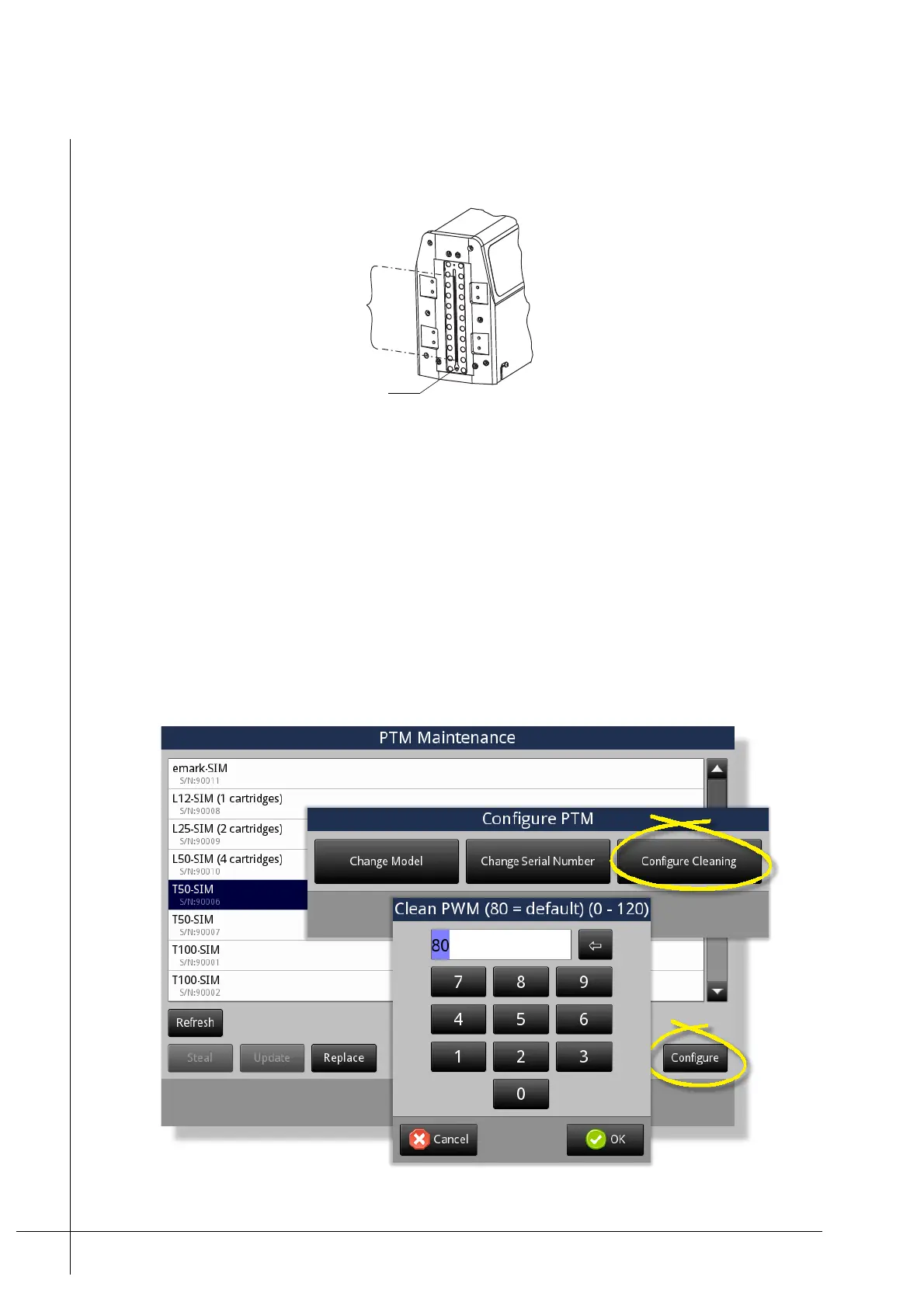
where it is sucked back in to the system. The orifice is located at the bottom of the print head,
as shown below.
Figure 21 - Ink-return-orifice
All ink that is expelled from the nozzles is recycled through the ink system. There should not
be any ink spillage from the nozzles.
Prime Modulation Setting
The rate of ink flow that flows from the nozzles when the prime button is pressed can be
increased or decreased as required.
This setting is accessed from within the PCM’s Maintenance menu under Printer
Maintenance. Tapping the PTM button will display the PTM Maintenance window, as shown
below.
Figure 22 - Pulse width modulation
Nozzles
Ink-Return-Orrifice (Gutter)



 To Next Page