29
T50/T100 PTM – User Guide – Version 2 Issue 1
Maintenance – Purging Trapped Air
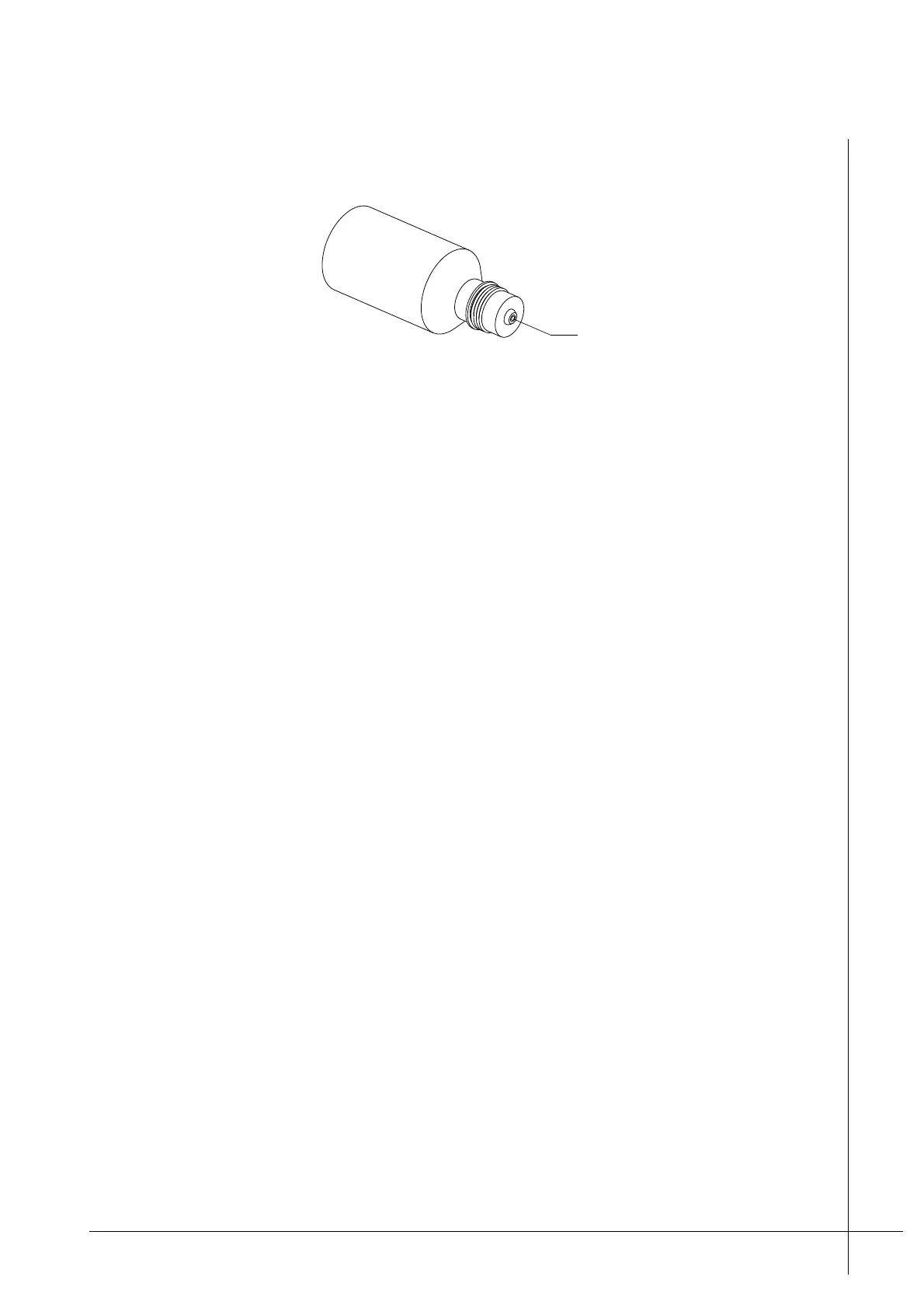
The push valve prevents ink from spilling when the bottle is turned upside down.
Figure 24 - Ink-Bottle
Before starting the following procedure make sure that all warnings and cautions, as listed
under “Maintenance” on page 25 are read and adhered to.
Procedure – Ink-Bottle Replacement
1. Unscrew and remove the Ink-Bottle from the Ink-Reservoir. Hold the bottle over the Ink-
Inlet to allow any drops of ink that may drip, fall in to the Ink-Inlet.
2. Make sure that the Ink-Inlet-Seal, inside the Ink-Inlet, is not stuck on to the Ink-Bottle and
that it is correctly seated inside the Ink-Inlet. Refer to Figure 20 on page 22.
3. Get a new Ink-Bottle and make sure that it contains the correct type of ink. The same as
that stated on the PTM.
4. Remove the foil seal that is located on top of the new bottle.
5. Make sure that there is only one seal in the Ink-Inlet.
6. Carefully screw the new Ink-Bottle in to the Ink-Inlet, clockwise. Tighten the bottle using
only forefinger and thumb pressure.
Caution: Do not overtighten the Ink-Bottle. Overtightening the bottle will cause
damage and result in ink leakage.
Purging Trapped Air
The following guide lists a series of actions that should be taken if a T50/T100 fails to print,
produces poor quality printouts, or it is suspected that air bubbles are trapped in the ink
system.
Before starting the following procedure make sure that all warnings and cautions, as listed
under “Maintenance” on page 25 are read and adhered to.
Procedure – Purging Tapped Air
1. Make sure that the Ink-Vent-Screw is open. Then press and hold the PRIME button on
the back of the pint head for five seconds.



 To Next Page