41
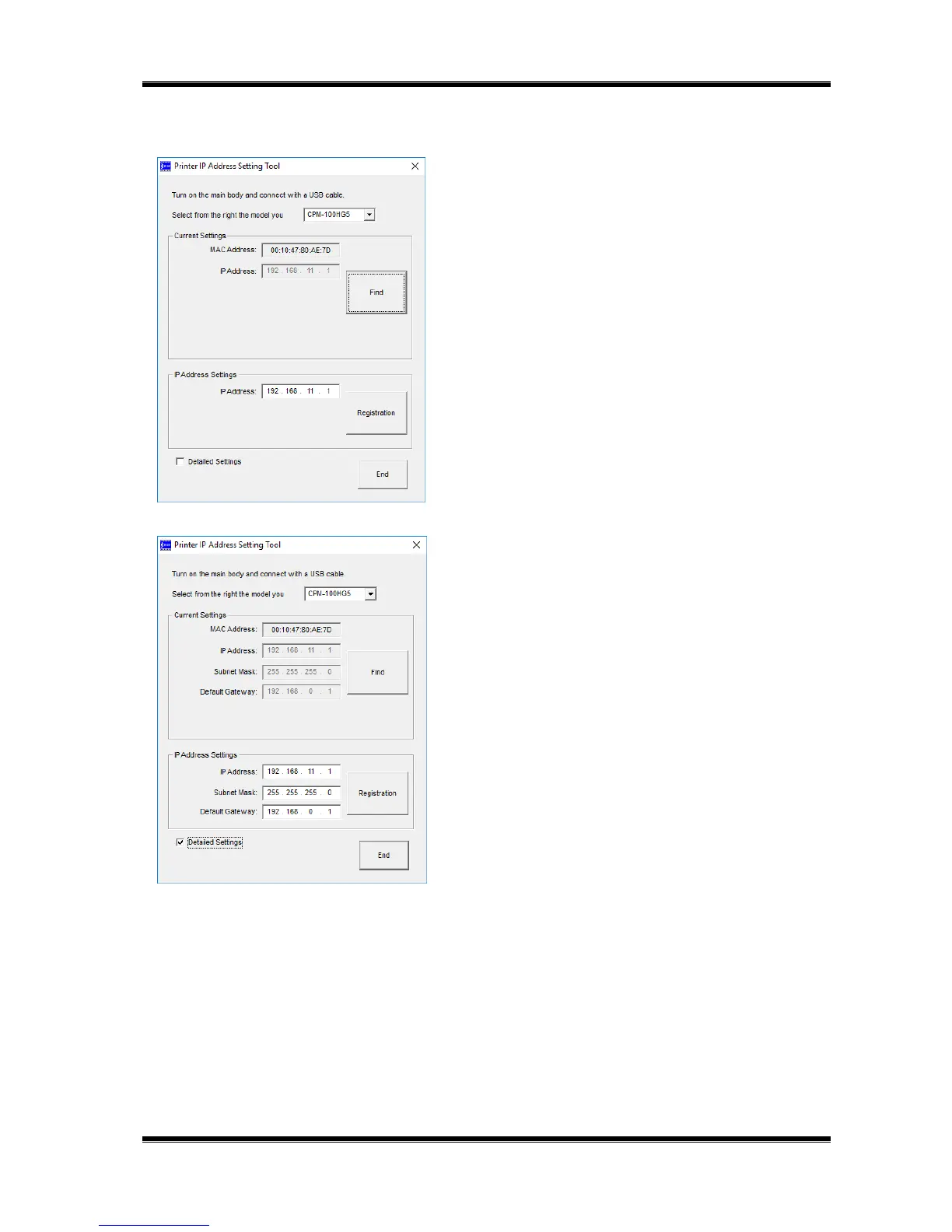
4 Enter the IP address and click on [Registration].
Next, by clicking [End] button, the setting procedure is
completed. Enter the newly registered address when
installing the printer driver.
* By selecting the “Details” button, it is possible to change the
Subnet mask and Default gateway.
Now, the IP address setting procedure is completed.



 To Next Page