74
QM00991-1
SCREEN menu
Item Description
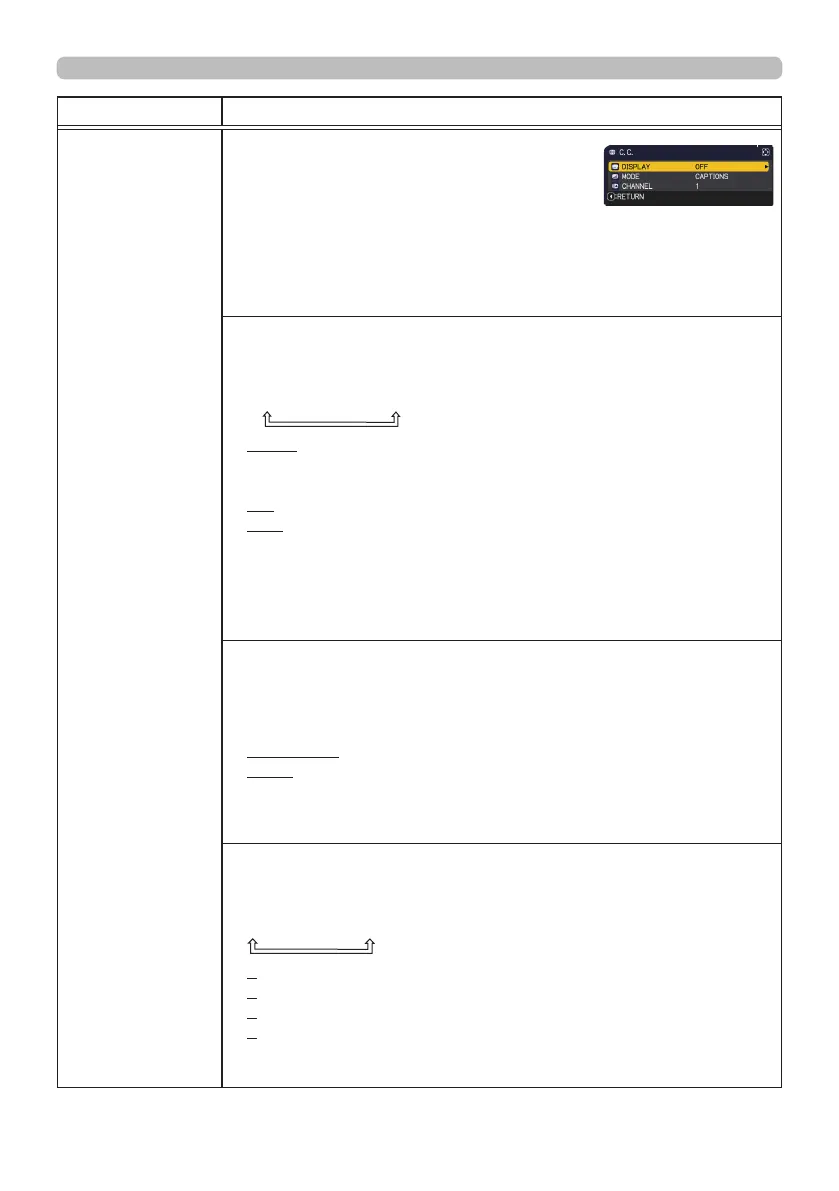
C.C.
(Closed Caption)
The C.C. is the function that displays a
transcript or dialog of the audio portion of
a video, les or other presentation or other
relevant sounds. It is required to have NTSC
format video or 480i@60 format component
video source supporting C.C. feature to
utilize this function.
It may not work properly, depending on equipment or signal source.
In this case, please turn o the Closed Caption.
DISPLAY
Select Closed Caption DISPLAY setting from the following options
using the ▲/▼ buttons.
AUTO
ó
ON
ó
OFF
AUTO : Closed Caption automatically appears when the input
signal (C.C. compatible) from the port with the mute icon
set at AUDIO SOURCE is selected.
ON : Closed Caption is on.
OFF : Closed Caption is o.
• The caption is not displayed when the OSD menu is active.
• The Closed Caption is the function to display the dialogue,
narration, and / or sound eects of a television program or other
video sources. The Closed Caption availability is depending upon
broadcaster and/or content.
MODE
Select Closed Caption MODE setting from the following options
using the ▲/▼ buttons.
CAPTIONS
ó
TEXT
CAPTIONS : Displays Closed Caption.
TEXT : Displays Text data, which is for additional information such
as news reports or a TV program guide. The information
covers the entire screen. Not all of the C.C. program has
Text information.
CHANNEL
Select Closed Caption CHANNEL from the following options using
▲/▼ buttons.
1
ó
2
ó
3
ó
4
1: Channel 1, primary channel / language
2: Channel 2
3: Channel 3
4: Channel 4
The channel data may vary, depending on the content. Some
channel might be used for secondary language or empty.



 To Next Page