91
QM00991-1
OPTION menu
Item Description
SERVICE
(continued)
CLONING
*
(continued)
Loading function (continued)
• Note that the saved setting of INSTALLATION,
KEYSTONE and PERFECT FIT cannot be loaded
when TRANSITION DETECTOR is ON.
•
Please note that the saved data of START UP
and MyScreen Lock under SCREEN menu
cannot be loaded if MyScreen PASSWORD under
SECURITY menu is ON.
•
Please note that the saved data of MY TEXT
WRITING cannot be loaded if MY TEXT
PASSWORD under SECURITY menu is ON.
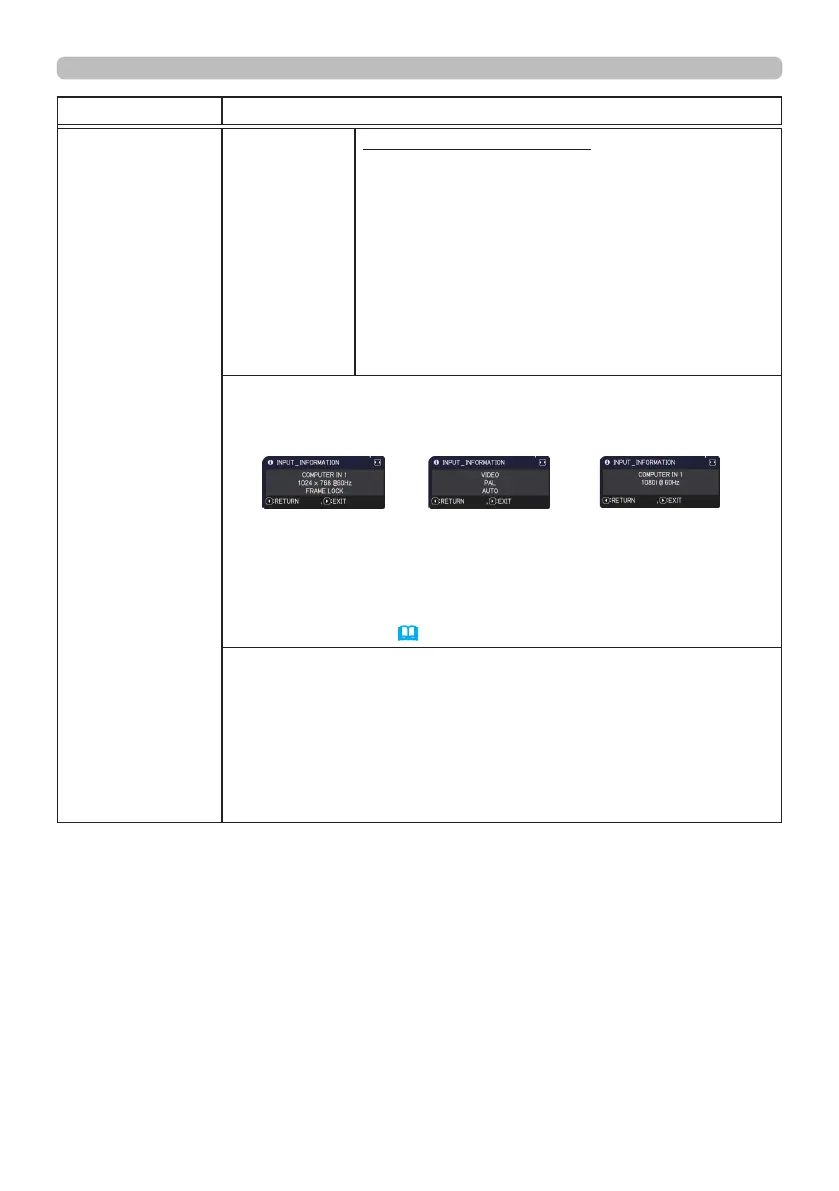
INFORMATION
Selecting this item displays a dialog titled “INPUT_INFORMATION”.
It shows the information about the current input.
• The “FRAME LOCK” message on the dialog means the frame lock
function is working.
• This item cannot be selected for no signal and sync out.
• When the MY TEXT DISPLAY is set to ON, the MY TEXT is
displayed together with the input information in the INPUT_
INFORMATION box (
98).
FACTORY RESET
Selecting OK using the ► button performs this function. By this
function, all the items in all of menus will collectively return to the
initial setting. Note that the items STANDBY MODE, AUTO BLANK,
LIGHT SOURCE TIME, FILTER TIME, LANGUAGE, FILTER
MESSAGE, NETWORK, SCHEDULE, COMMUNICATION and
SECURITY settings are not reset.
CANCEL
OK
* : MP-JW4001/MP-JW4011/MP-JW3501/MP-JW3511 only



 To Next Page