180
Controls in detail
Control system
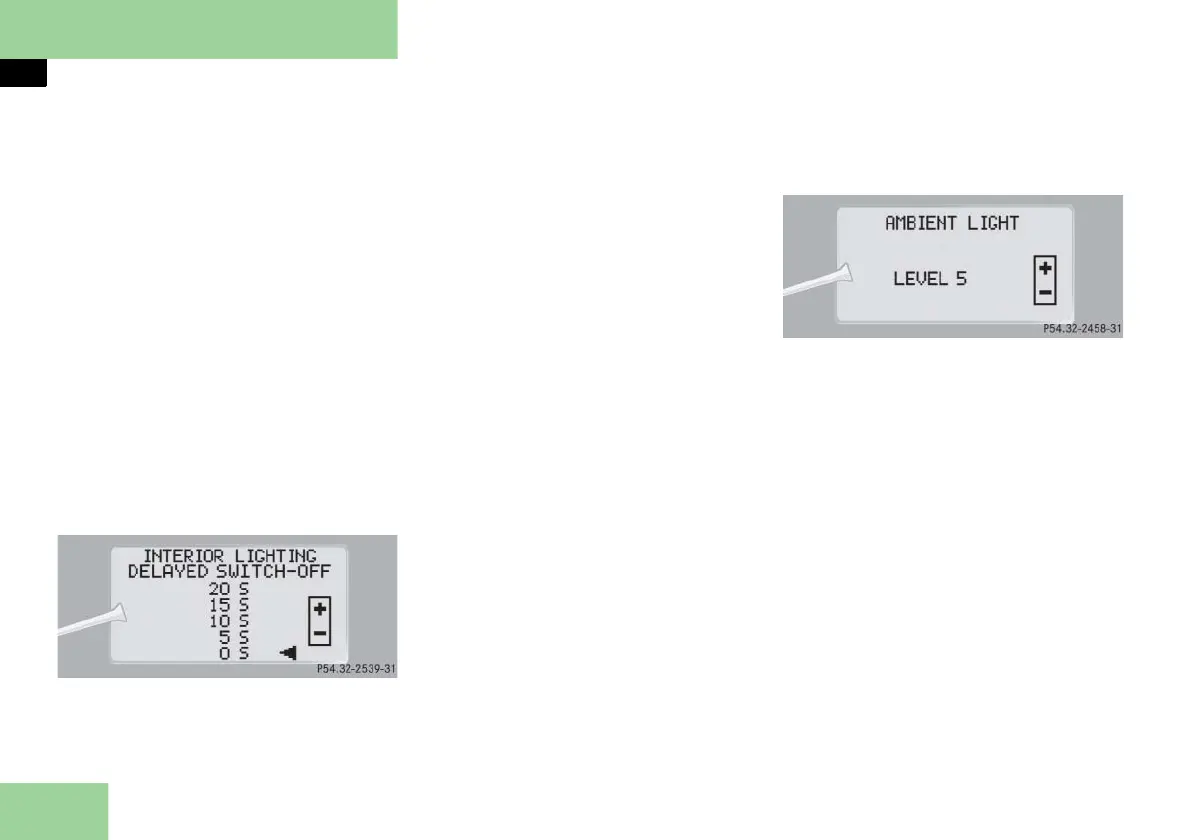
Setting interior lighting delayed shut-
off
Use this function to set whether and how
long you would like the interior lighting
to remain lit during darkness after you
have removed the SmartKey from the
starter switch.
Move the selection marker with
button
æ
or
ç
to the
LIGHTING
submenu.
Press button
j
or
k
repeatedly
until you see
INTERIOR LIGHTING DE-
LAYED SWITCH-OFF
in the multifunc-
tion display
.
The selection marker is on the current
setting.
Press button
æ
or
ç
to select the
desired lamp-on time period.
You can select:
0 S
, the delayed shut-off feature is
deactivated.
5 S, 10 S, 15 S,
or
20 S,
the delayed
shut-off feature is activated with the
desired lamp-on period.
Setting ambient lighting
Using this function, you can adjust the
brightness of the ambient lighting.
Move the selection marker with
button
æ
or
ç
to the
LIGHTING
submenu.
Press button
j
or
k
repeatedly
until you see
AMBIENT LIGHT
in the
multifunction display
.
The selection marker is on the current
setting.
Press button
æ
or
ç
to select the
brightness of the lighting.
The setting
LEVEL 1
represents the
darkest level and setting
LEVEL 5
the
brightest level.
The ambient light is switched off at
setting
OFF
.



 To Next Page