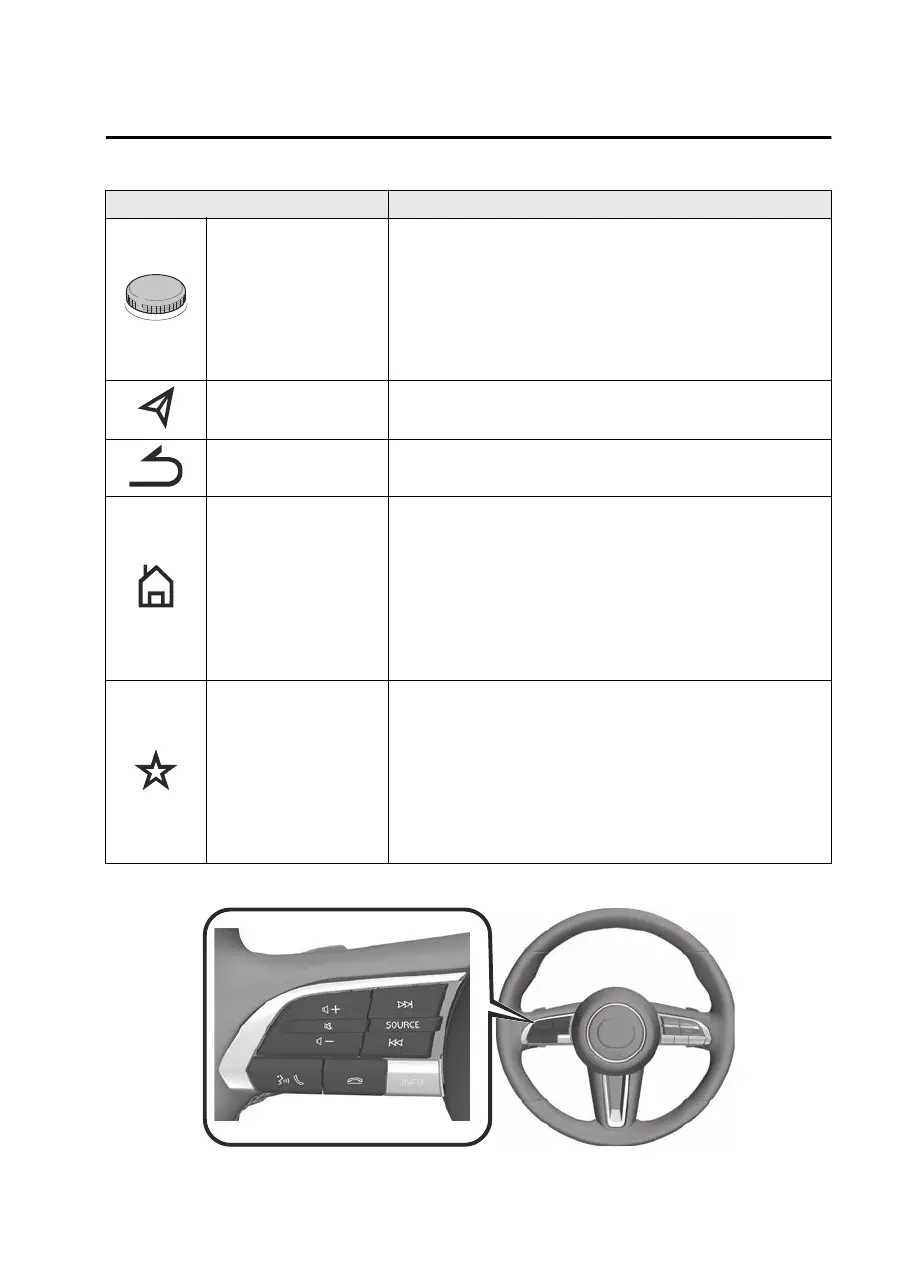
Buttons Explanation
Commander knob
Operating the cursor
You can move the cursor on the screen by turning or sliding
the commander knob.
Selection
Press the commander knob to select the function the cursor
is hovering over.
Map button
Press the map button to display the navigation/compass
screen.
Back button Press the back button to display the previous screen.
Home button
Displaying the home screen
Press and release the home button immediately to display
the Home screen.
Switching between screens
Press and hold the Home button to switch between the Ap-
ple CarPlay™/Android Auto™ screen and the Mazda Con-
nect screen.
Favorites button
Displaying the favorites screen
Press and release the favorites button immediately to dis-
play the favorites screen.
Programming favorites
Press and hold the favorites button to save the currently dis-
played contact, broadcast station, navigation point, and
others as favorites.
Audio remote control switch operation
Other Equipment
Mazda Connect
7-9
Mazda3_8LX5-EA23E_Edition2_new 2023-4-17 20:22:43



 To Next Page