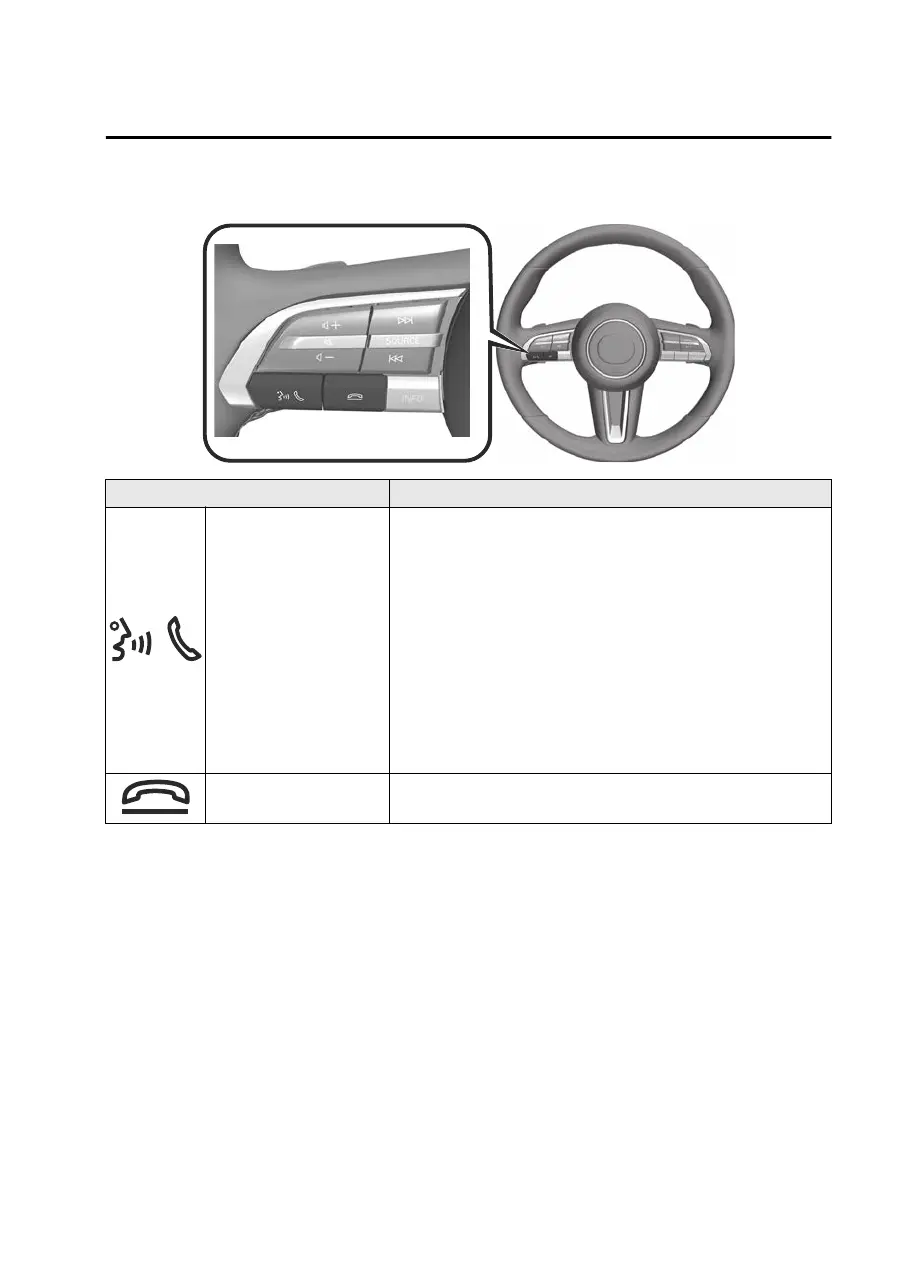
Operating the voice recognition function
Buttons Explanation
Talk/pick-up button
Activating the voice recognition
Press the talk/pick-up button to activate voice recognition.
In addition, the top screen of the voice recognition is dis-
played.
Ending the voice recognition
Press and hold the talk/pick-up button to end the voice
recognition.
Skipping the voice guidance
Press the talk/pick-up button while the voice guidance is
playing to skip the voice guidance.
Hang-up button Press the hang-up button to end the speech recognition.
Examples of effective voice commands in various categories are displayed on the
voice recognition top screen.
Anything that is not a valid voice command is not recognized by the system.
NOTE
Some voice commands may not be available depending on the vehicle
specifications and the mobile device connection status.
While Apple CarPlay™ or Android Auto™ is connected, press and hold the talk/
pick-up button to activate Siri or Android Auto™ voice recognition without
activating the Mazda Connect voice recognition.
Voice commands can be spoken and operated even while voice guidance is
playing (Barge-In function). However, voice commands may not be recognized
correctly if the guidance volume is set to a high volume.
Refer to the Mazda Connect Owner's Manual for details on the Barge-In setting
method.
To prevent mistaken voice recognition, be aware of the following points.
Other Equipment
Mazda Connect
7-11
Mazda3_8LX5-EA23E_Edition2_new 2023-4-17 20:22:43



 To Next Page