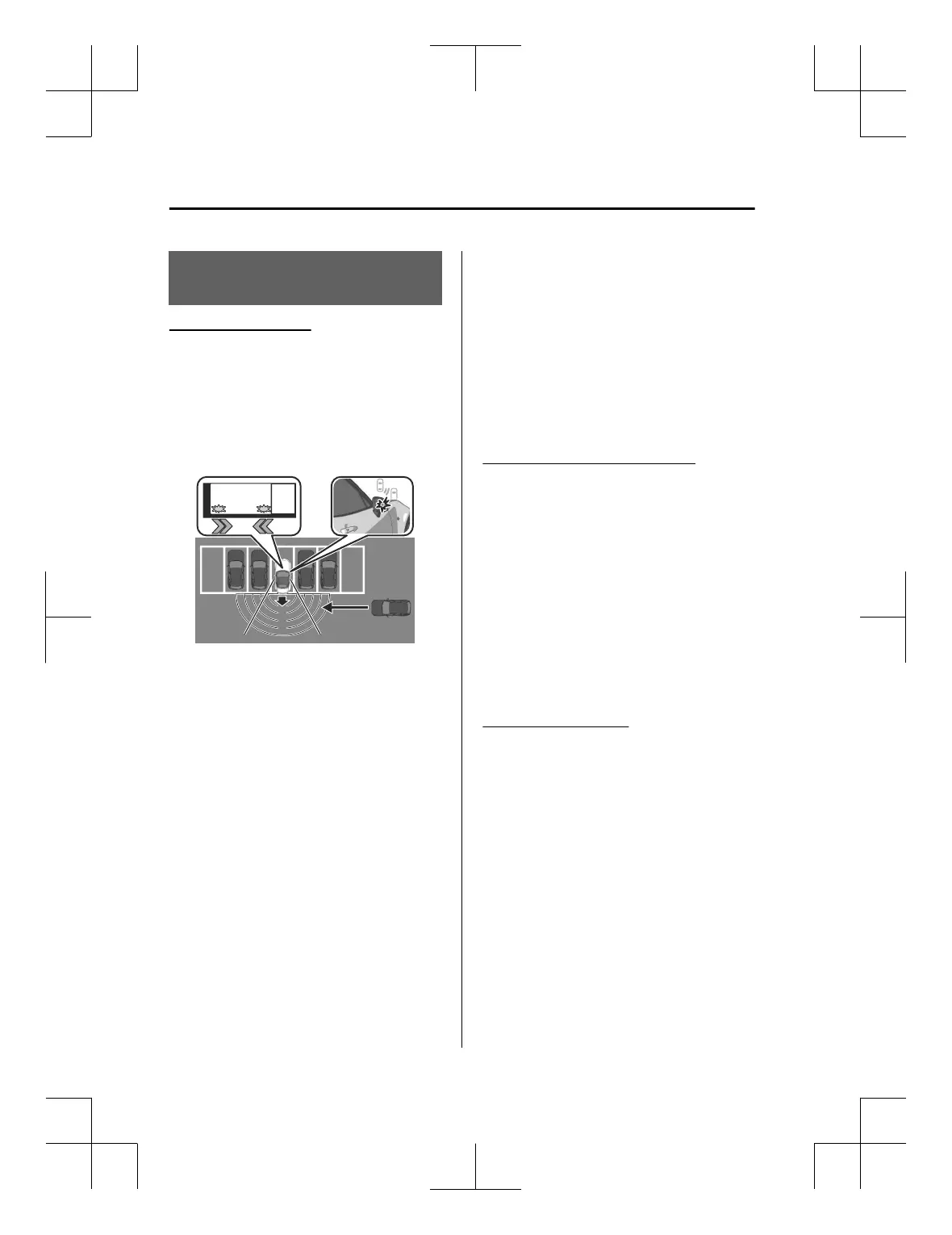
How to Use the Rear
Cross Traffic Alert (RCTA)
Operating the RCTA
RCTA operates when the system
detects a vehicle approaching from the
rear while your vehicle is reversing.
When the RCTA operates, the driver is
notified
of the danger by
flashing
of
the BSM warning lights, a warning
indication, and a warning sound.
NOTE
The system may operate even if a
vehicle is not approaching
depending on the conditions around
your vehicle.
The RCTA may not operate normally
if any of the following conditions is
met.
The rear side radar sensors cannot
detect an object.
Refer to Radar Sensors on page
5-94.
The vehicle speed when reversing
is about 15 km/h (9 mph) or
faster.
A vehicle is approaching directly
from the rear of your vehicle.
A vehicle is approaching at an
angle from the rear of your vehicle.
While an accessory such as a bicycle
carrier is installed to the rear of the
vehicle, turn off the RCTA.
Otherwise, the radar’s radio waves
will be blocked causing the RCTA to
not operate normally.
The brightness of the BSM warning
lights is linked to the panel light
control.
Refer to Dashboard Illumination on
page 5-21.
Turning
off
the warning sound
There are 2 ways to turn off the
warning sound while the RCTA is
operating.
Turn
off
the warning sound using
Mazda Connect.
Set in the Mazda Connect “Settings”
or consult an Authorized Mazda
Dealer.
Turn
off
the warning sound using the
i-ACTIVSENSE mute switch.
Refer to How to Use the
i-ACTIVSENSE mute switch on page
5-89.
Turning off the RCTA
The RCTA can be turned off using the
Mazda Connect.
Set in the Mazda Connect “Settings” or
consult an Authorized Mazda Dealer.
Driving
Rear Cross
Traffic
Alert (RCTA)
5-118
MX-5_8ME4-EA-23L_Edition1_new 2023-8-31 16:47:34












 To Next Page