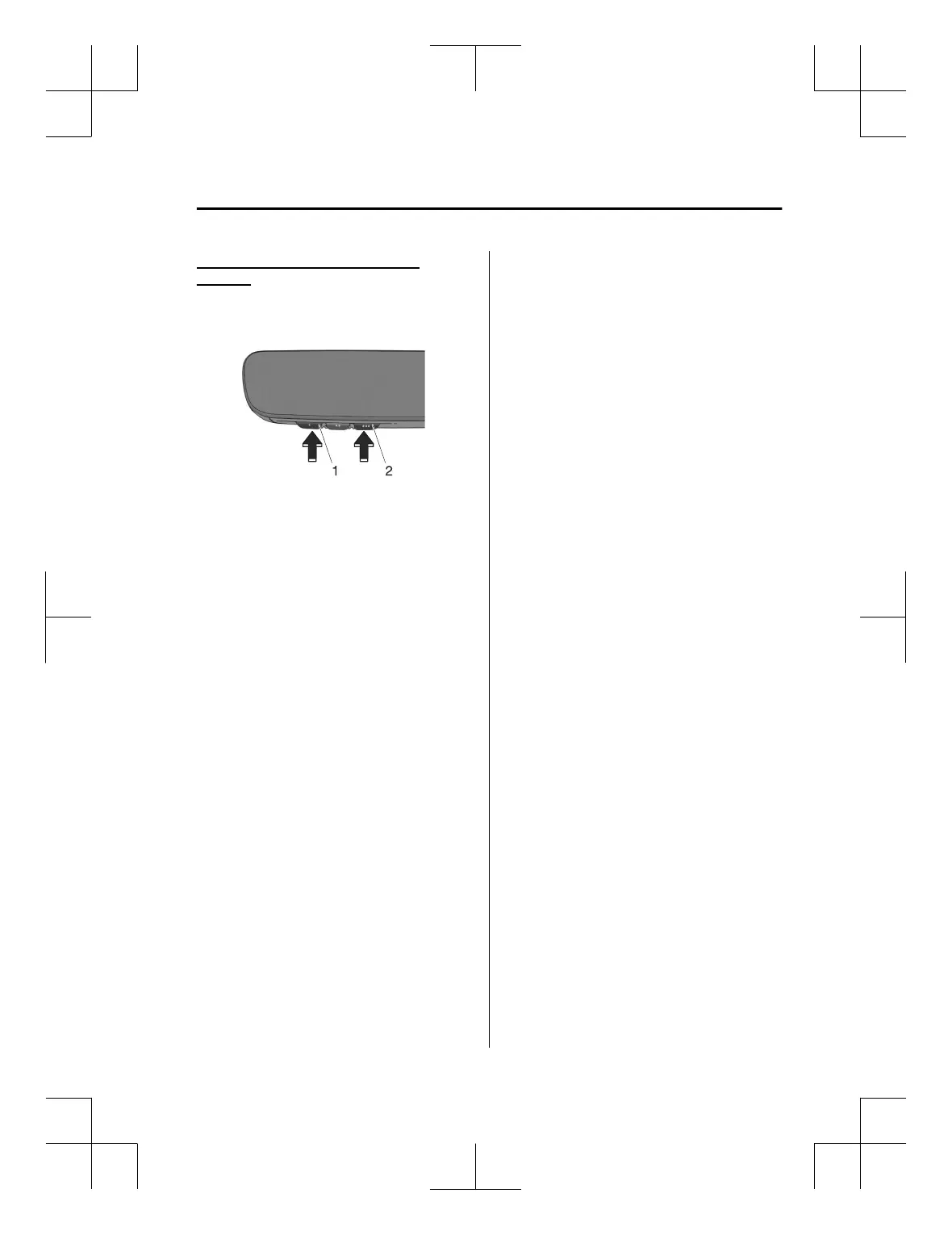
Erasing Programmed HomeLink
Buttons
Press the two outer HomeLink buttons
continuously at the same time until the
indicator light
flashes.
1. HomeLink button 1
2. HomeLink button 3
NOTE
All of the programmed HomeLink
buttons are reset. If there is
programming you do not want to
delete, reprogram if necessary. Refer
to Programming the HomeLink
System.
Verify that the programming has
been erased if you resell the vehicle.
The programming will not be erased
even if the battery is disconnected.
Other Equipment
HomeLink Wireless Control System
7-45
MX-5_8ME4-EA-23L_Edition1_new 2023-8-31 16:47:34












 To Next Page