McHale F5500 Baler
73
7.2.11 Additive
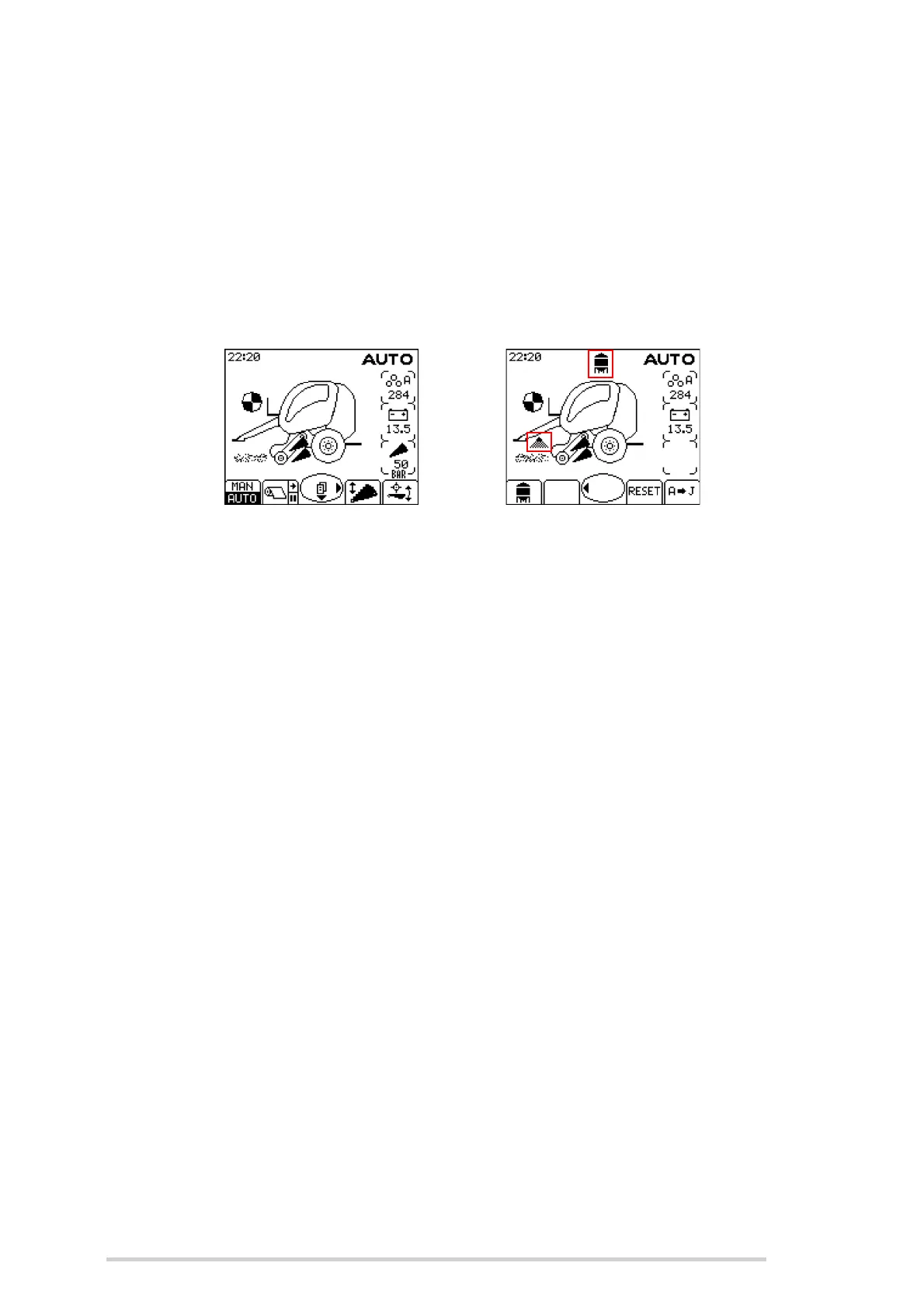
To enable/disable the additive applicator, press the right menu arrow (Button 8) to
access the 2nd main screen and then press button 1. The additive icon is shown above
the baler when enabled. Press button 1 again to disable.
When enabled, the additive applicator output is automatically controlled. The spray bar
icon is shown beside the pick-up reel when the additive applicator is on. It automatically
turns off to minimise additive wastage when no crop is feeding in during netting or while
the chamber is open.
Activate/ de-activate the additive applicator



 To Next Page