McHale F5500 Baler
46
6.6 Chopper unit knife removal & installation
Knife installation/removal should be carried out in the following way:
NOTE: Figures in the table are approximate
Figures are calculated assuming a bale circumference of 3.77 m
(diameter of 1.2 m). The values of the layers and length of net will be
approximate due to differing bale diameters, varying crop conditions, etc.
CAUTION: Ensure knives are installed correctly
Incorrectly installed knives can cause irreparable damage to both the
knives and the rotor, leading to serious destruction within the machine!
CAUTION: Use protective gloves
Use protective gloves for any manual work in this area! The number of
knives installed determines the cut length of the material.
1. Ensure the knives are in the up/on position, before beginning.
2.
Lower the chopper-unit floor half way. Open the chamber door to the fully-up position.
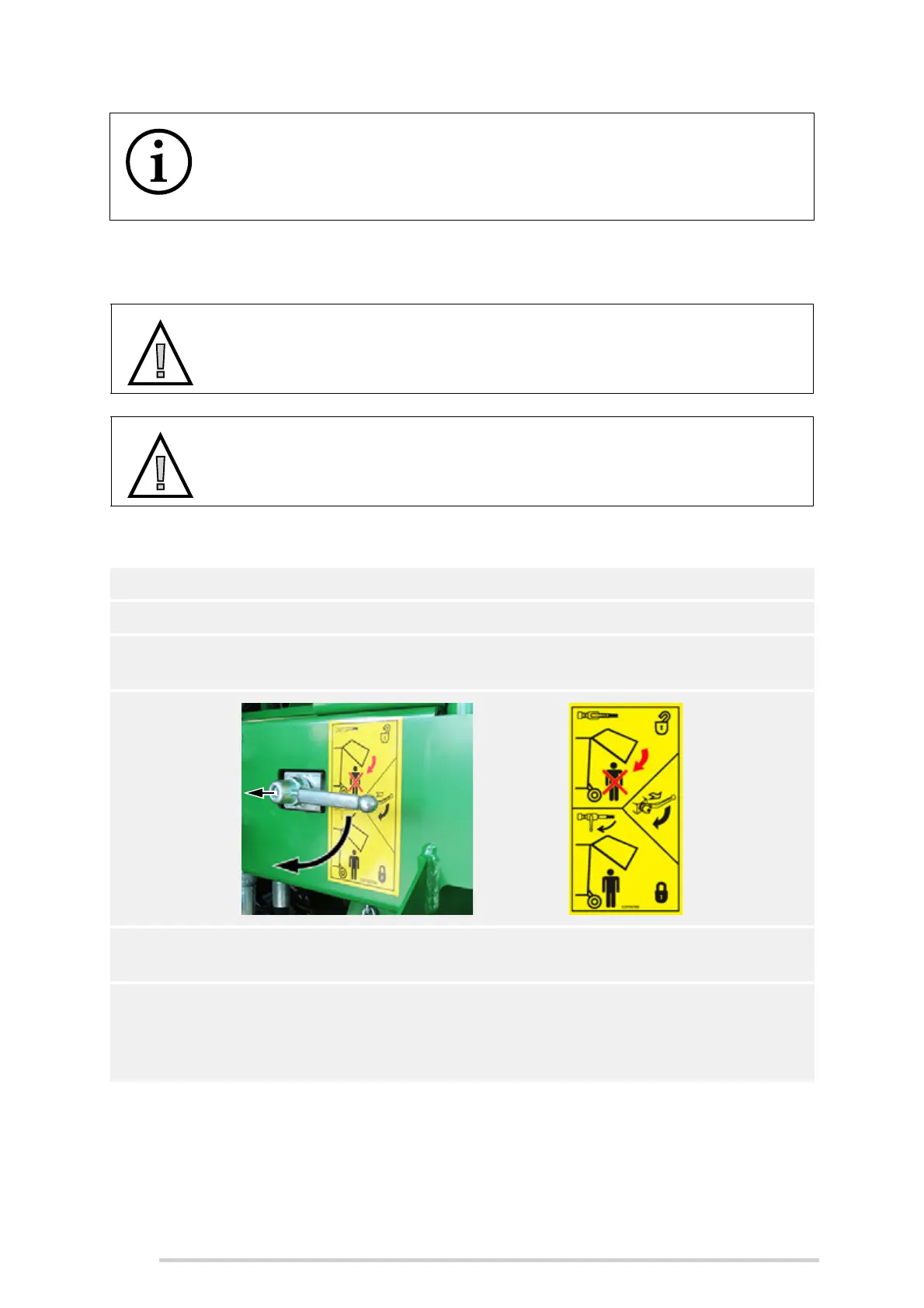
3. Using the lever valve (A), lock the chamber door in position, by pulling it towards
you and then rotating it 90° to the left vertical position, as shown.
4. Shut down the tractor, remove the ignition key, apply the parking brake and
prevent any machine movement with wheel chocks.
5. The knife lock/unlock lever (B) is located on the left-hand side of the chopper unit,
just behind the pick-up reel. It must be pulled outwards at first, to disengage it
from the lock pin (X), then turned 90° downwards, to the unlock position, as
shown below. Reverse this procedure to return to the locked position.



 To Next Page