McHale F5500 Baler
75
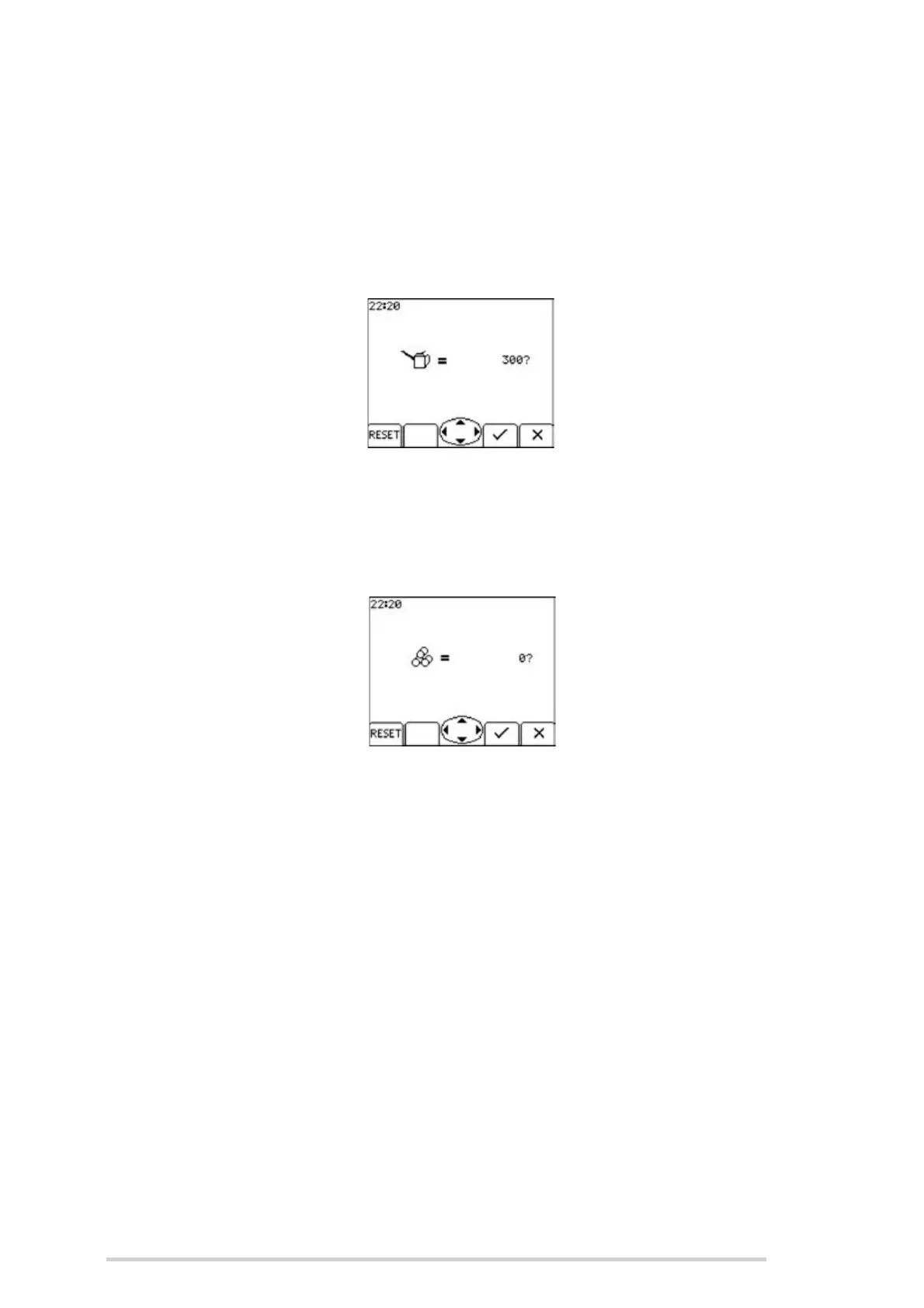
1. Lube count
This shows the remaining bale count before the lube alarm will activate again. The
counter is usually reset from the main screen after every 300 bales are made. (See
‘Lube counter’)
If necessary, the counter can be reset before the alarm has activated from within this
menu by pressing ‘RESET’ (Button 1) while the selection arrow points to ‘Lube Count’.
2. Day total
This total counts every bale that has been made regardless of the sub-total A - J that
is currently active. It is useful to count the total number of bales made each day. To
zero the counter, press ‘RESET’ (button 1), followed by the ‘tick’ (button 3) to confirm.
3. Grand total
This is the complete bale total that has been made. It cannot be reset.
4. Net delay
This is the delay between the bale full beeps sounding and net actually starting to feed
when in Auto mode.
Use Buttons 1 + 2 to increase or decrease the time setting.
The standard time setting is 3 seconds but this can be changed from 0 - 5 seconds
depending on operator preference. When baling light crops at faster speeds, some
operators prefer to have more time to stop before netting begins.



 To Next Page