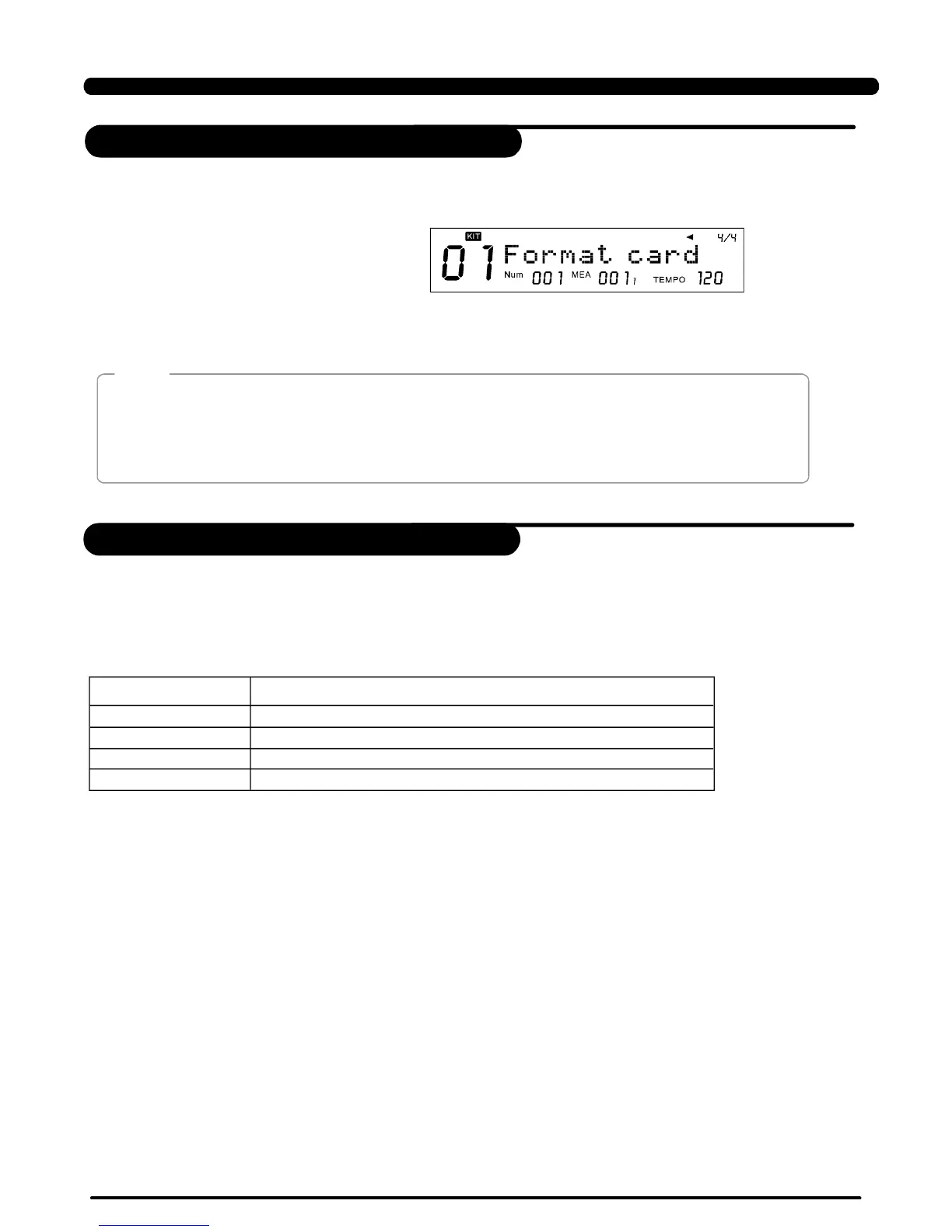
1.Select “Format” incardmenu,press,wewillaskyoutoconfirmthe
operation.
[SAVE/ENTER]
2.Presstoconfirmorpresstoabort.
[SAVE/ENTER][EXIT]
>>Table9.3
LCDDisplayExplain
47
Format
Youmayseesomeerrorinformationduringacardoperation.Theyarecaused
bythehardwareorfilesystemerroroftheSDcard.
Afterformat,allpreviousdatainthecardwillbeerased.Pleasemake
surethatyouhavebackupalltheimportantinformationinthecard.
DD508supportFAT16andFAT32only,someSDcardwithsmallcapacity
(under32M)maybeusingFAT12,inthiscase,thecardwouldbeformattedinto
FAT16.
Note:
*Pleasetakeoutthecard,unlockthecardandtryagain.
**Thefatalerrorcanbecausedbyadamagedcard,poorcontact,etc.Pleasecleanthemetalconnectionpart
ofthecardandtryagain.
***ThedigitaldrumcansupportonlyFAT16andFAT32.
NoCard!
CardLocked!
CardError!
FSError!
Thecardisnotproperlyinsertedintothecardslot.
Thecardisfoundprotected/lockedduringsave/deleteorformat.*
Afatalerroroccurredduringreadingorwritingthecard.**
Thefilesystemofthecardisnotsupported.***
Theerrorinformationduringacardoperation
SDCard
PDF created with pdfFactory Pro trial version www.pdffactory.com


 To Next Page