AdjustbackgroundvolumeofthesongtobalancetheKitvolume.
referto
Youcantemporarilychangethetempoofasongwhileplaybackisinprogress.Thesongreturnstoits
presettempowhenadifferentsongisselected.referto
(
(
AdjustingTemporarilyTempo
MIXER)
SongEditing)
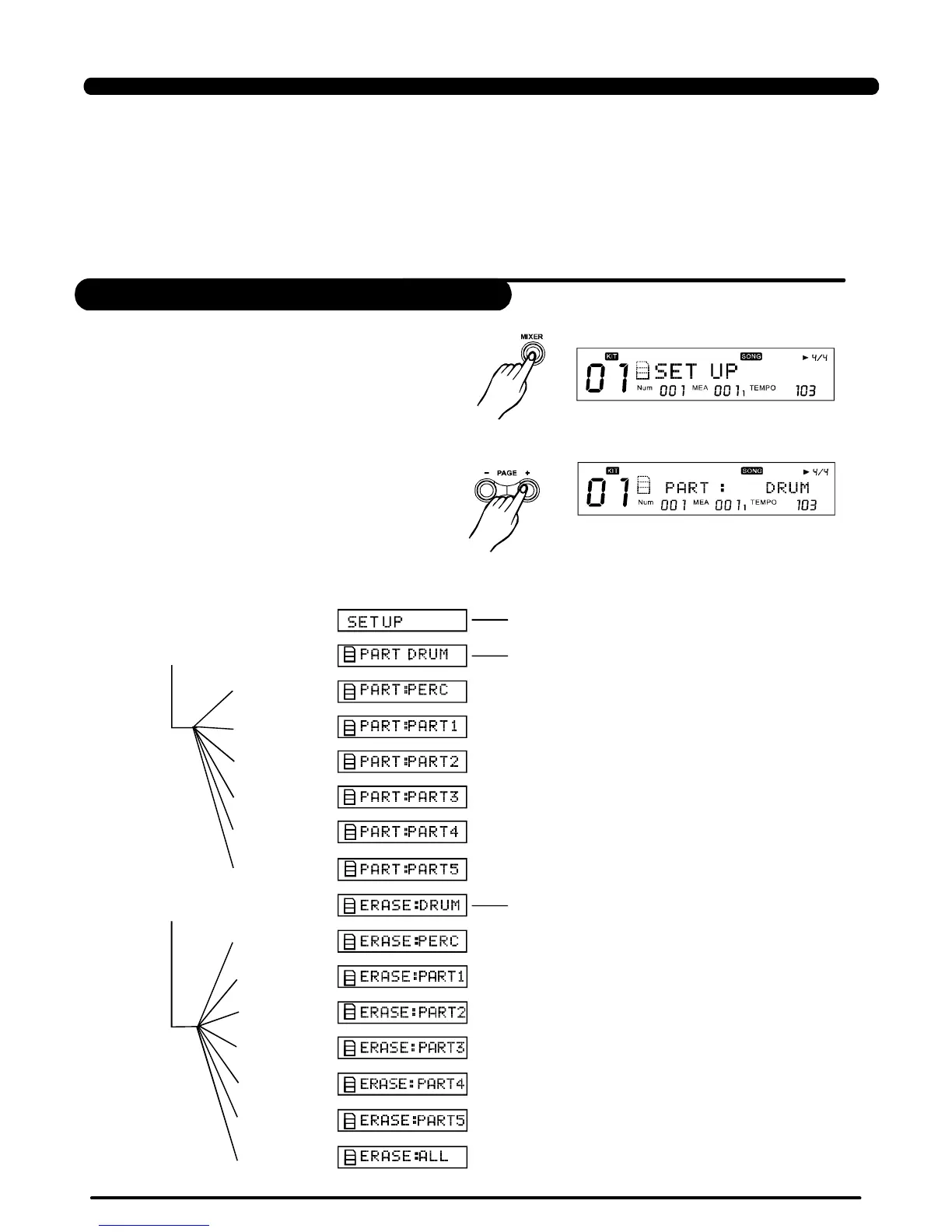
1.Onsongscreen,presstoenterthescreen
ofsongediting:
[MENU]
2.Press,switchsettingmenus.[PAGE+]/[PAGE-]
>>Table3.2
AdjustingSongAcmpVolume
SongEditing
24
SONG
[MENU] SongWholeSettings
[PAGE+] DrumPartSettings
[+]
[+]
[+]
[+]
[+]
[+]
[PAGE+] OnlyUserSongsusethe
function
[+]
[+]
[+]
[+]
[+]
[+]
[+]
Operatingguide LCDdisplay
PDF created with pdfFactory Pro trial version www.pdffactory.com



 To Next Page