115
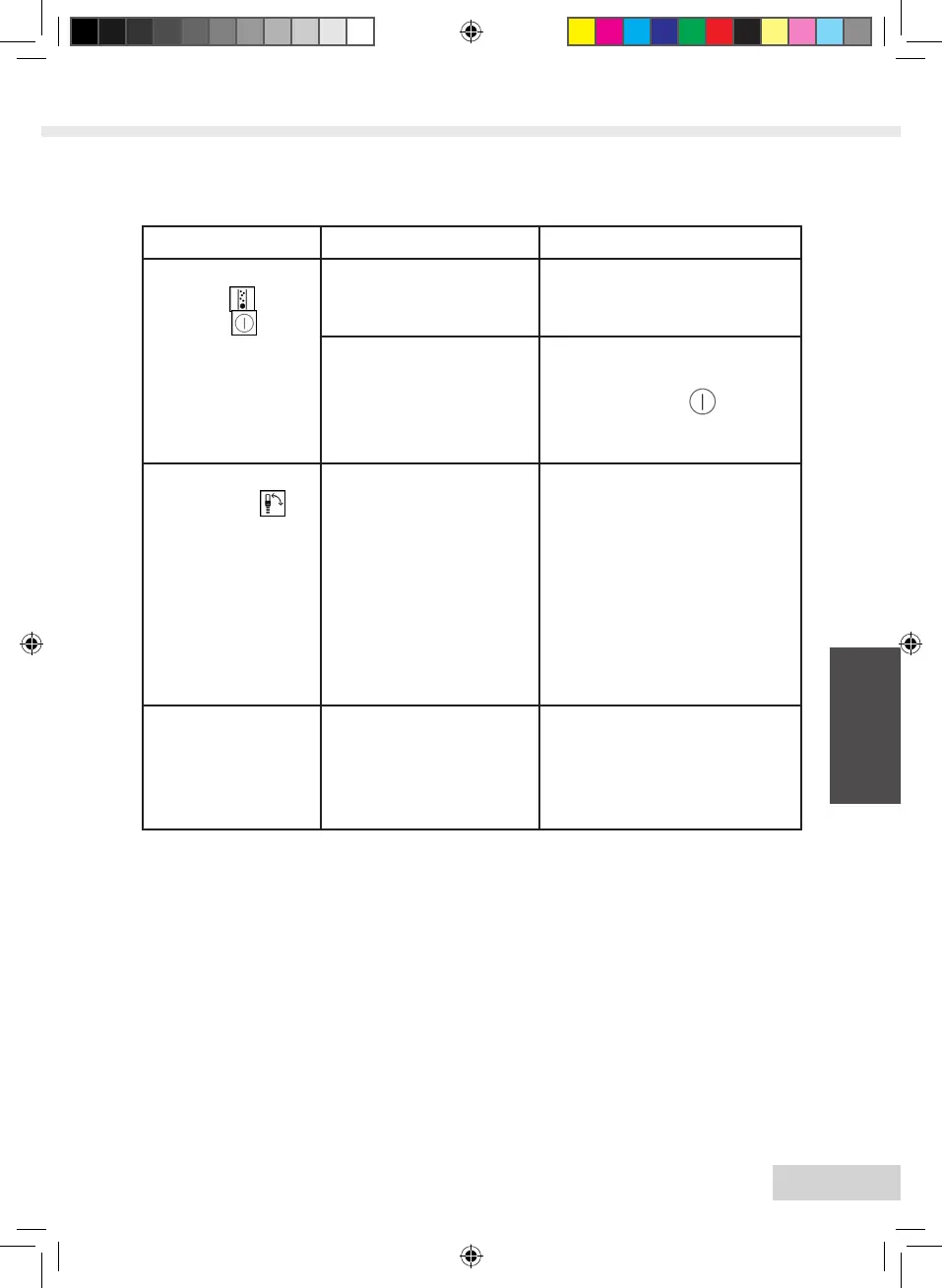
Problem Cause Solution
The symbols for
cleaning and
stand-by ash
alternately.
The brewing unit is
missing or is not pro-
perly inserted.
Insert the brewing unit
properly.
The brewing chamber
is overlled.
Switch o the appliance and
switch it on again via the
ON/OFF button (repeat
if necessary) until standby
mode is displayed
Symbol for the
milk shower is
illuminated out of
sequence.
There is air in the lines
inside the appliance.
Open the valve until the
symbol goes out and close
the valve again. Switch o
the appliance and remo-
ve the brewing unit, clean
under running water, and
then reinsert it. Switch the
appliance back on again.
Subsequently, dispense a
larger amount of coee.
The cleaning or
descaling process
was interrupted.
The power supply was
interrupted, e.g. due to
a power outage.
The appliance performs
a rinsing program
autonomously. To do
so, follow the appliance
instructions.
Heft_Lattea_Fernost_2_3.indd 115 12.05.2014 15:15:44





 To Next Page