9 Switching off and operating modes
Switching off
If possible place a bowl under the outlet.
Press the On / Off button to switch off the appliance.
The appliance automatically rinses out the coffee channel, if coffee has been
dispensed beforehand. The brewing chamber moves into idle position.
The standby symbol is not illuminated.
Operating modes
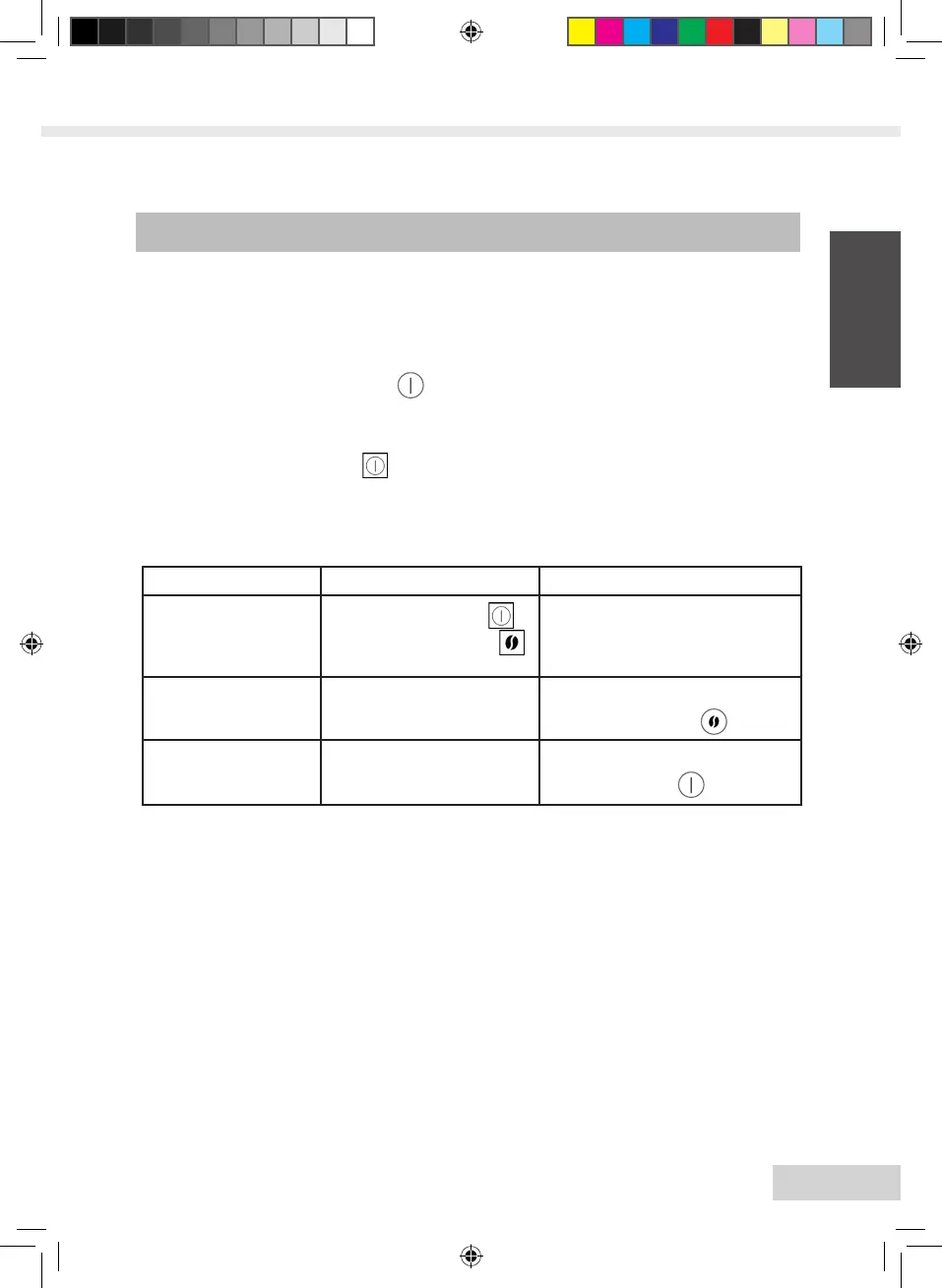
Mode Indicated by What is possible?
Ready for operation
The standby symbol
and the bean symbols
are illuminated
Operating functions for bever-
age preparation
Energy-saving stand-
by mode
Symbols in the display are
dimmed
Wake up by pressing the brew-
ing strength button
Auto-off function
Display is not illuminated,
device is de-energised
Switch on by pressing the
On / Off button
Energy-saving standby mode
The appliance switches to energy-saving standby mode automatically (temperature of
the heating element is lowered to save energy) after the last action (depending on the
setting). For this you can set the timer to different times, or switch off the function
completely. See page 61 for more information in this regard.
Auto-off function
The device switches off automatically after the last action (depending on the setting).
For this you can set the timer to different times. See page 62 for more information in
this regard.
•
•
→








 To Next Page