4
2. INITIAL ACTIVATION
Congratulations on your new Mephisto Phoenix chess computer. You have acquired the most powerful chess
computer ever produced in series. The Mephisto Phoenix is a UCI-based chess computer that runs many
different chess programs (so-called engines). In addition, it offers the possibility to emulate classic chess
computers as well as to play online directly against other people on Lichess.org. To thoroughly enjoy the device,
we ask for a few minutes of your attention to familiarize you with the special features of this complex system.
This manual is primarily intended to describe the system logic and its basic functions. Since the system is set up
to receive regular updates, we regularly add new features to our website at
https://computerchess.com/mephisto-phoenix/#faq
.
Connection of components
Connecting the board
First, connect the chessboard by attaching the Mini-Din connector to both the board and the back of the
computer module. Make sure that the arrow on the cable is pointing upwards and insert the cable firmly into the
respective connections. Be careful not to bend the pins.
The Mephisto Phoenix is compatible with all chess boards of the Millennium Exclusive and Supreme Tournament
series.
Connect power supply
Now plug the power adapter into the appliance and connect the power adapter to your socket.
Controls on the device
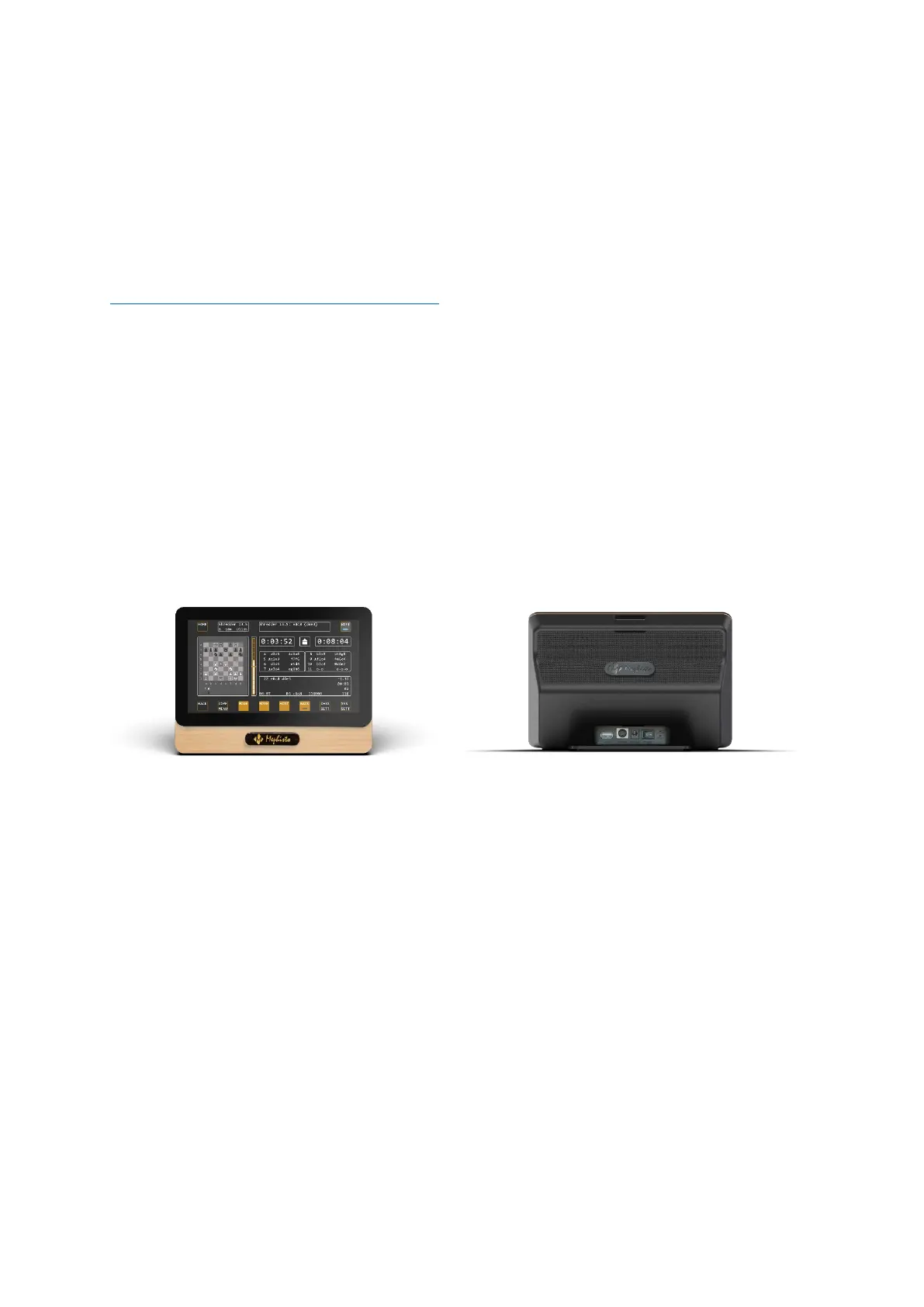
On the front of the device you will find a 7" touch screen, via which you can control its various functions.
On the back you will find the USB port (for connecting USB flash drives for updates or PGN exports), the port for
the chessboard, the power socket, the ON/off switch, the control led and the reset button.
Switch on
Toggle the switch on the back to I to start up the device.
The MEPHISTO lettering appears briefly on the display. Note that the system will take about 30 seconds to start.
The control LED turns on in about 20 seconds after flipping the switch, it indicates that the firmware of the chess
computer has been loaded.
When the main menu appears with the mode selection, the system is ready for operation.


 To Next Page